
Creating a zip file of all your transaction statements for a selected period.
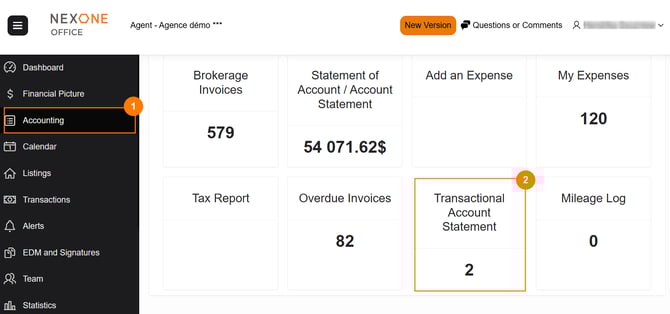
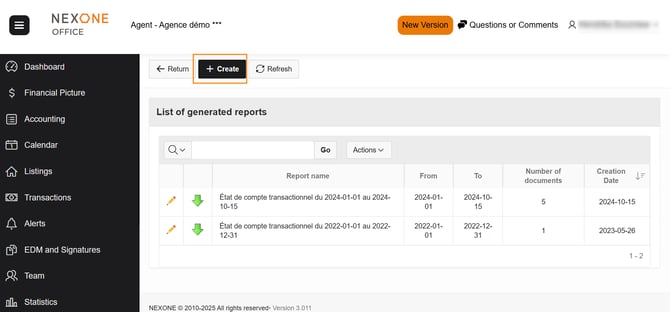
Step 1 - Create the file
Step 2 - Add the selected period
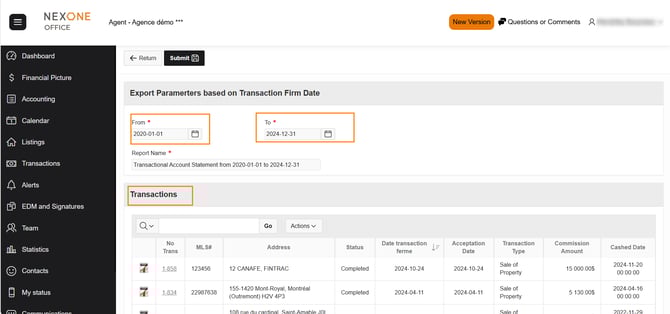
When the dates are added, all transactions will appear.
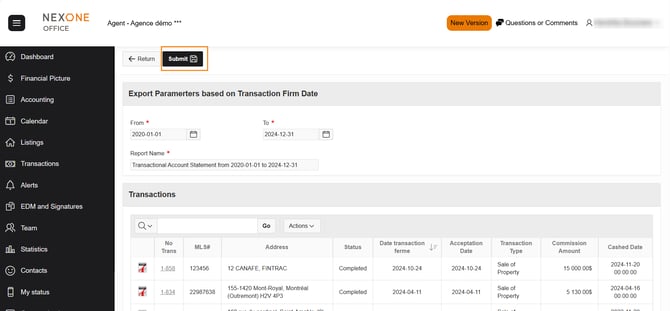
Step 3 - Submit the file
Step 4 - Download the zip file
By selecting the green arrow, you download the zip file
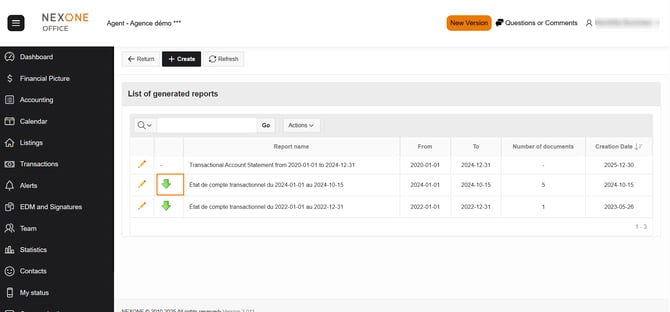
All statements for this period will be in the zip file.
Completed!