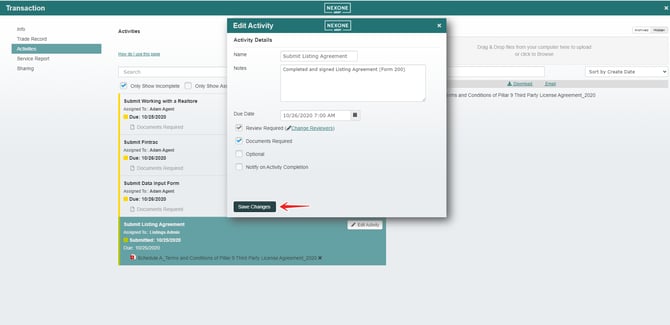
How to adjust the reviewers that are set to a transaction?
-
When agents are adding activities, they are able to also set the reviewers, if your agency has multiple reviewers there may come a time where the transaction manager has to change the reviewers set within a transaction , in the case that a transaction manager would like to add or remove a reviewer they will go to the activities tab
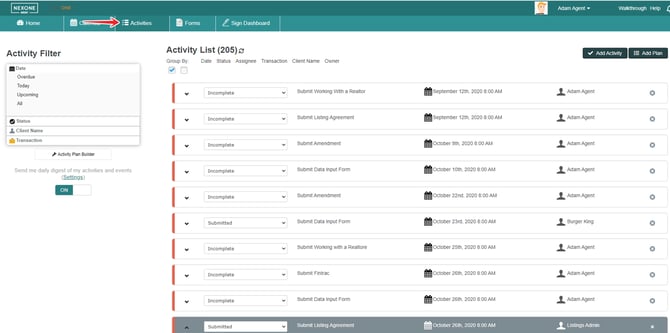
-
Click on your submitted activity
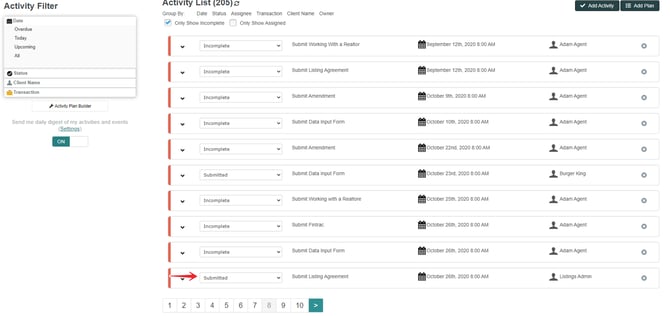

-
Click on the transaction
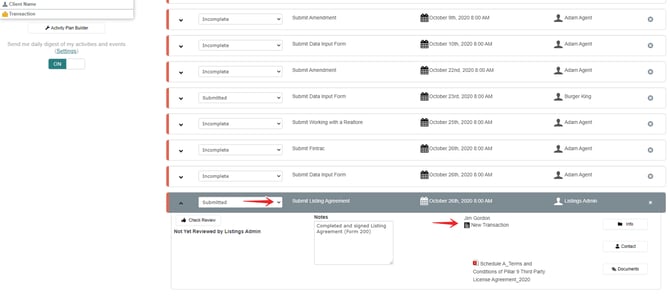

-
choose the activity you want to edit

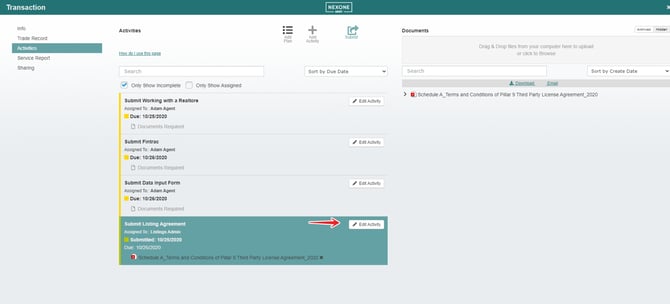
-
Change reviewers
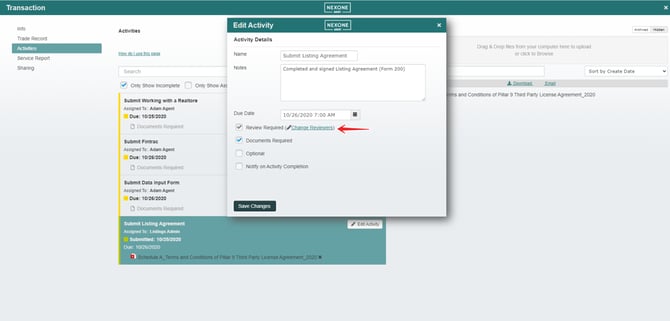

-
Choose the reviewer
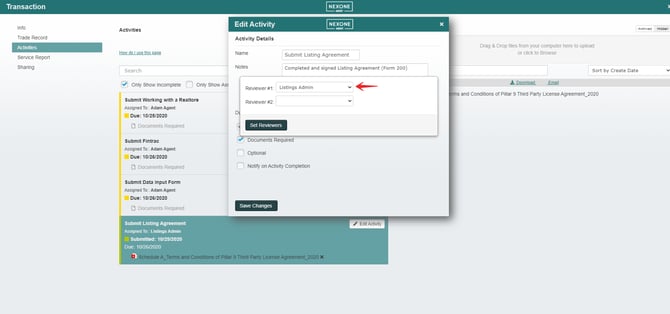

-
After choosing the reviewer, click on set reviewers
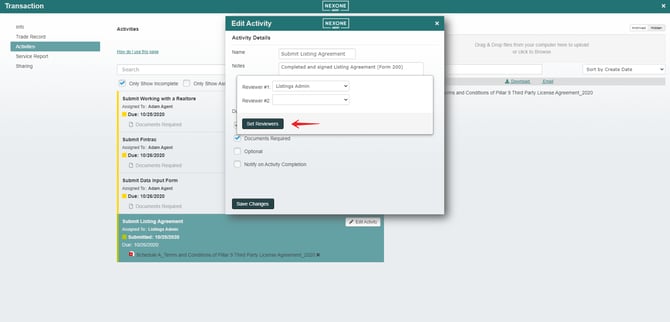

-
And the last step, Save the changes