
NexOne agent contains the Submission Brokerage package. This is an easy tool for agents that are part of a brokerage to use to submit documents as part of their activities to their admin staff.
1: Open your transaction viewer.
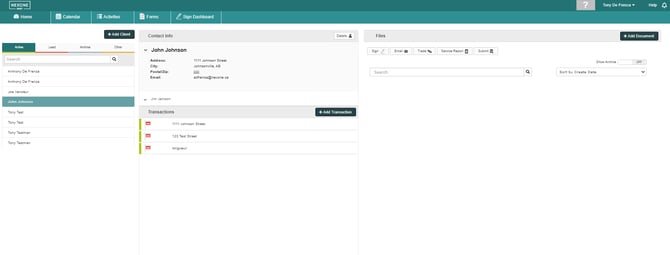

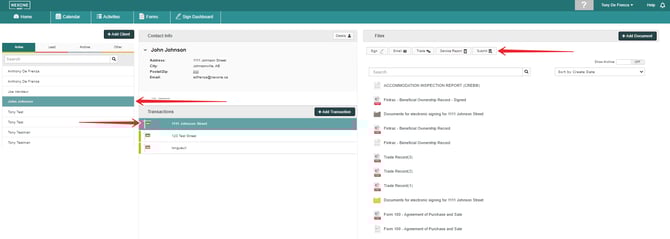
2: Select a client and a transaction. Then, select the submit button above the document list.
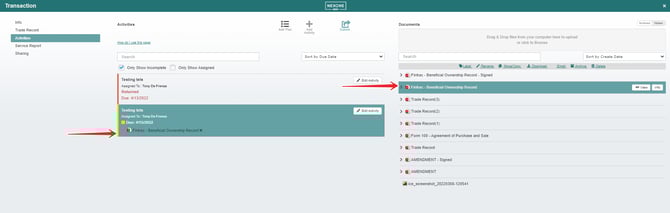
3: You will be brought to the submission page. Select an activity and then a document and drag it under the activity of your choice, then select submit.
4:: A window will appear, prompting your confirmation to submit the document.
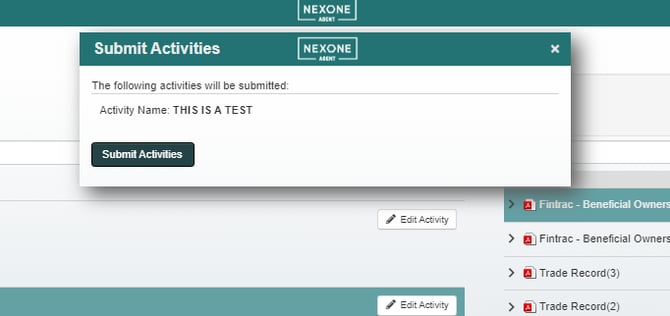
Once you select submit, the document will be sent to your admin for review!