
Full Sharing
Full sharing enables all members of the organization to access each other's clients, transactions, and related documents. This configuration can be managed at both the office and team levels. If your brokerage requires full sharing, please contact support@nexone.ca for assistance.
Advanced Sharing
Allows brokerages/offices/teams to share specific clients and transactions selectively. A user can choose to share his clients or transactions with members of their organization, where they would need to explicitly define who can see the clients and for how long.
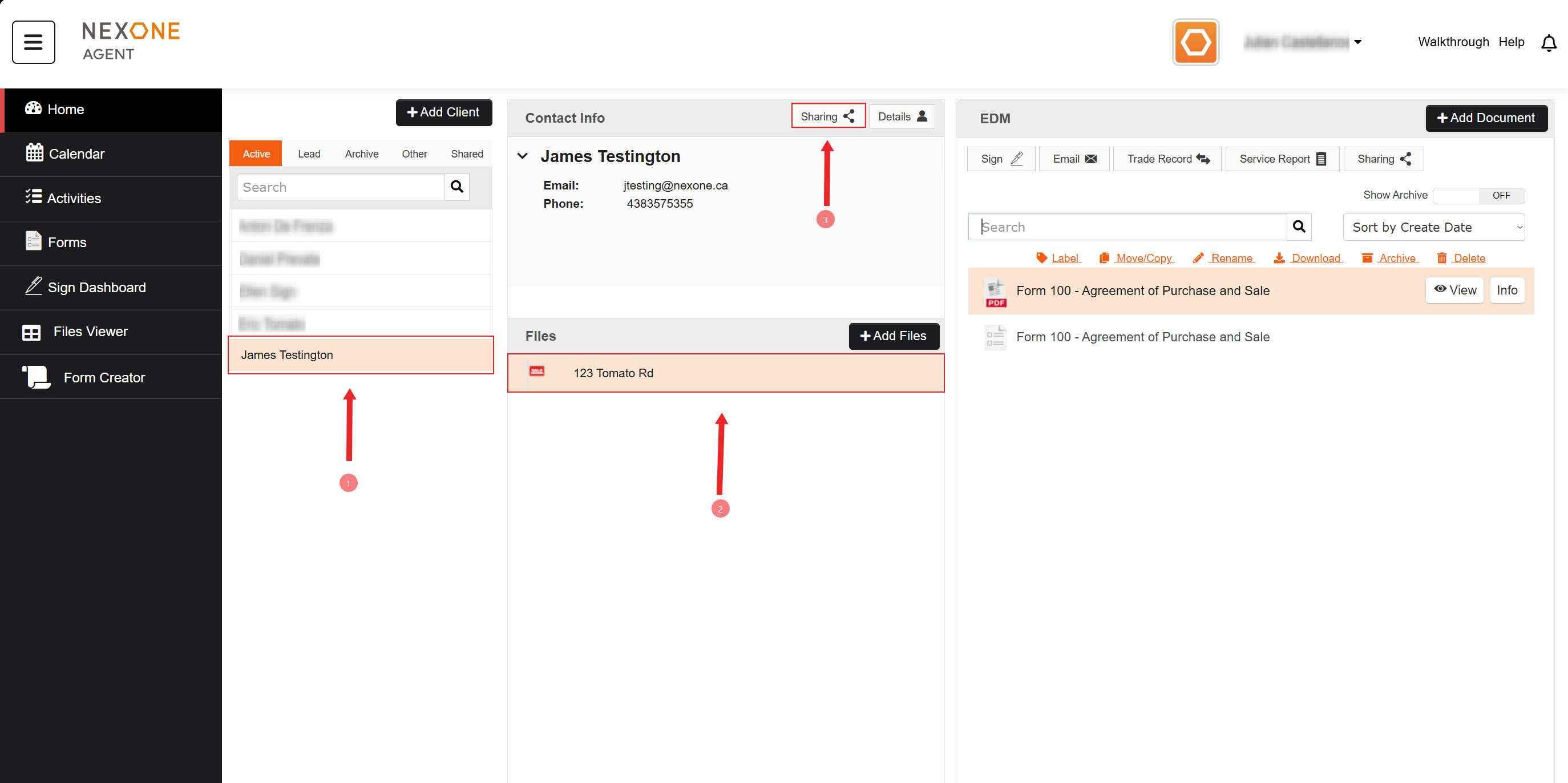

-
Select the Client.
-
Pick the Transaction that you want to share.
-
Click on “Sharing”.
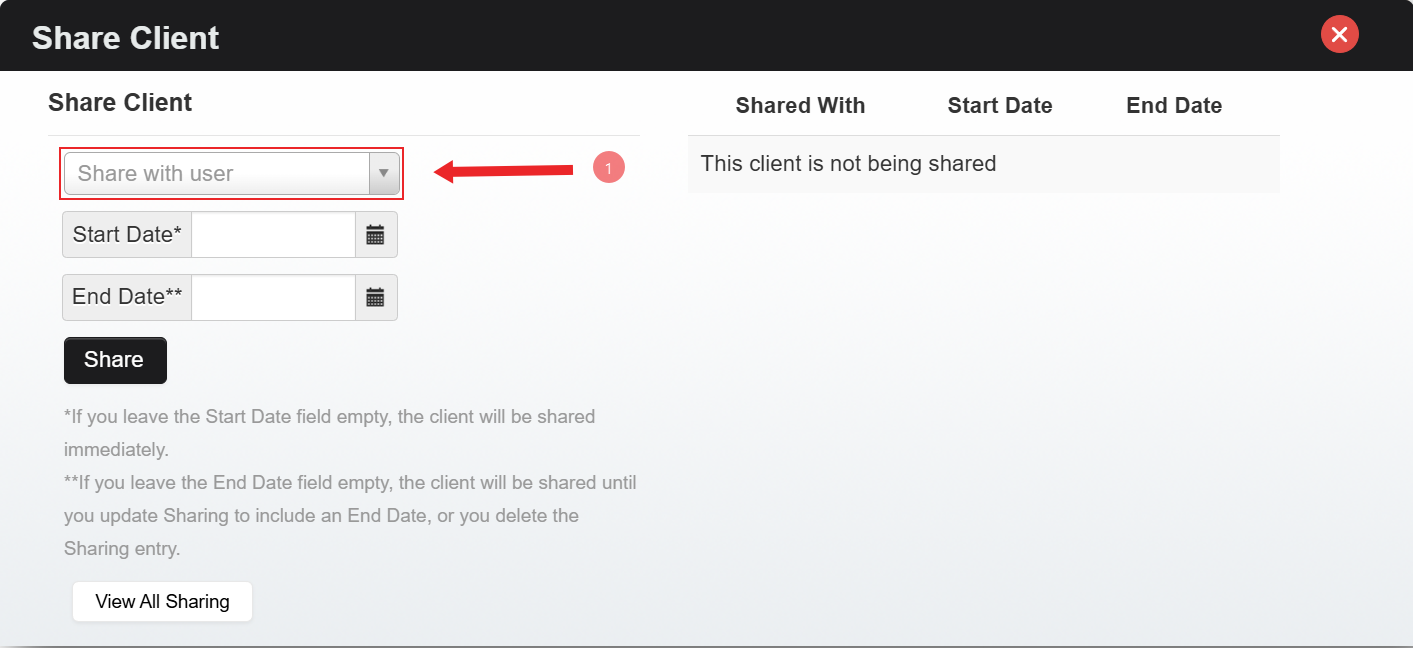

4. Select the “Share with User” drop-down menu.
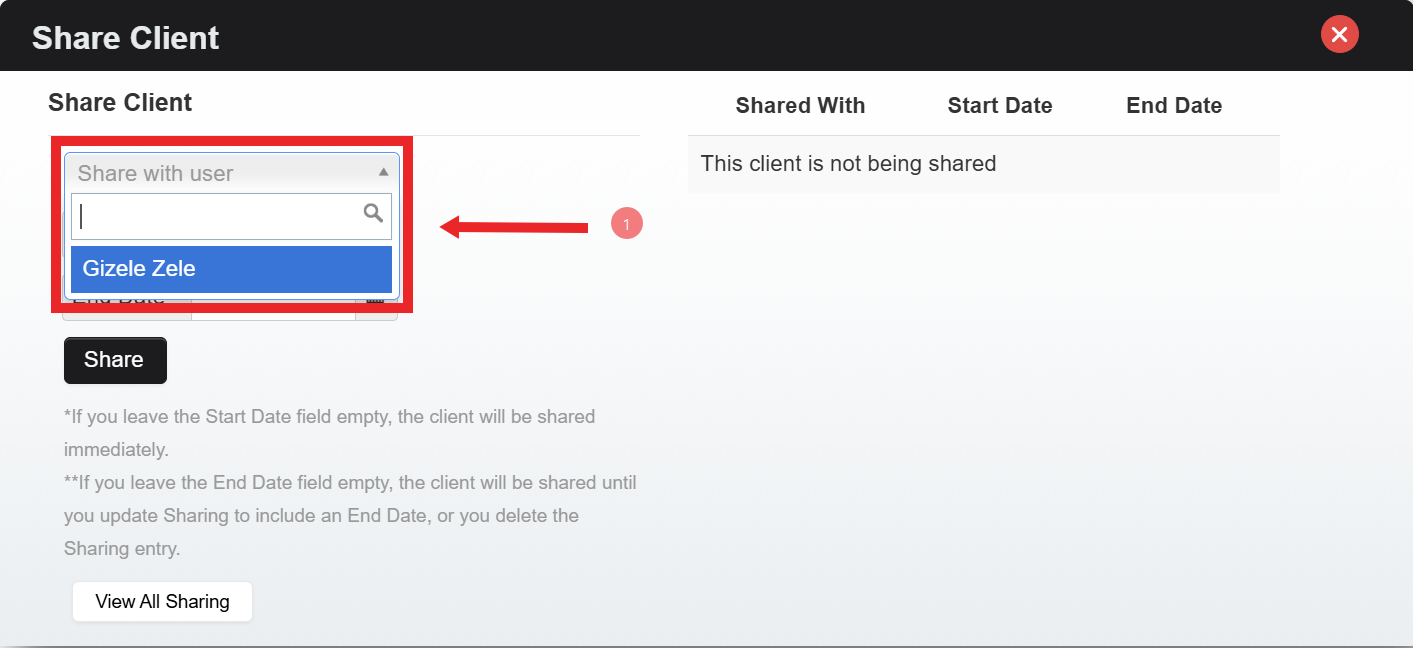

5. Pick the Agent you want to share the client with.
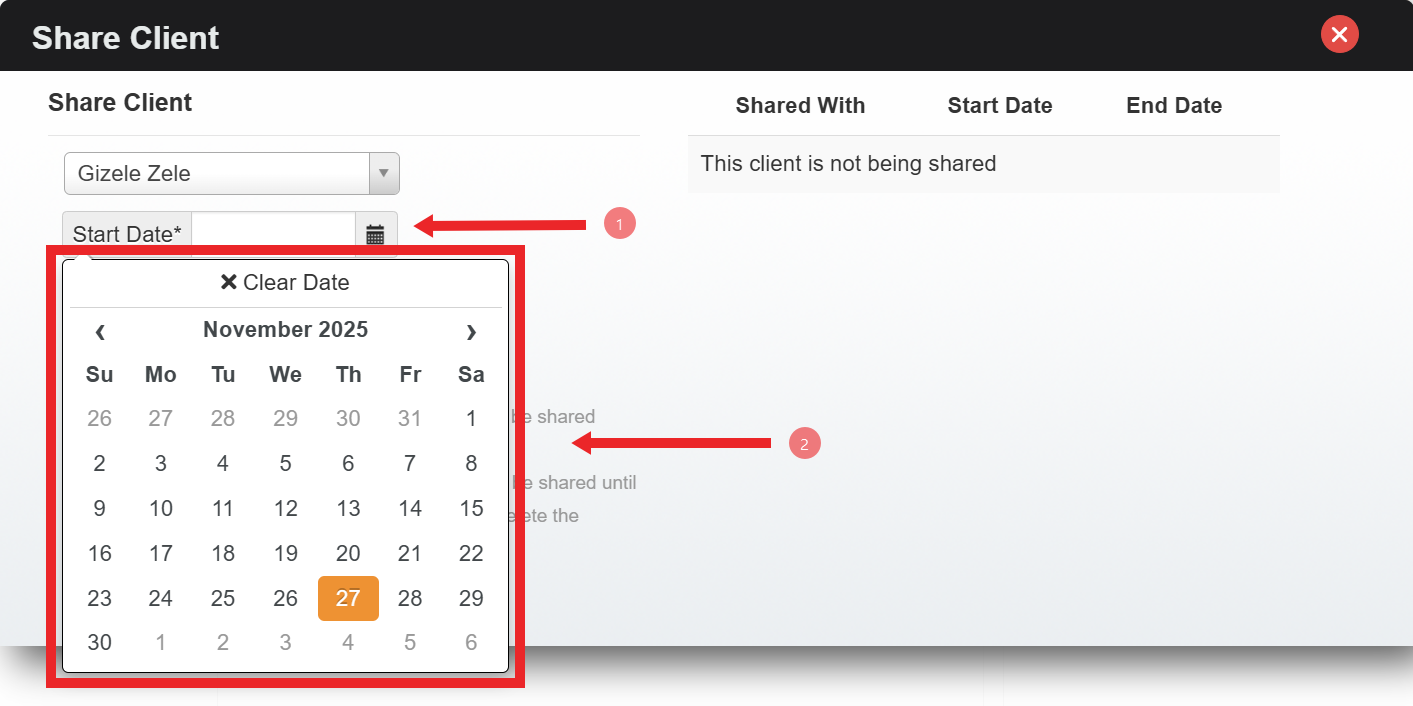

6. Select the time to be shared.
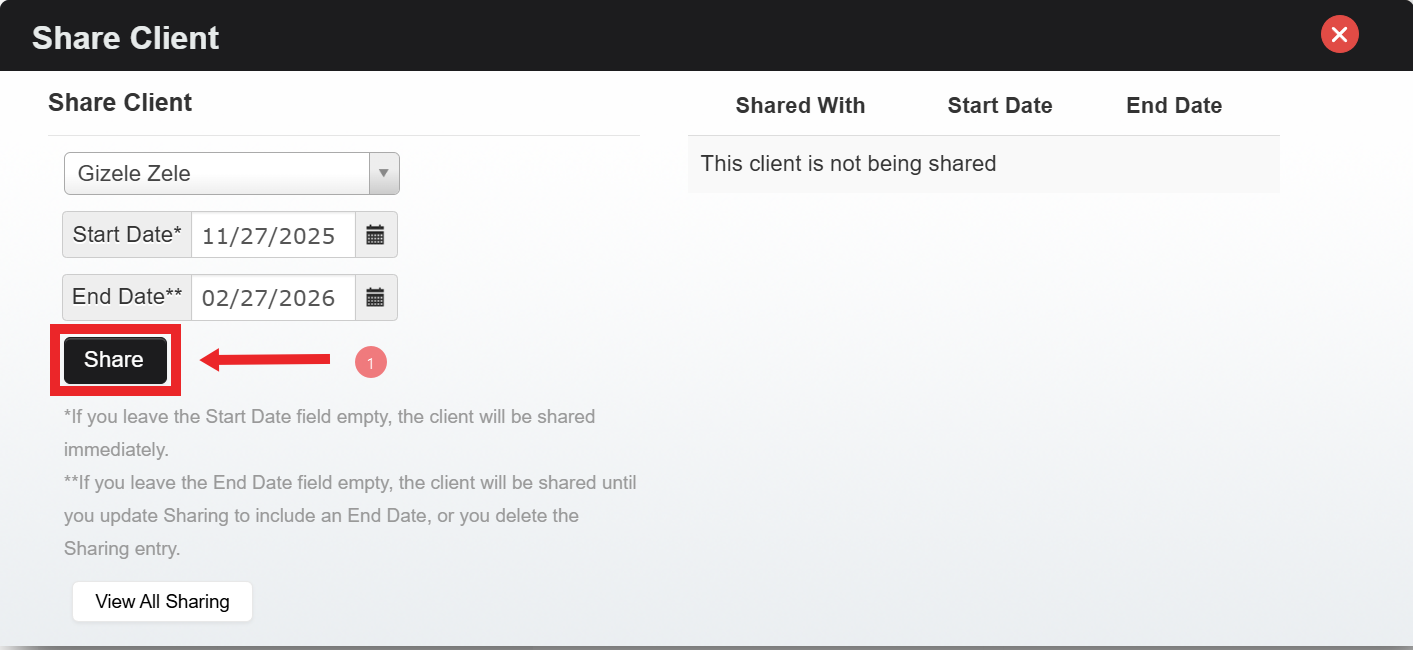

7. Click on “Share”.
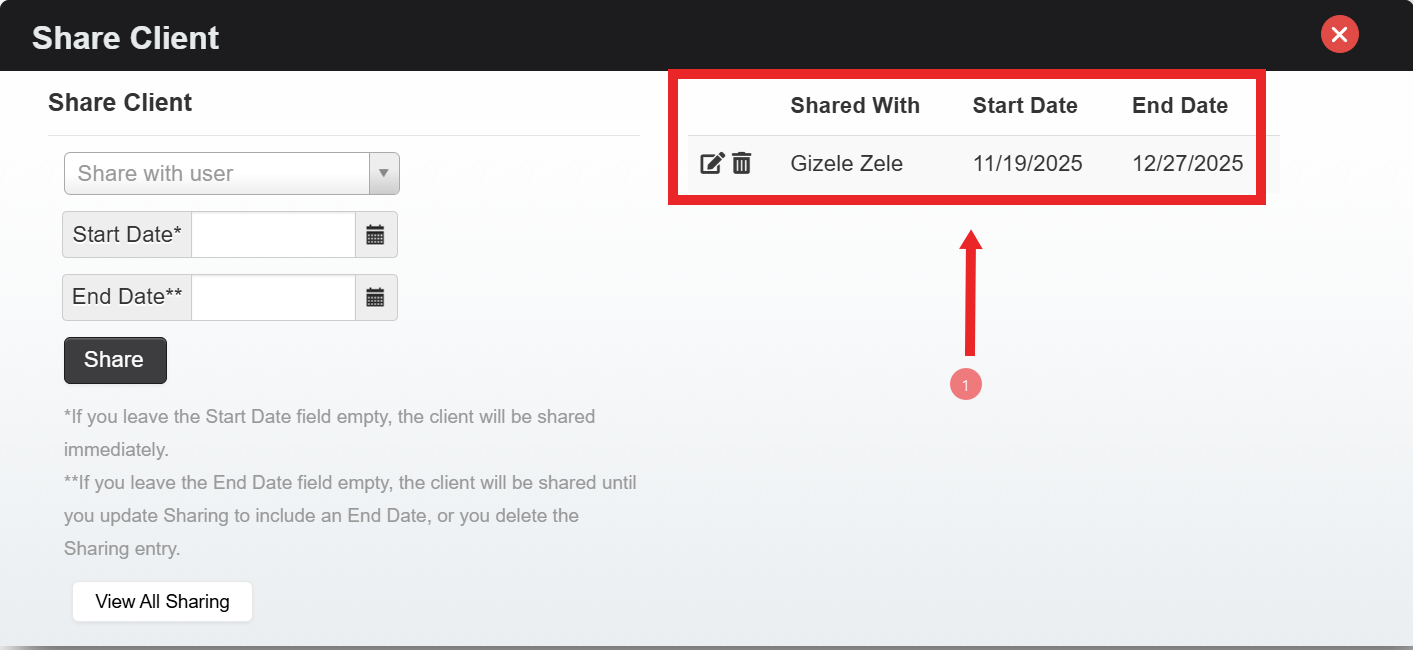

8. You can edit the Agent or delete the Shared client here.
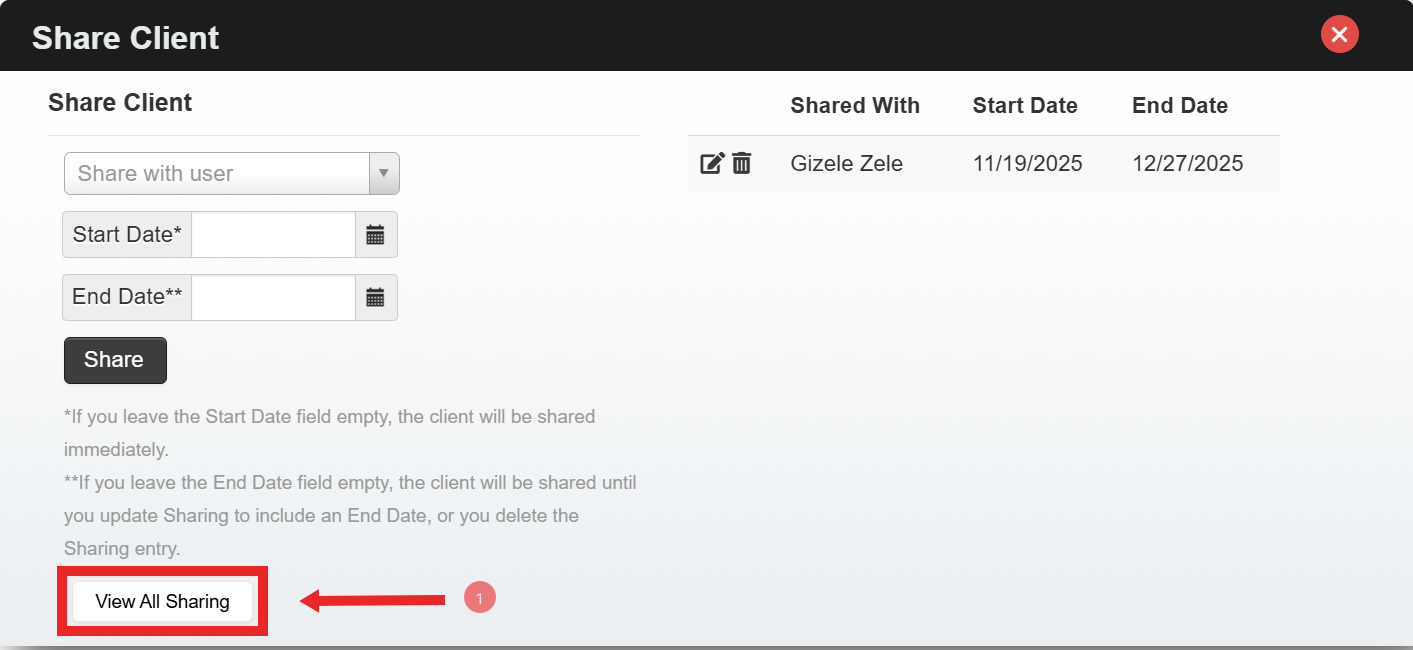

9. Click on “View All Sharing”.
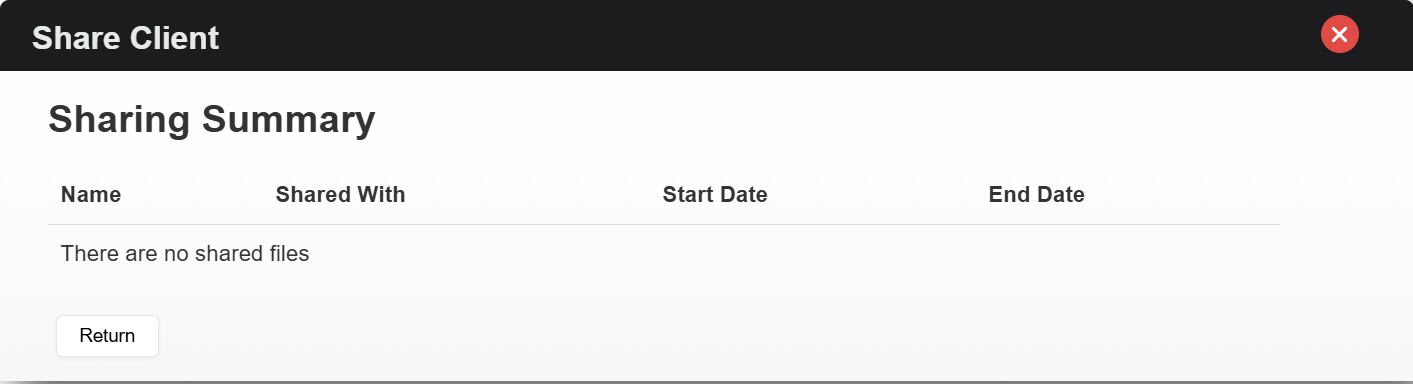

Now you can see the Sharing Summary.