
Your brokerage may wish to identify certain transactions which there isn’t a specific field for i.e. Multiple Offers, New builds, To be invoiced.
Use the red & blue tags as a common indicator for your whole brokerage to distinctly mark your transactions!
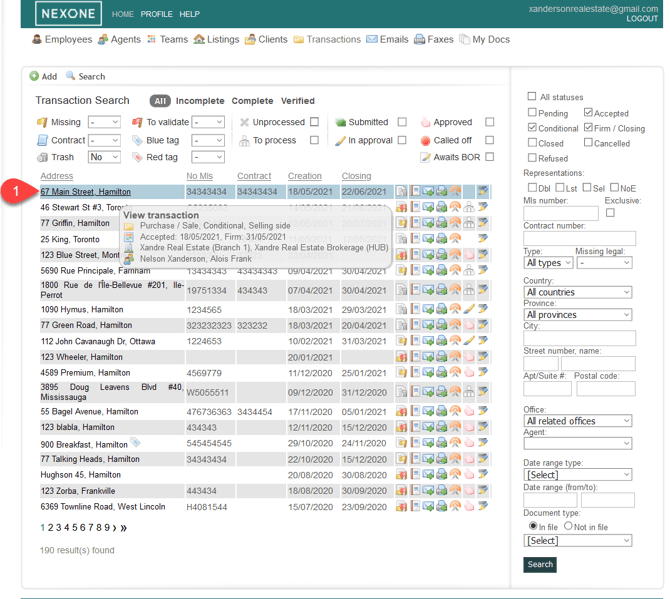
- Enter a Transaction
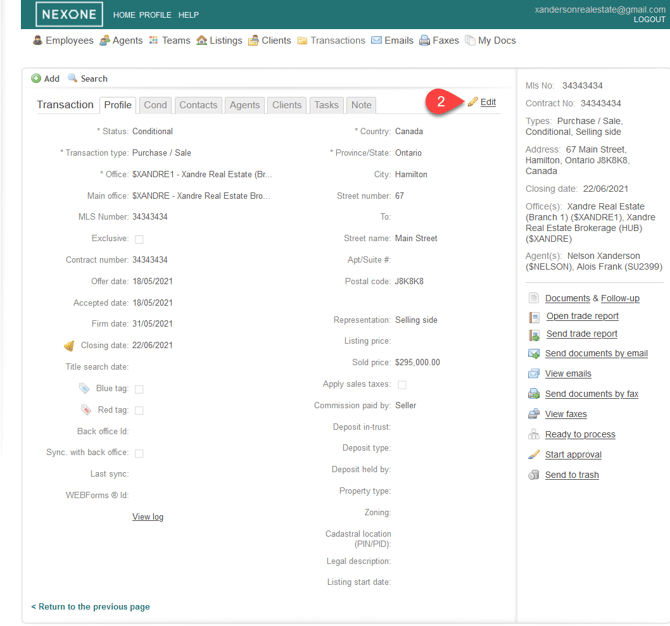
- Click on Edit
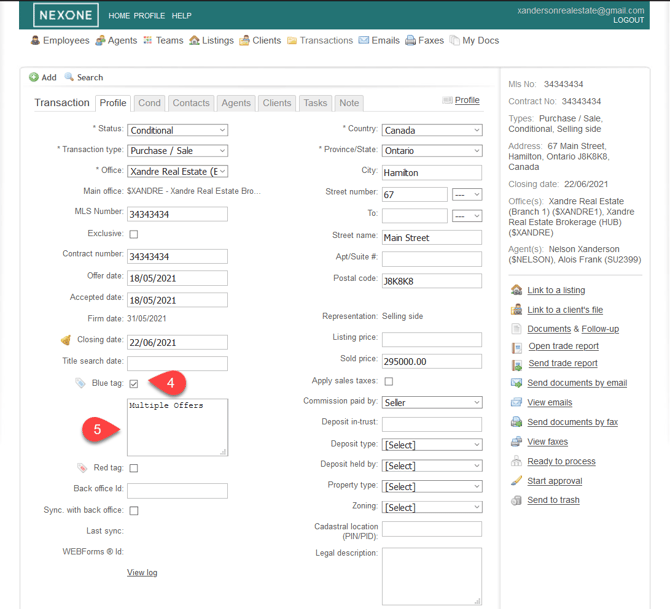
3. Select the check box on the red and/or blue tag, and write in the description.
4. The specific description has now been saved for the transaction!
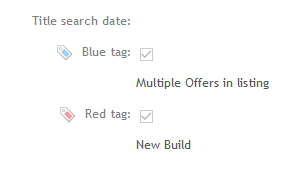
While the descriptions can be unique for each transaction, this feature is most powerful when there is a single description for what each tag is. I.e. All transactions with blue tags are new builds.