
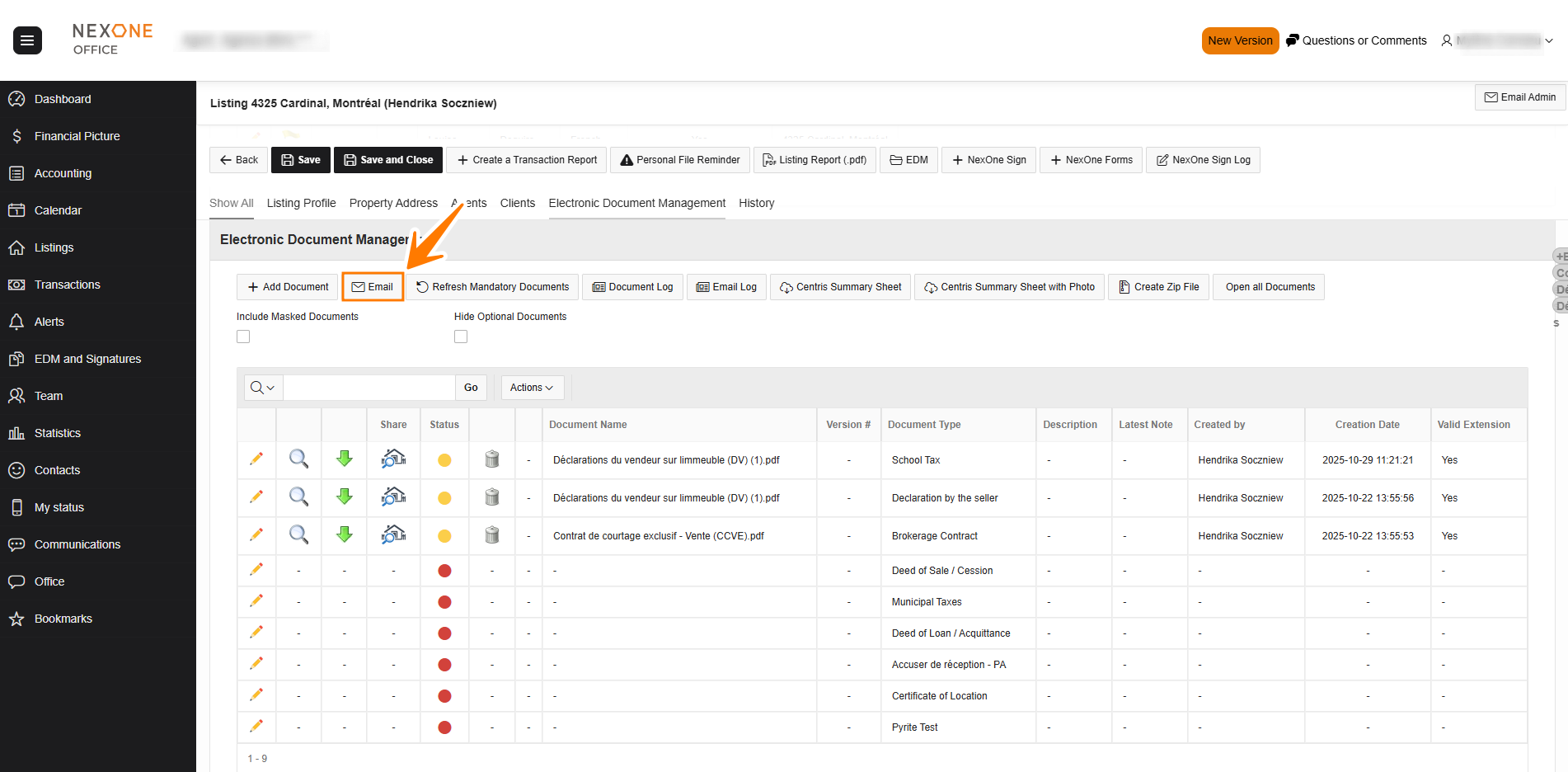
In your Transaction Report or Listing Kit, click on the icon in the EDM section of the file and Select «Email».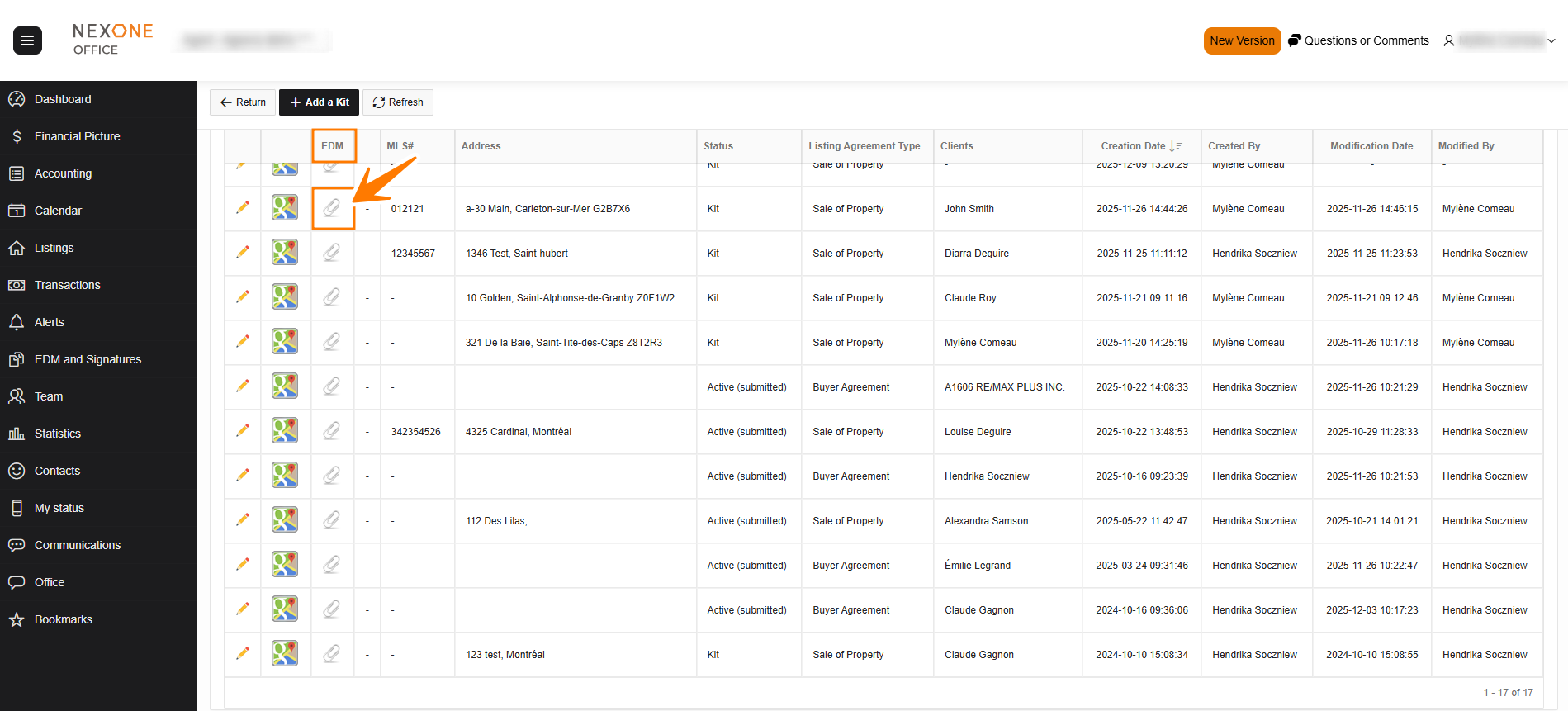
Select the recipients from the Participants List by checking the box on the left
Select which documents to send as an Attachment or Internet Link in the email.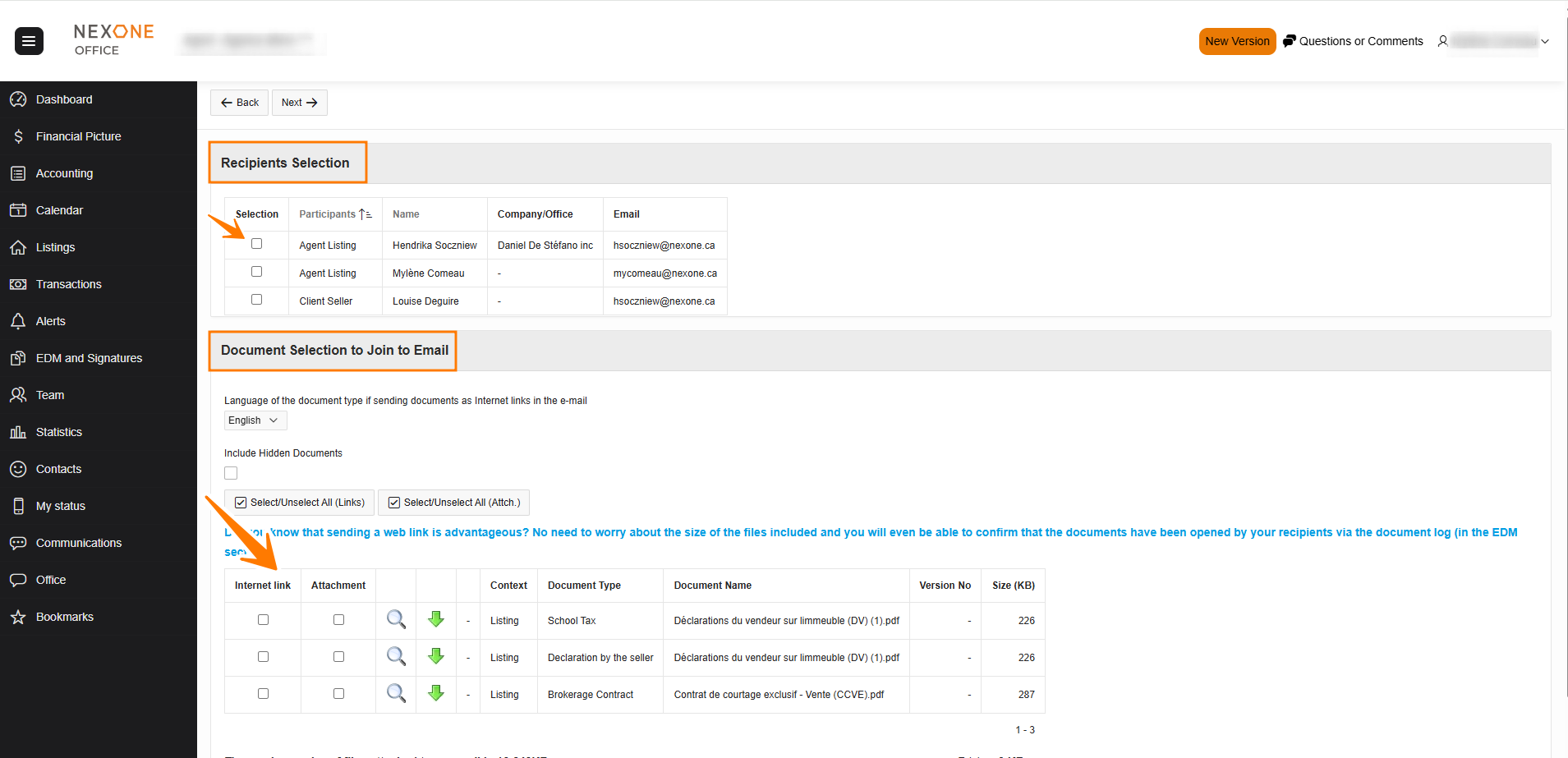
You can Press on the View button to open Documents before you select them.
Attachement: The email will have an attached file that your client will download to access it.
Internet link: The client will access the document via his web browser, without downoading it first.
Click on «Next» on the top left of the screen to continue.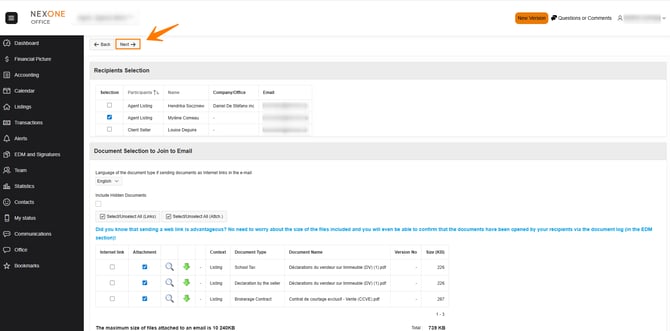
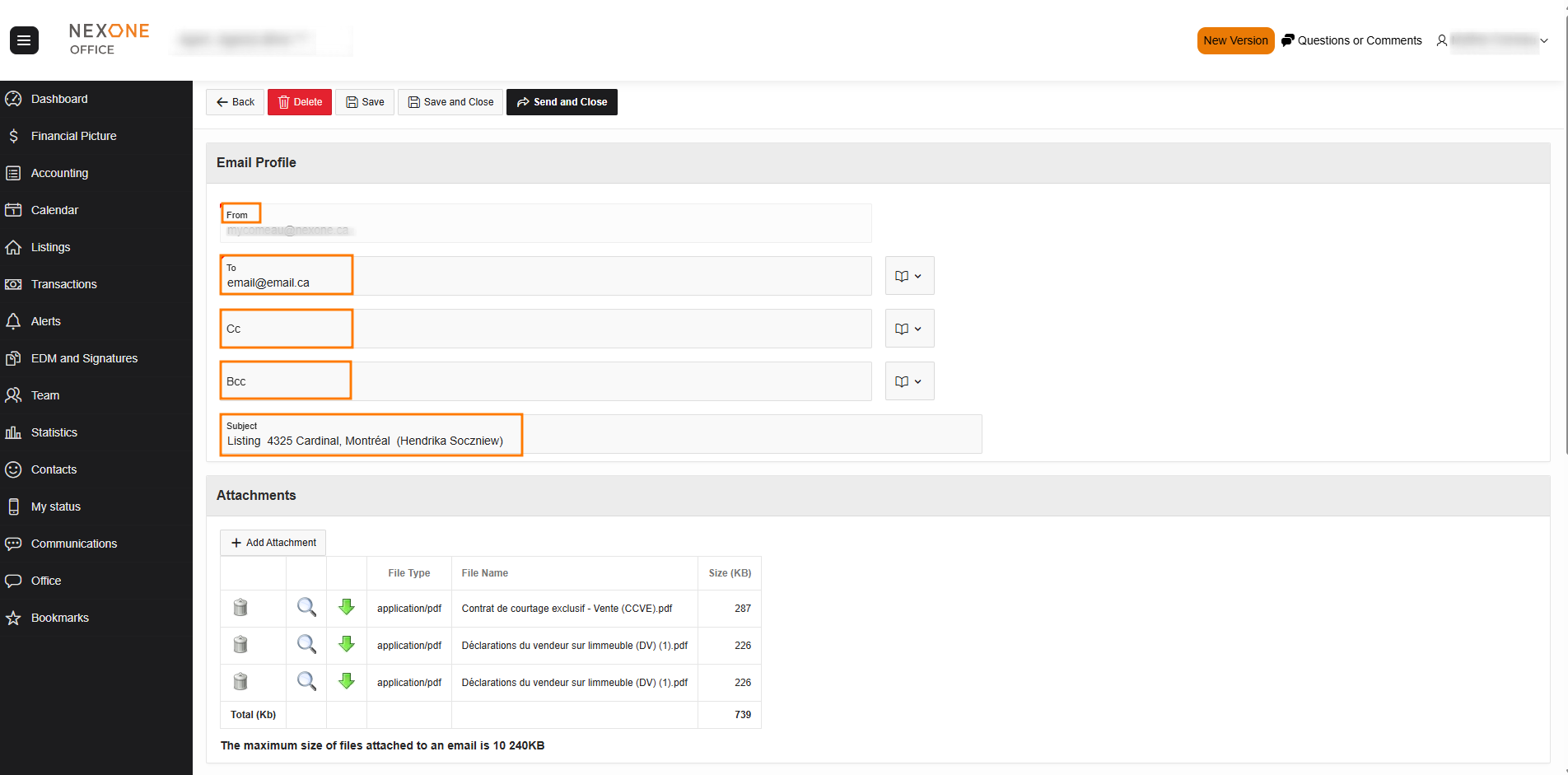
Adjust the parameters of your email, if necessary.
You can modify:
-
Which address is sending the email
-
Recipients
-
CC, Bcc
-
Email Subject
You can modify the message in the email body.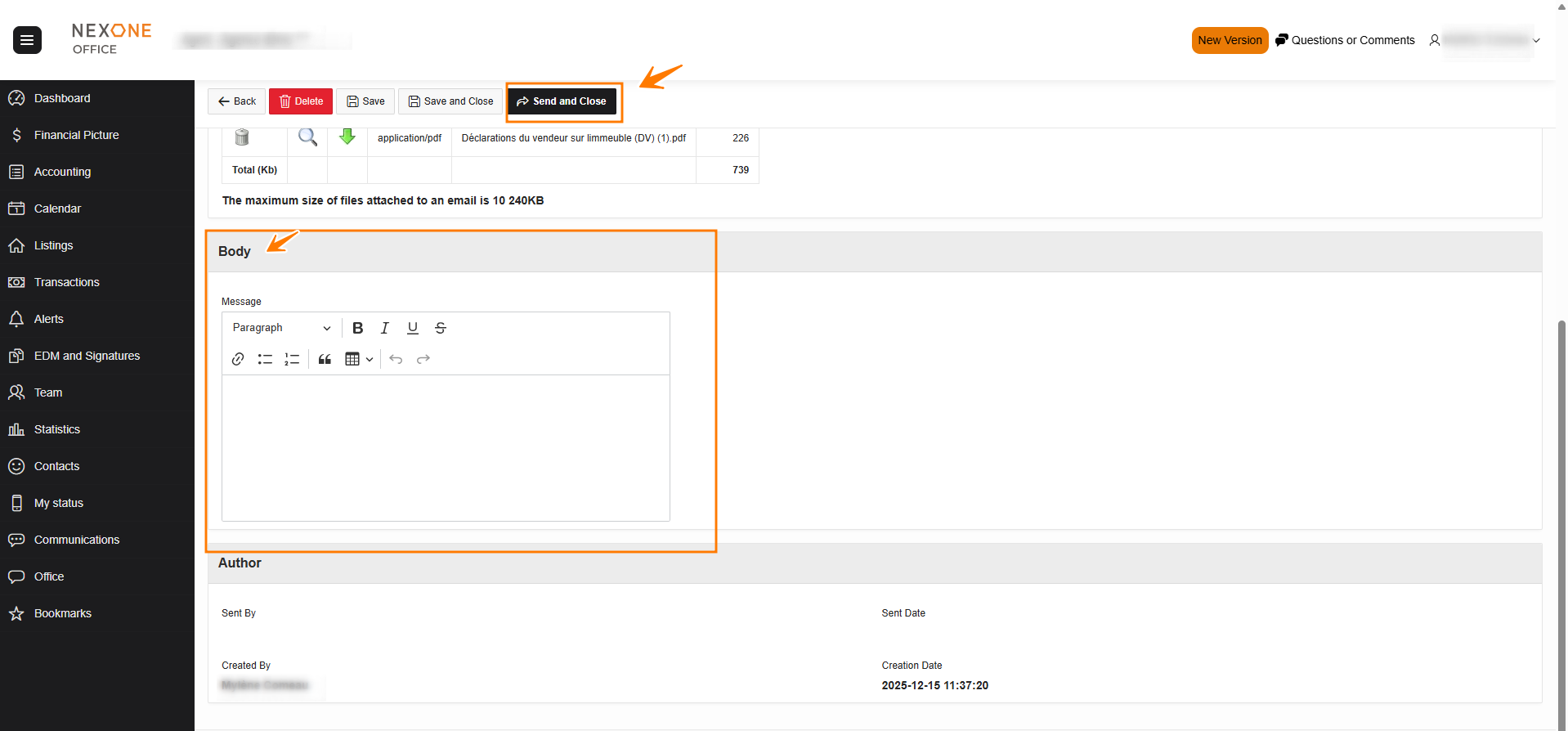 Select «Send And Close» on top of the screen to send your email and close the page.
Completed!