
Clic on the Search Forms and Categories search bar. You can Search for Forms by category or by Terms in the name of the form.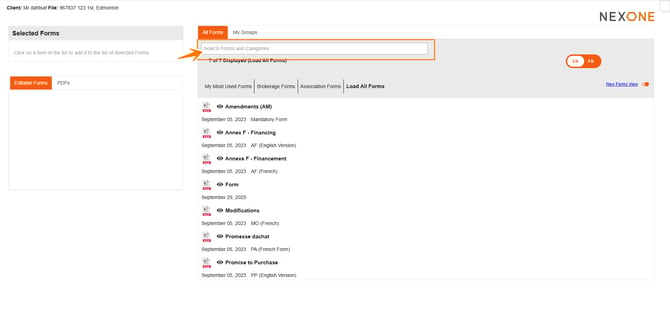
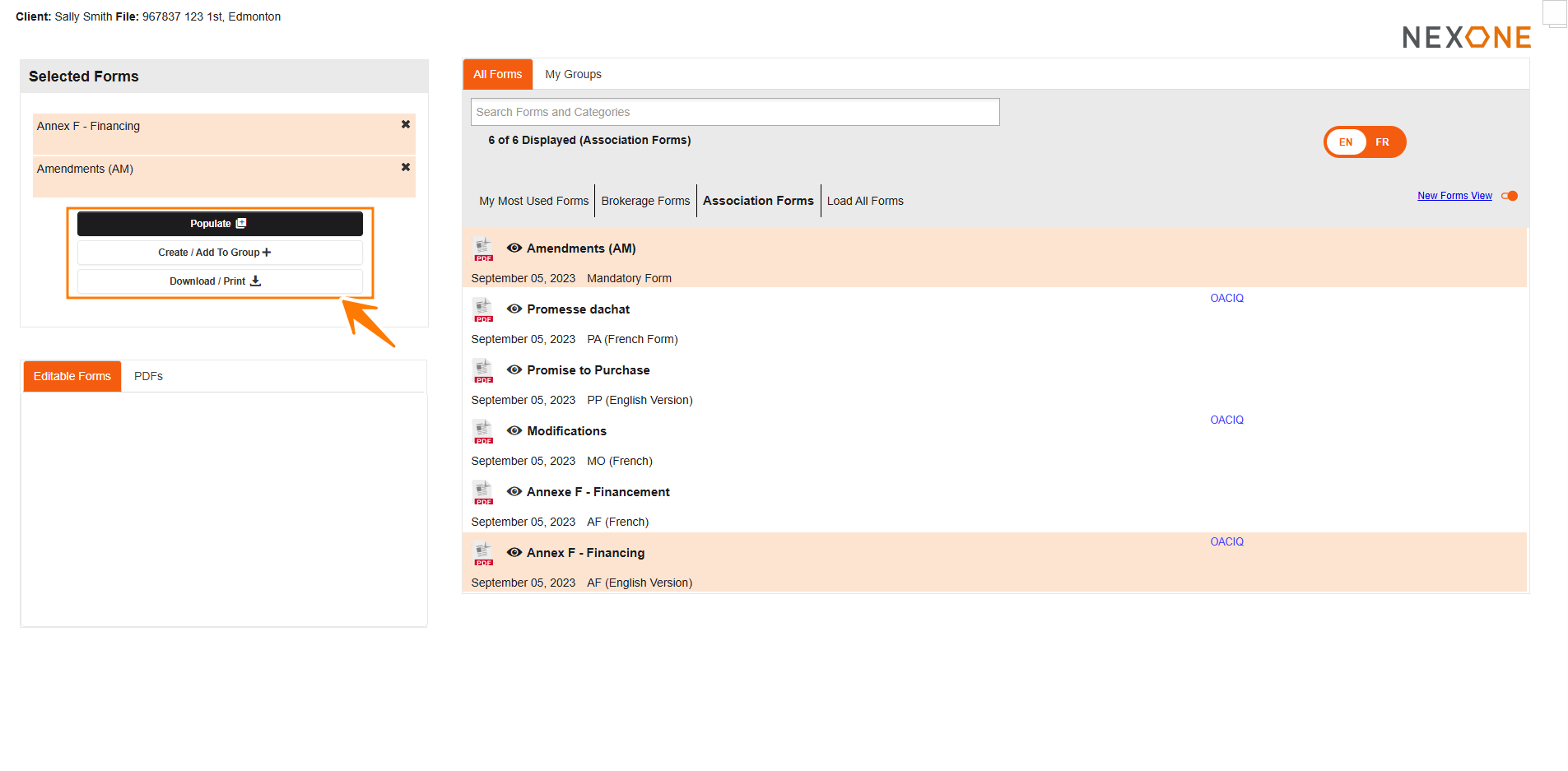
You can Sort out your forms by My Most Used Forms, by Brokerage forms, by Association Forms or Load All Forms. 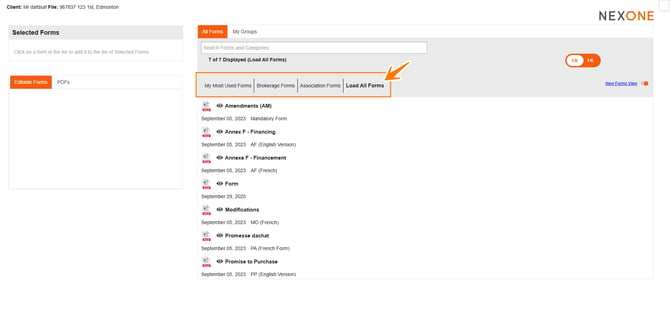

After Selecting your forms, you will have your “selected forms list” at the top left of your screen.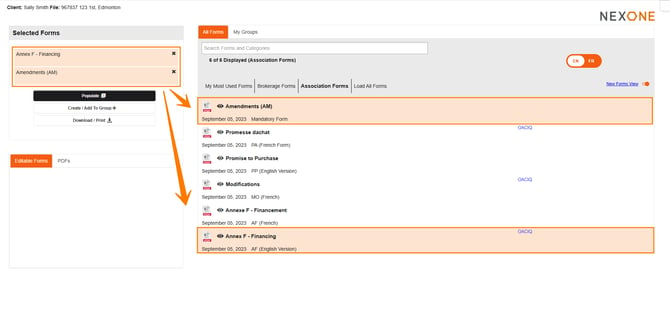
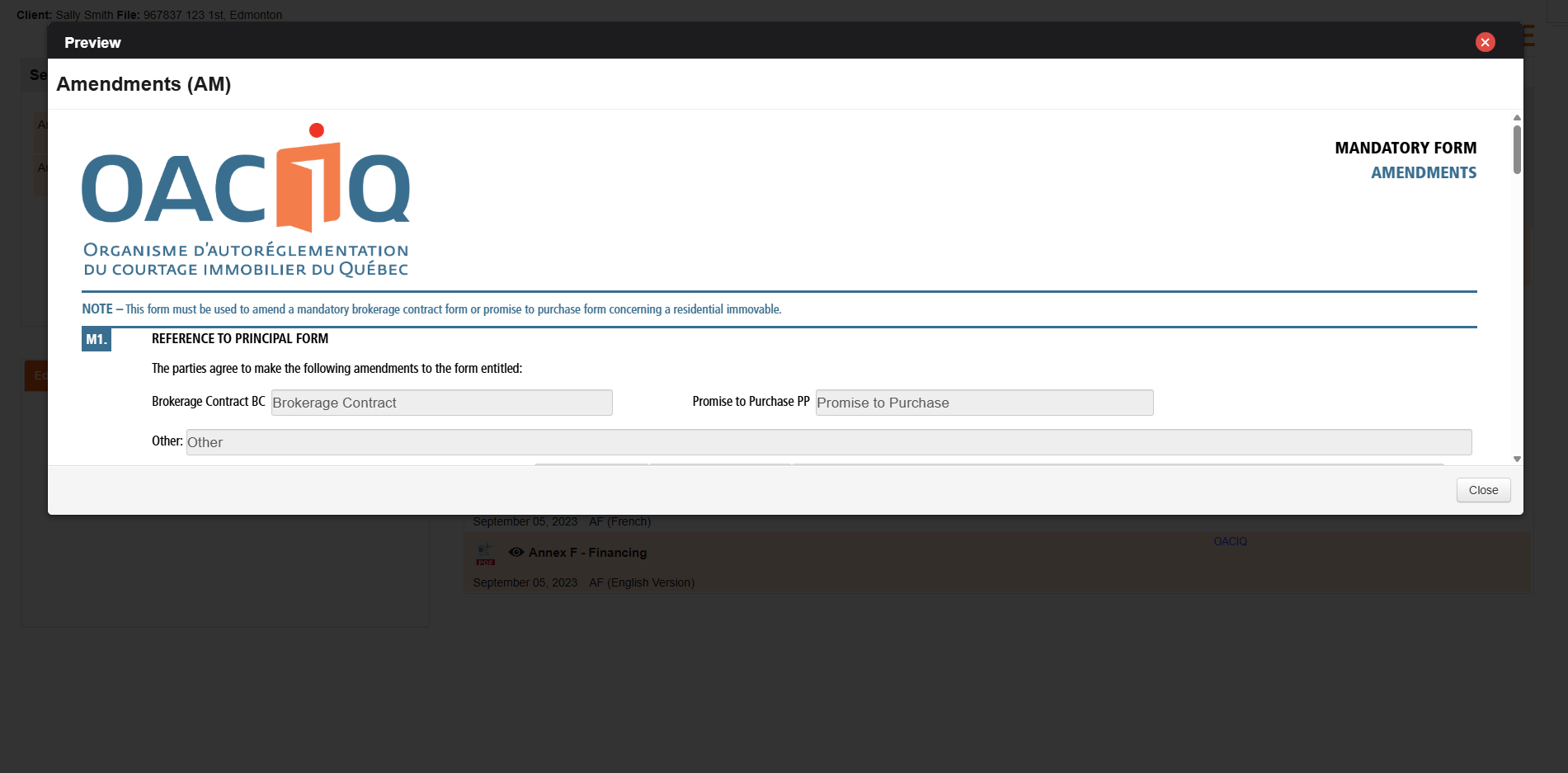
If you would like to View the forms before populating them, you can do so by Clicking on the Eye icon located to the left of the form name. 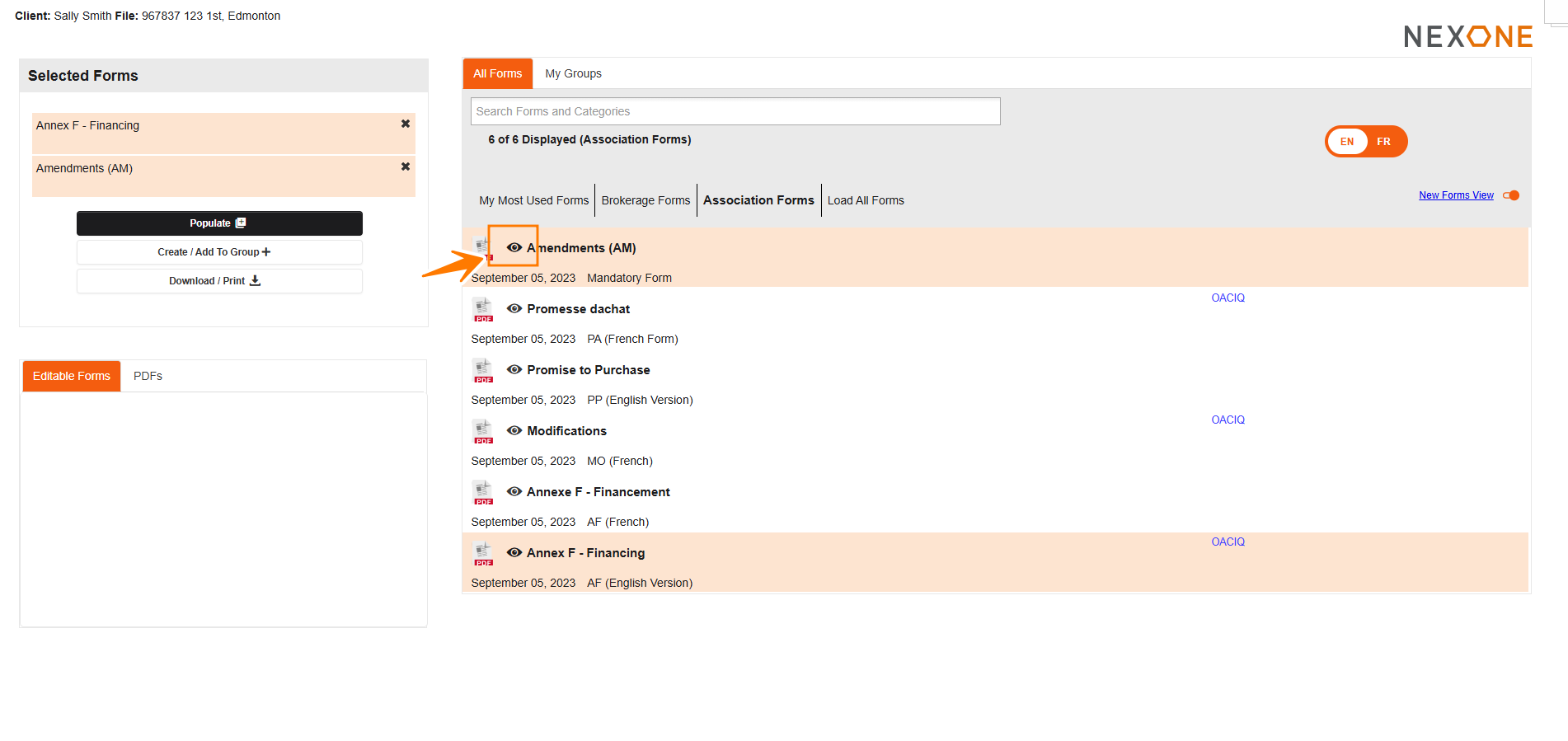
You will have the option to populate, create/add to group, or download/print the selected forms.
Completed!