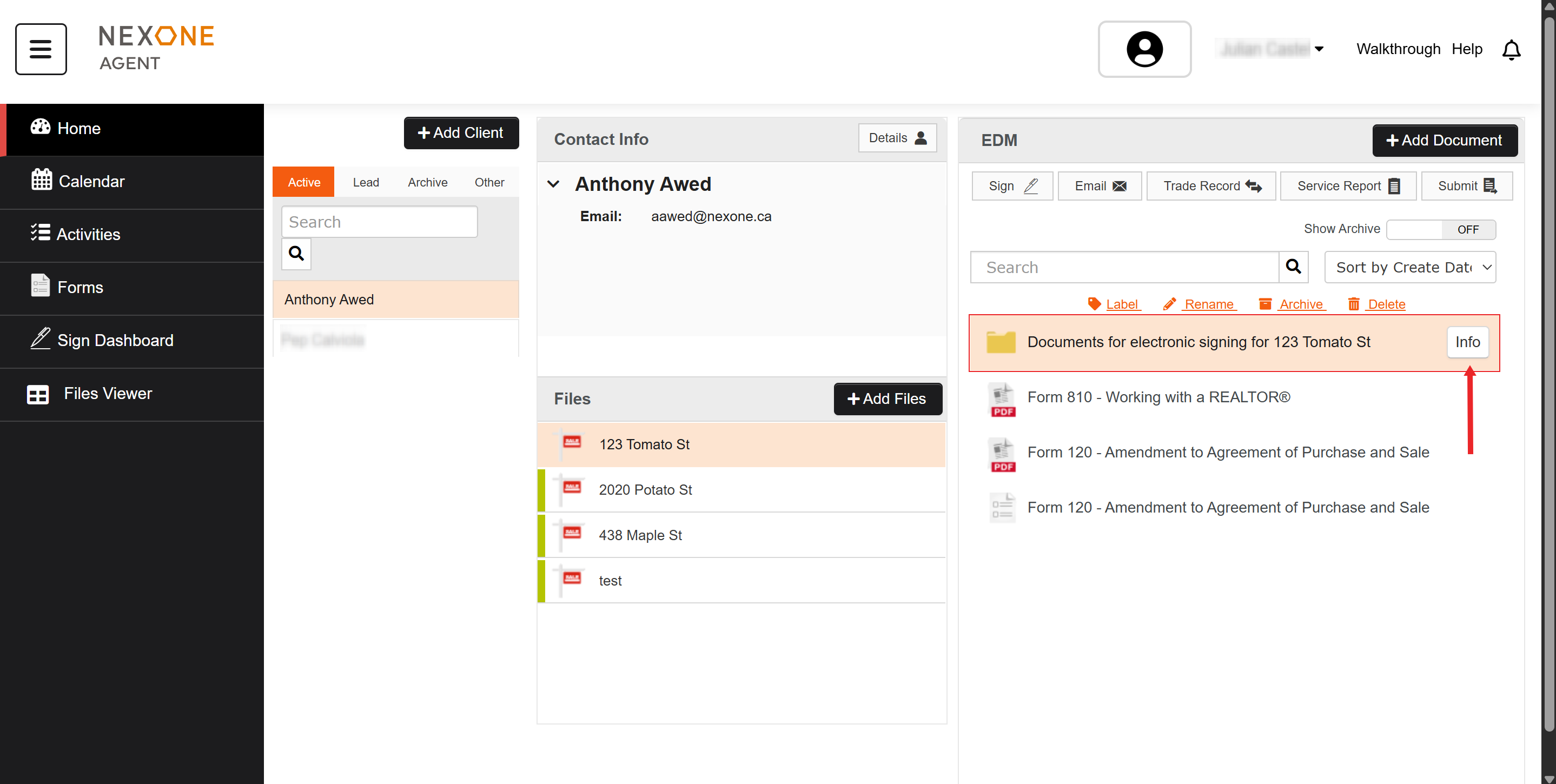
Follow the instructions below to save a signing session to send at a later time/date.
-
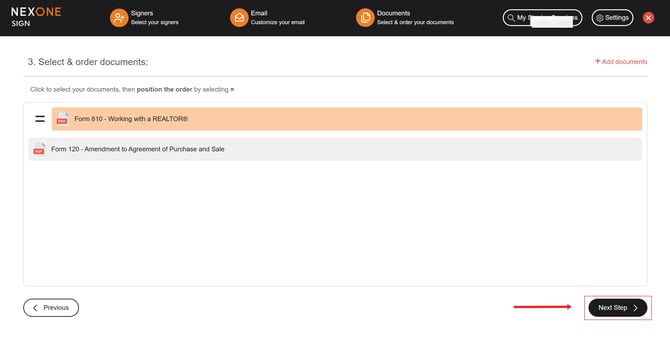
Once you have set up your Signers & Documents, click Next Step, and your signing session will be created.

-
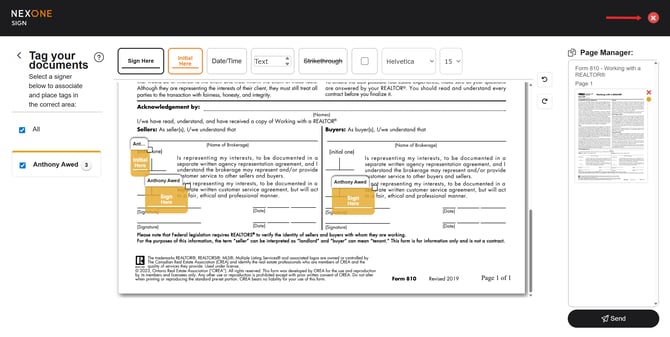
Close the window to exit the signing session. Any tags you have placed will be saved automatically!
-
Click on the yellow folder signing session (this means the session was created but not sent), and then Info, to enter back into your signing session..