
Remove Editable version of Documents for electronic signing.
For Basic subscribers this will restore a signing sessions to your 7 monthly session if the Editable Document for electronic signing was created in the current month.
1. Hover over the Document for electronic signing > Click Info

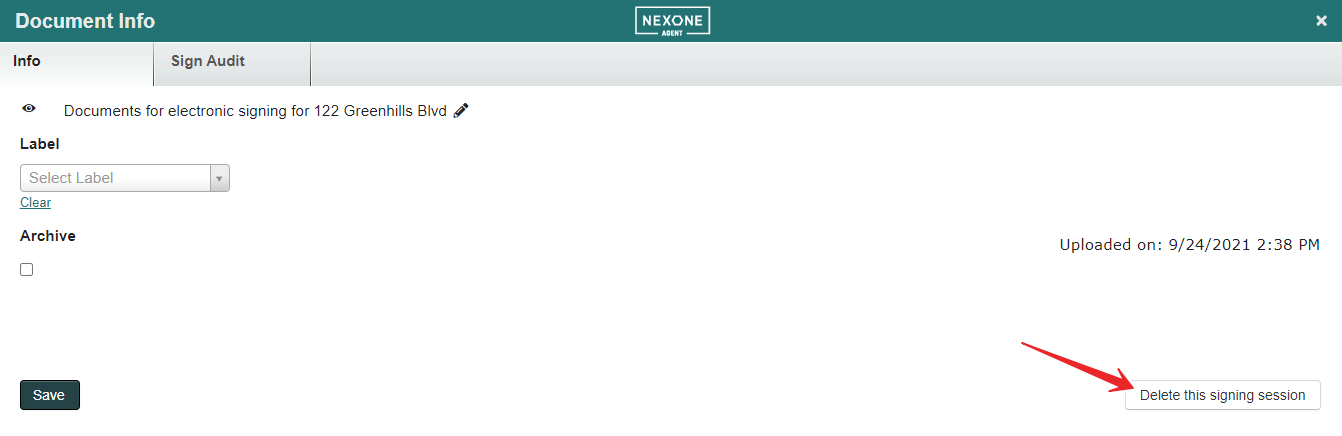
2. Click Delete this signing session
For Basic subscribers this will restore a signing sessions to your 7 monthly session if the Editable Document for electronic signing was created in the current month.
1. Hover over the Document for electronic signing > Click Info
2. Click Delete this signing session