
An agent may have left the real estate industry, or moved to a new brokerage. To clean up agent list, you will need to delete them.
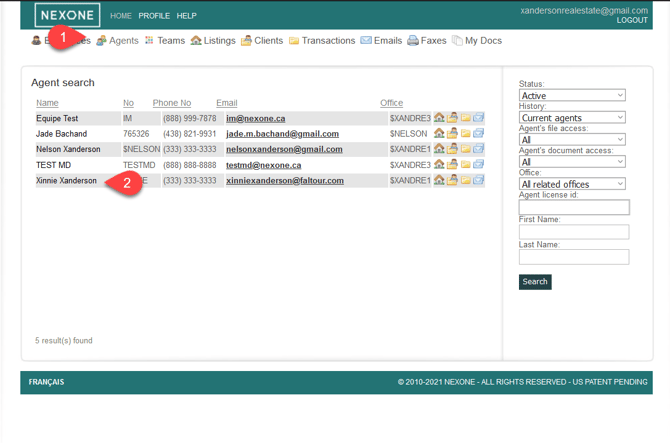
- In your Office account, click on Agent’s
- Then click on your Agent account
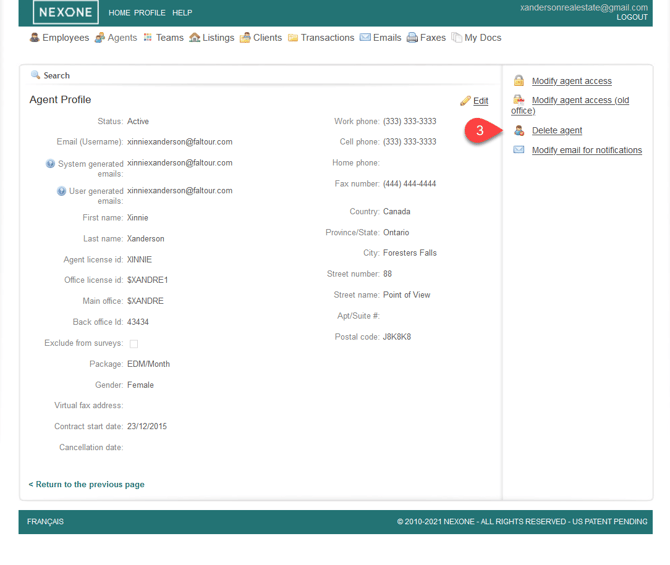
3. Click on Delete Agent
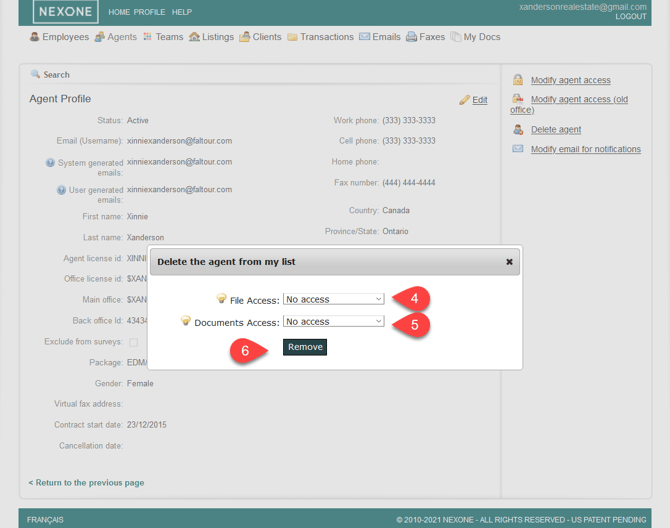
4. Change access levels to “no access”. Or if you wish for them to maintain access to their files, you can set them to “Read-access Only”
5. Then click Remove
These instructions apply to agent accounts that are currently active, or imported