
We have updated our NexOne Forms which is more user friendly for You.
Nothing has changed with the Forms themselves, however, what we have added are Tabs that you can click on:

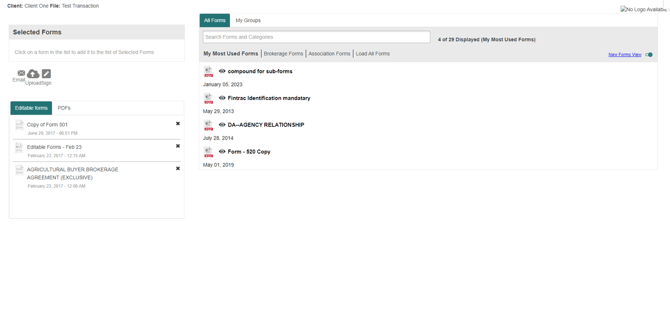
My Most Used forms - which will populate your most used/visited forms as an Individual for quick access.
Brokerage Forms - will populate all forms within your Brokerage and will have the most top 10 most used forms collectively used within your Brokerage at the top of the page.
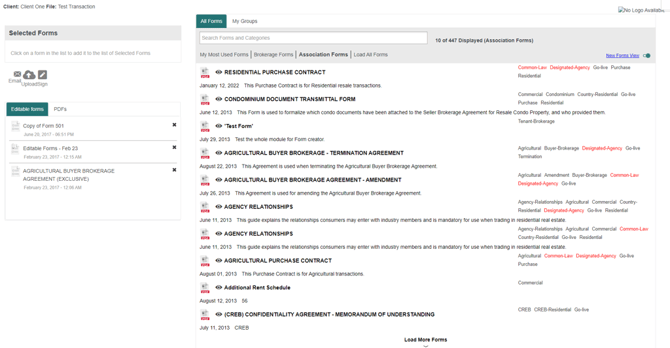
Association Forms - will populate your Board Association Forms. If you search for a form in this tab, it will show you the top 10 form that has that specific wording in the form.
Load All Forms- will populate all Brokerage and Association Forms. If you search for a form in this tab, it will show you the top 10 form that has that specific wording in the form.

If you would like to keep the Old View that you have been using all along, click on the toggle “new forms view' shown below :
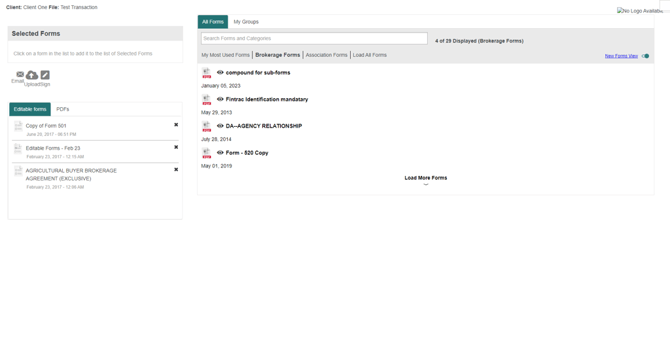
Here are a few example screenshots for you to have a visual of each new Tab:
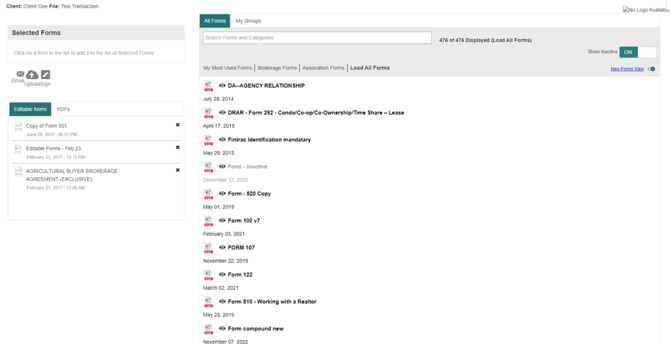
‘All Forms & Brokerage Forms’ will load every form in the organization'
My Most used forms will filter ‘most used forms for you as a user individually’
We do not provide the OACIQ standard forms.
Only custom forms can be created in Quebec. To learn more, click on this link https://nexone.atlassian.net/l/cp/wz7evKX8