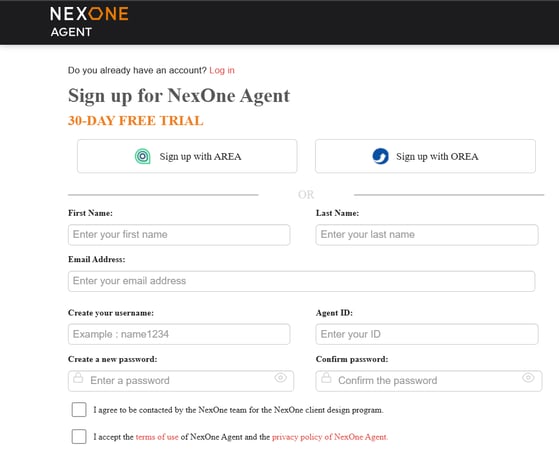
To register an account, click on the Register button in red. You can also sign up with your AREA account or OREA account.

Login + options
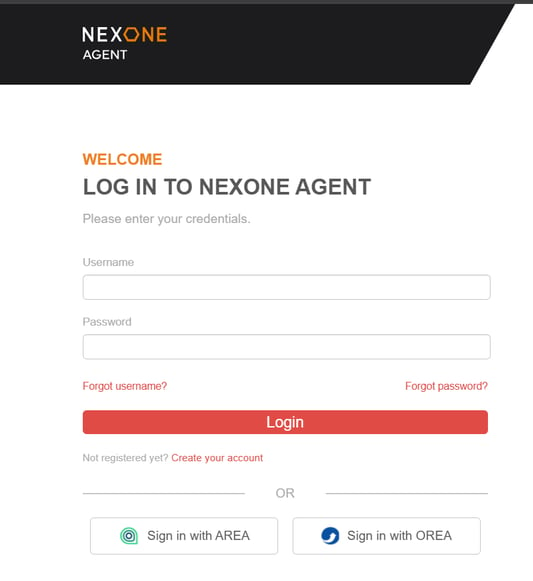
To log in to your account, enter your username and password. You also have the option to log in using AREA or OREA. If you forgot your username or password, you can recover them using the available options.

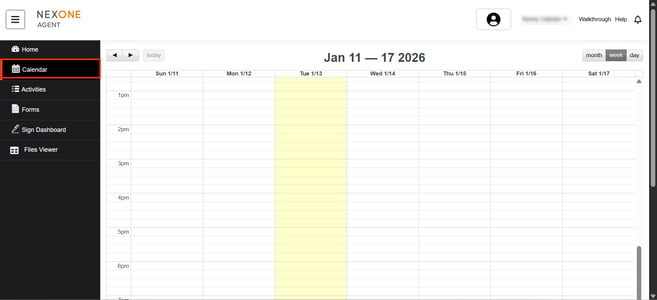
Calendar section
Your NexOne Agent calendar allows you to add real estate specific events connected to your clients and transactions as well as creating email reminders about those events.

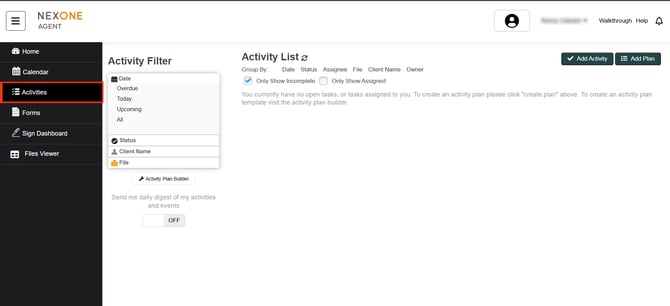
Activities section
We know how crucial clearly organizing your daily activities is to your success.

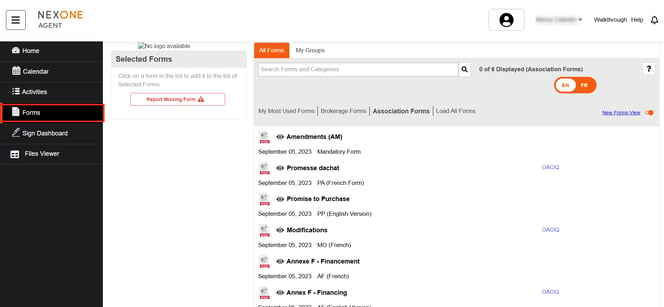
Forms section
Search by keywords, by selecting tags or alphabetically from a list of all forms.

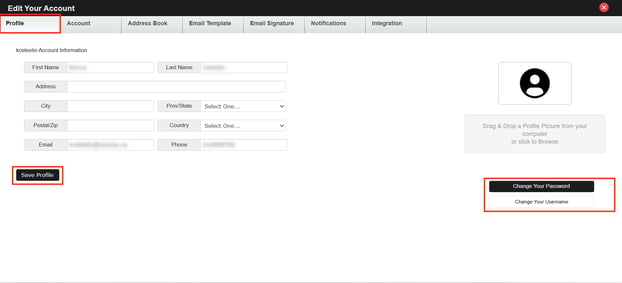
Profile + help
Update your Profile. This includes: your contact info such as: address and phone, your brokerage contact info, your profile picture or business card, email signature, plan upgrades, credit card information and more.

Add client
Include contact information and add many clients as you wish.
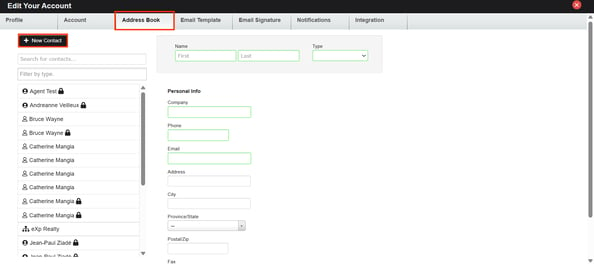

Add Files
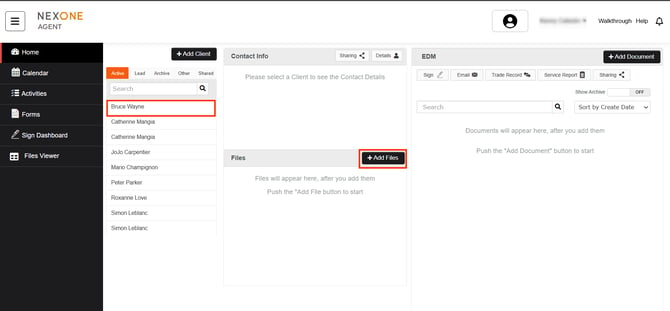
This tutorial takes you through the process of adding a file to your client folder within NexOne Agent.

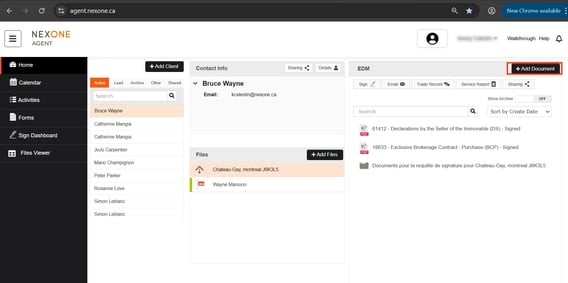
Add documents
Upload any Document you've chosen from your computer.

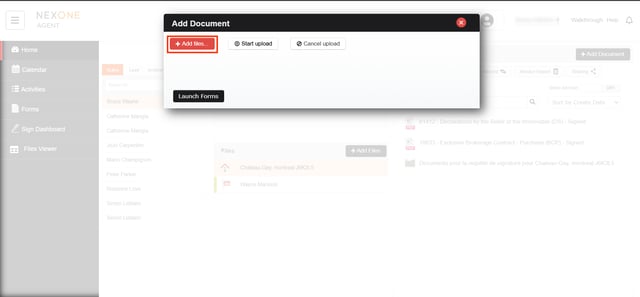
After you click on add files
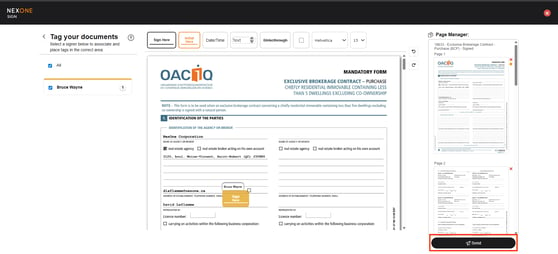
NexOne Sign (Select signers and documents, add/edit/add tags)
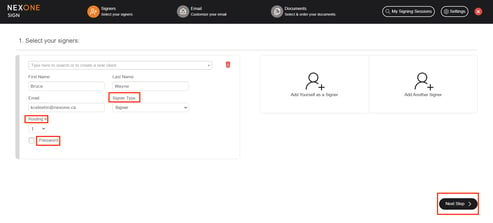
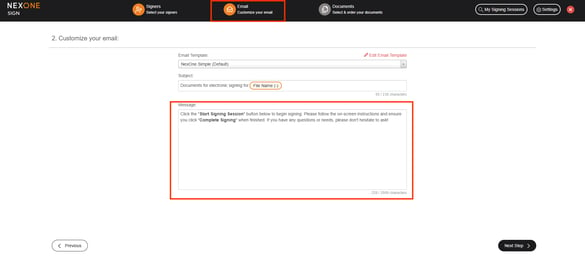
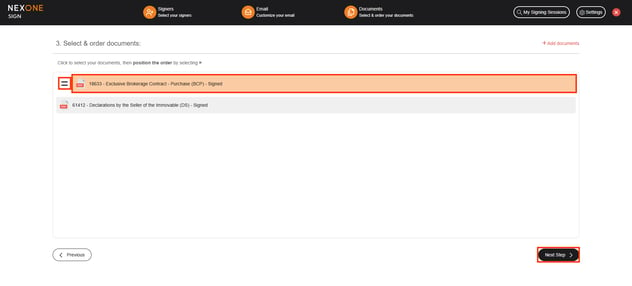
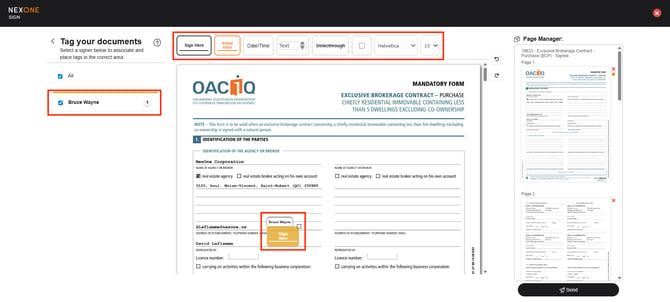 The system will also show how many Sign here tag that you put for your client.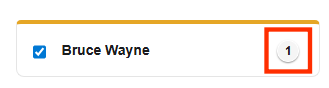
Sign Audit (with session certificate)
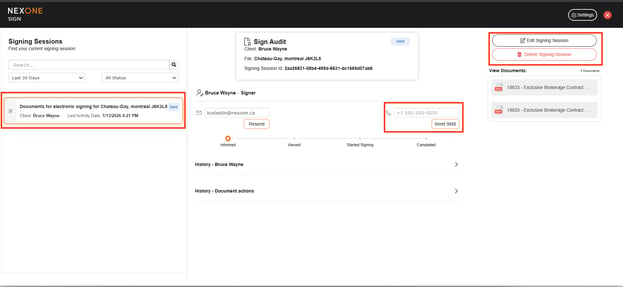
The Sign Audit in NexOne Agent allows you to track the document sent for electronic signatures every step of the way. You can also save and print a certificate of the signing session creating an electronic witness of the session!
You can also delete or edit your signing session
You can even resend it via SMS

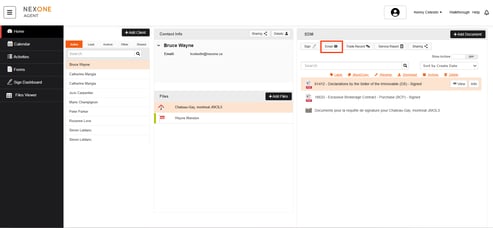
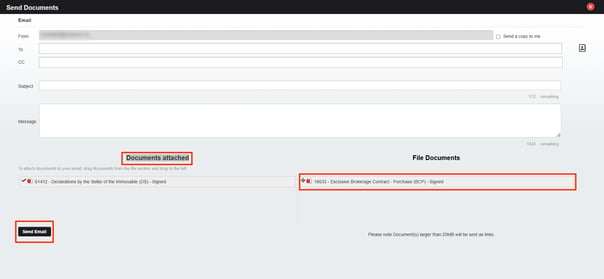
Email documents
You can send documents as e-mails through the NexOne Agent platform.