
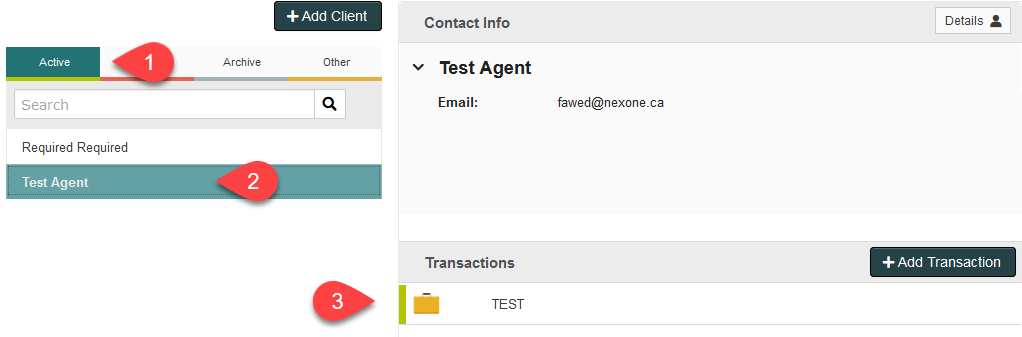
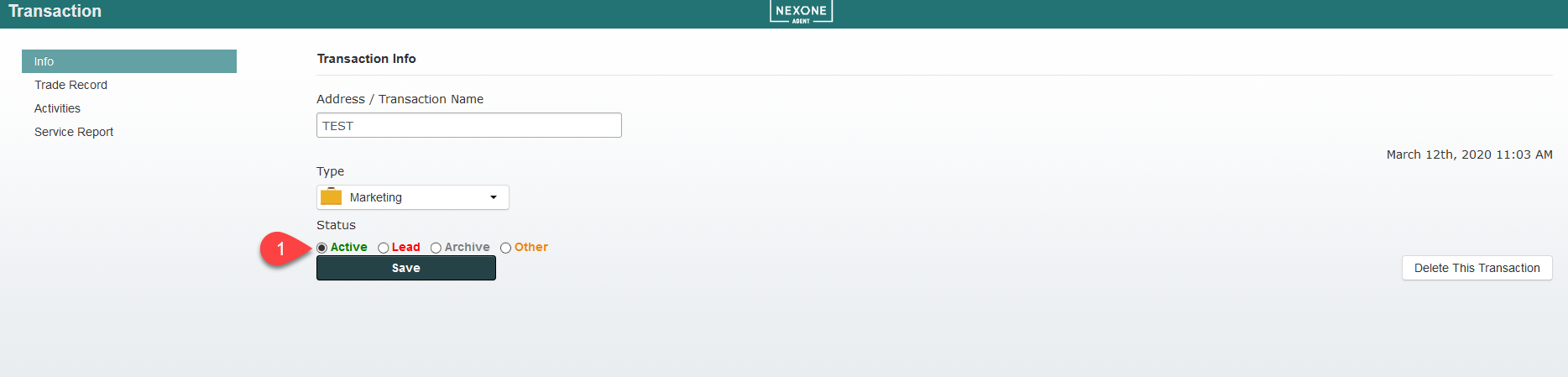
The colour coded tabs beside client names and transactions help you keep track of the state or status your transaction is in. Is your transaction an active account, a lead, old and archived or other?
1. Green tips are active transactions.
2. Red tips are leads you're working on.
3. Grey tips are transactions in your archive
4. Orange is for transactions that don't fit any of the previous descriptions.
1. Green tips are active transactions.
2. Red tips are leads you're working on.
3. Grey tips are transactions in your archive
4. Orange is for transactions that don't fit any of the previous descriptions.
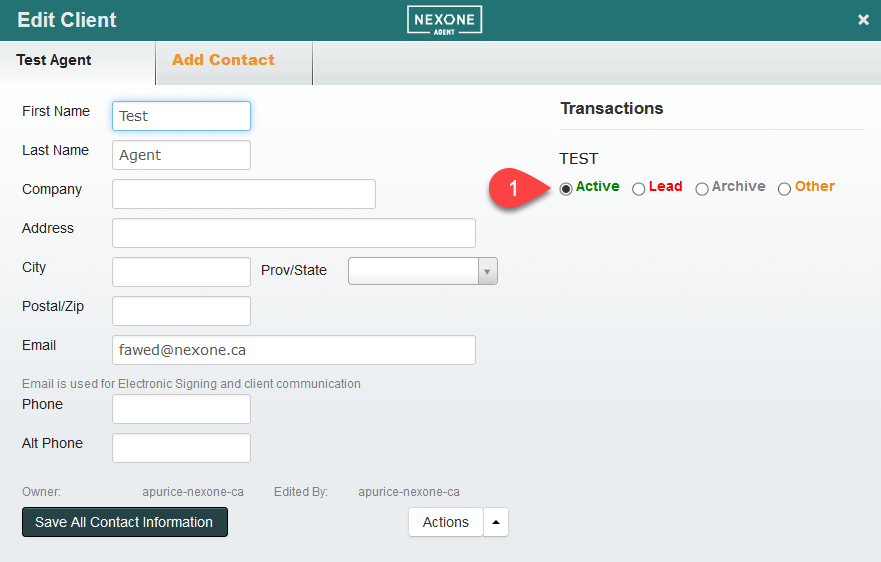
*You can edit any Status by click the
 button next to the client's name or the
  button next to the transaction's name.
Remember to hover over the client's name with your cursor for the
button to appear.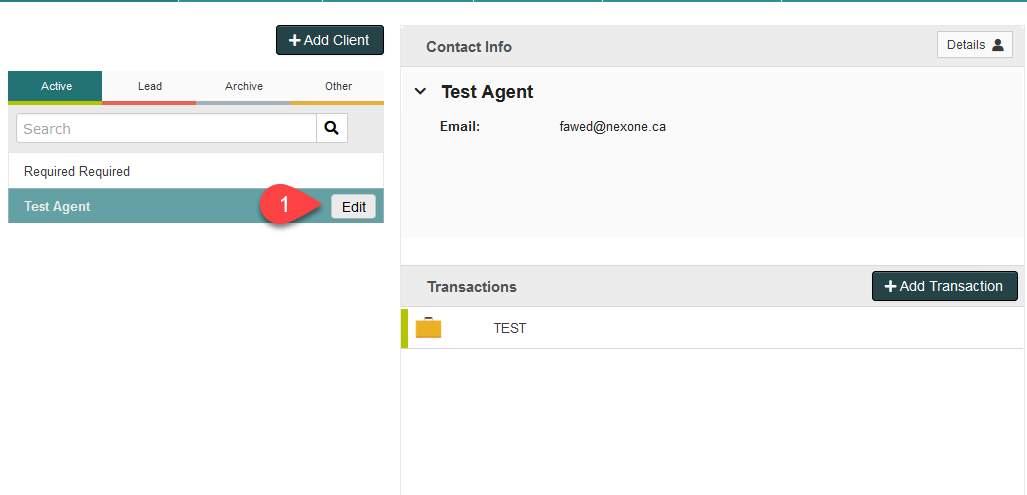
Hovering over the transaction name displays the
button.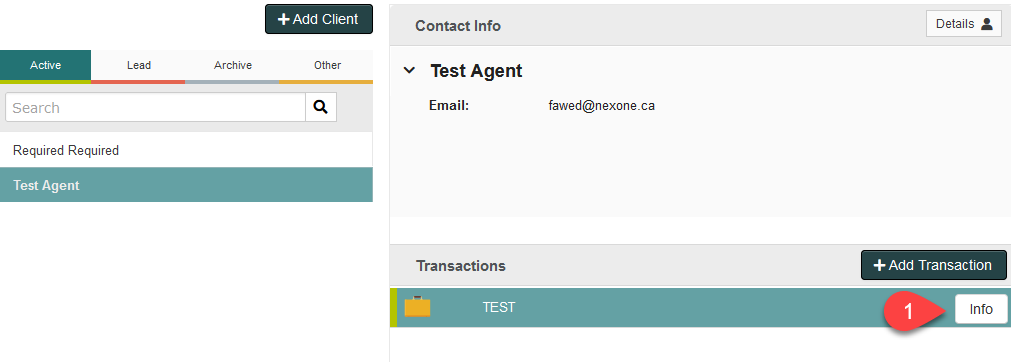
You can change the Status in transaction info as well.
Organize away!