
What’s New?
-
NexOne Agent's Menu Bar has been updated and is now positioned on the left side of your screen. This change aligns with the design of our sister product for a more cohesive user experience.
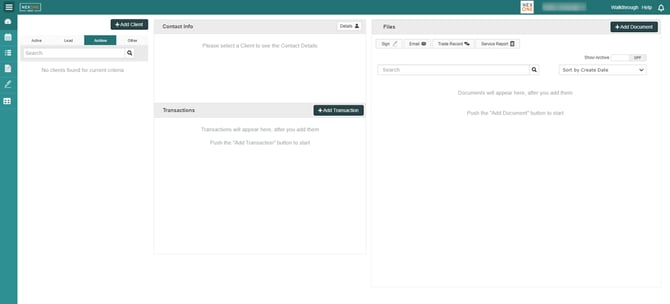
By default, the left-side menu is collapsed, as shown in the image above.
Hover over the collapsed icon to temporarily display the menu. To keep the menu open, click on the three lines; clicking again will collapse it back.
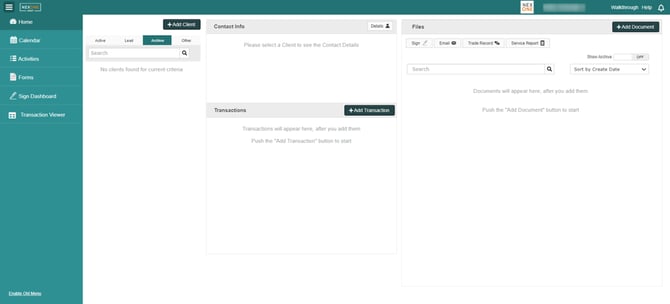
Prefer the Old Version?
If you’re more comfortable with the previous menu layout, you can switch back to the old version by clicking on the “Enable Old Menu” button.
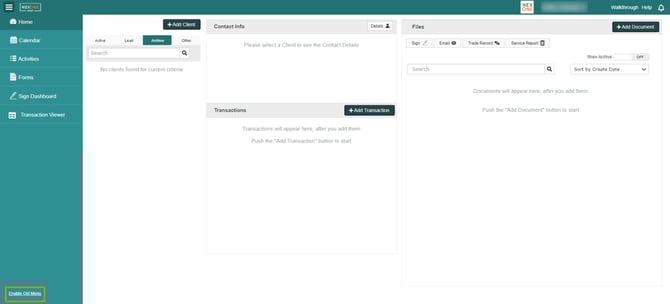
Please note, this option will only be available for one year from today, so make sure to give the new sidebar a try!