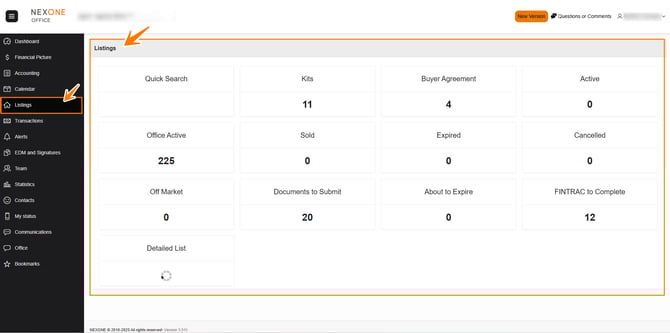
The Listings page is where you will find all of your listings. We are connected to Centris and other boards and will automatically receive the listings.
NexOne receives imports from Centris, three times a day (6 AM, 12 PM and 6 PM).
Each real estate board imports its listings at a different time of the day. Most real estate boards import listings several times a day.
NAVIGATING the Listings section
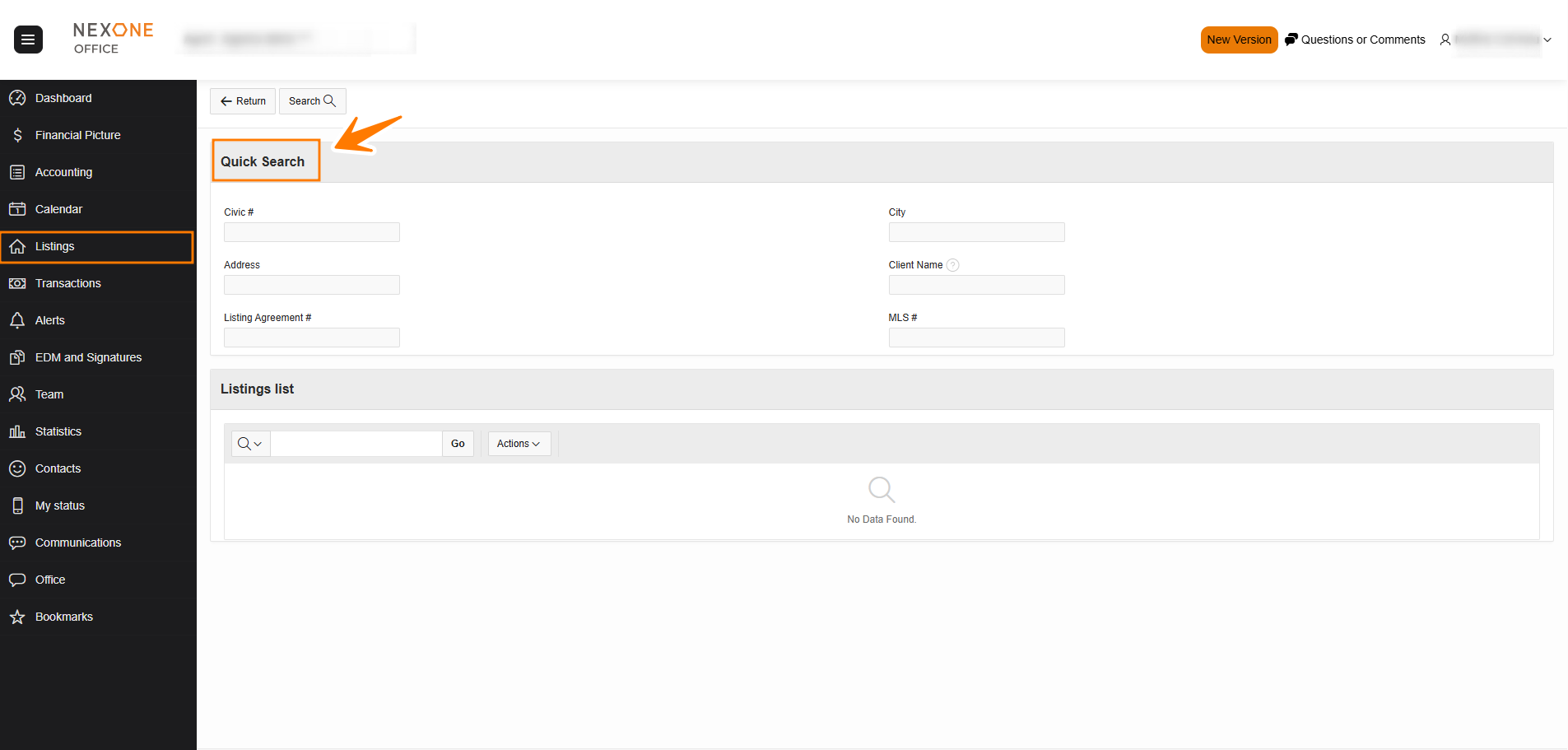
- Quick Search: This section allows agents to quickly search through all their listings.
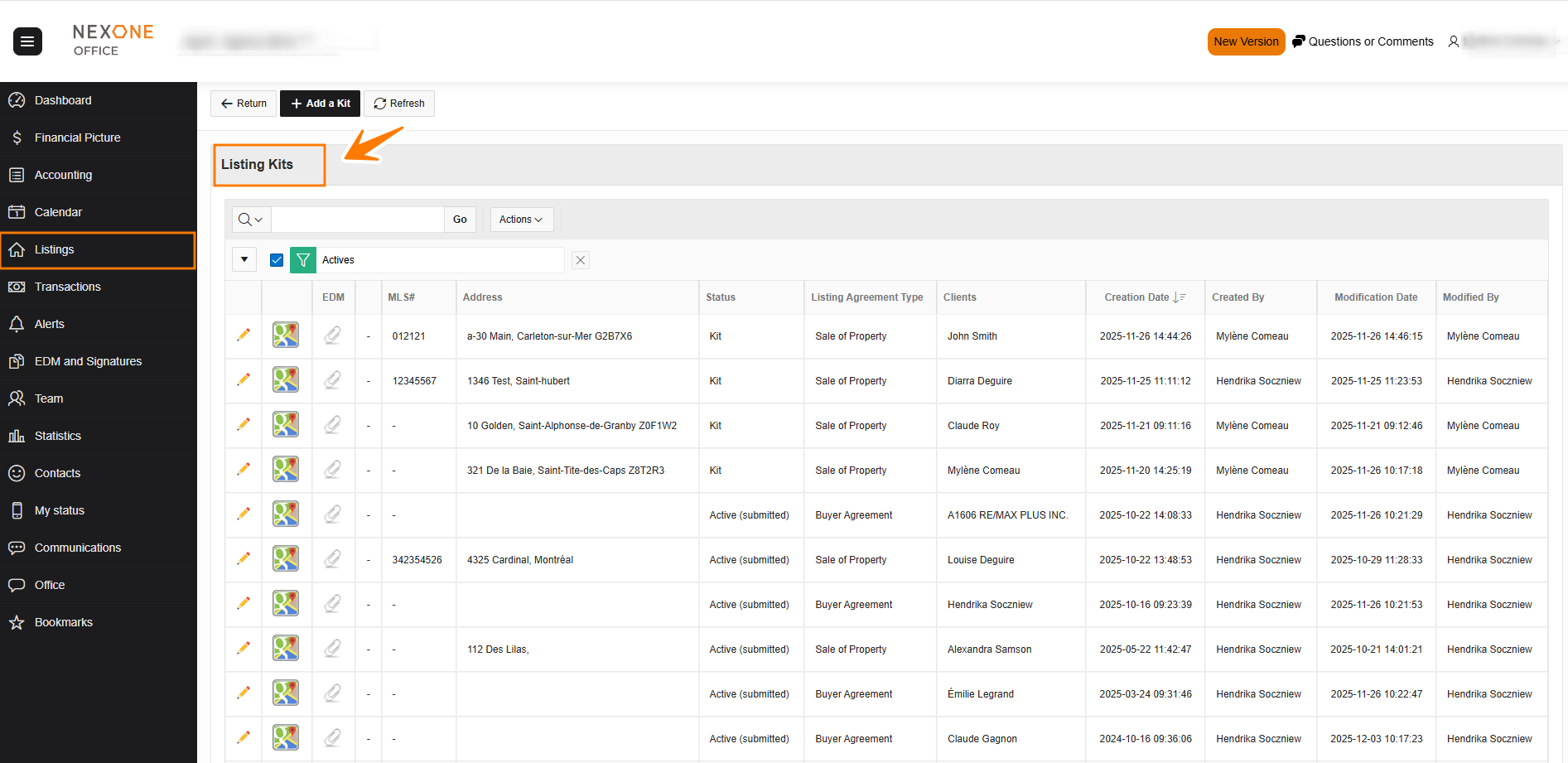
- Kits: This section shows the agent his listings with a KIT status.
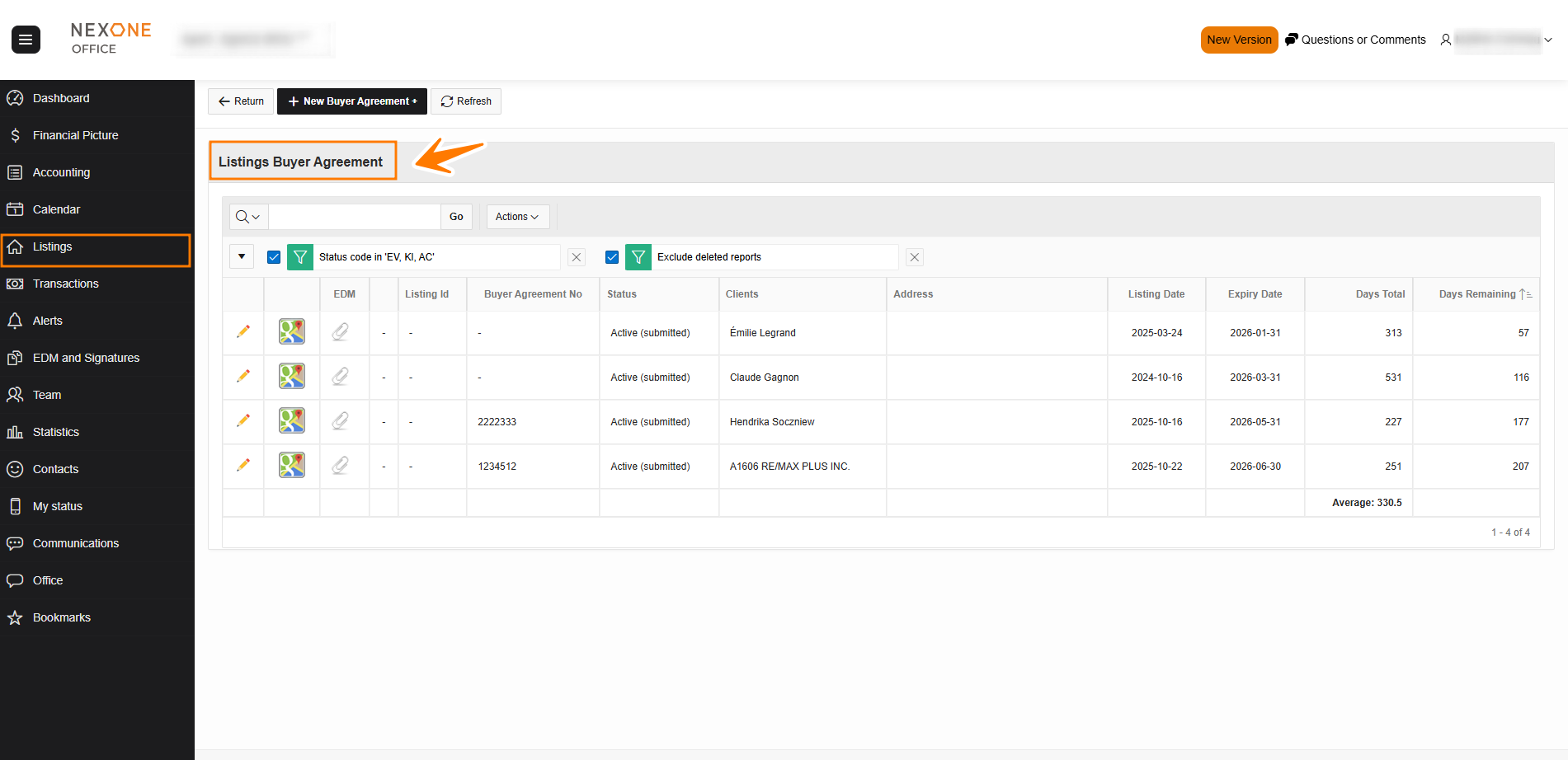
- Buyer Agreement: This option allows agents to search for their Buyer Agreements.
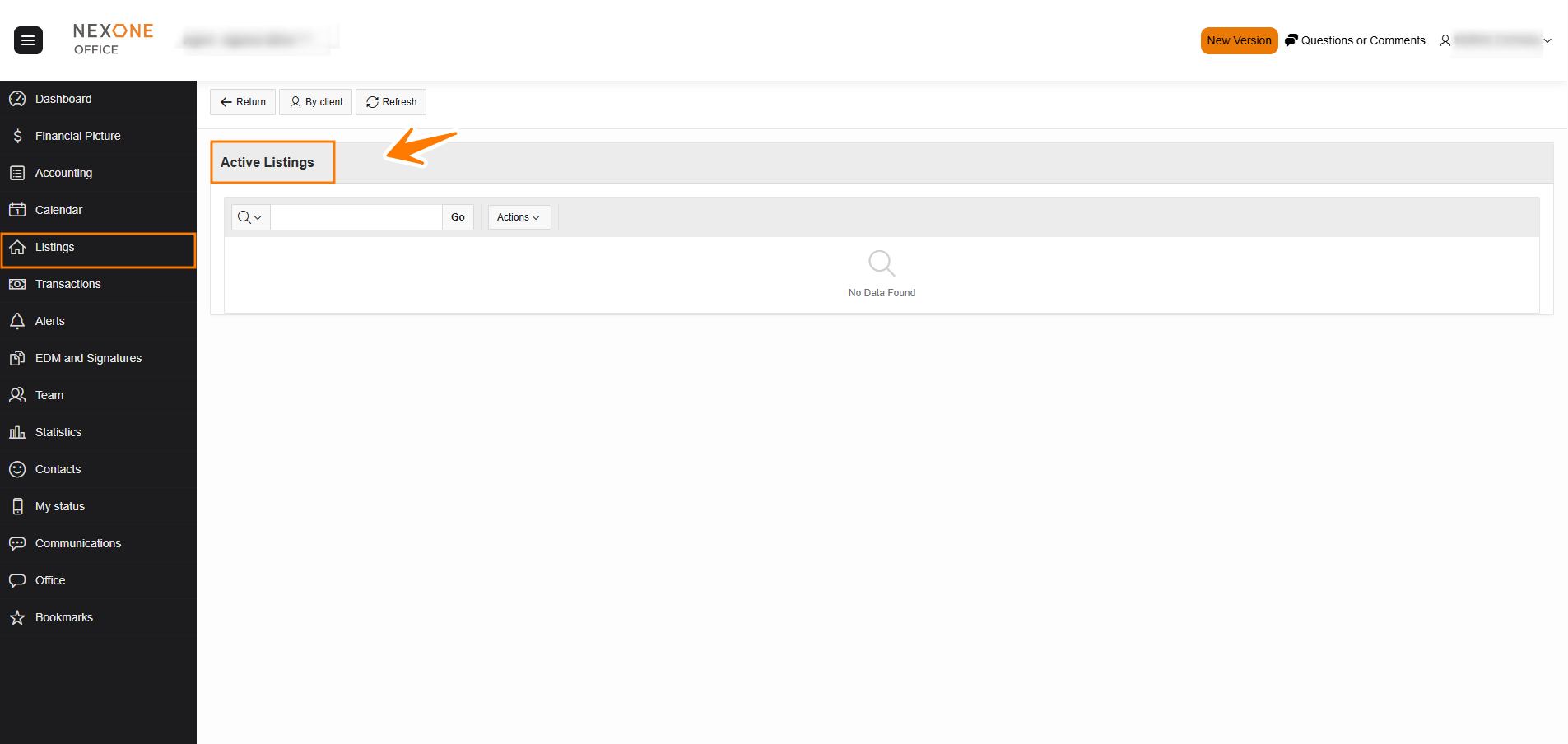
- Active: Shows all of the agent’s active listings.
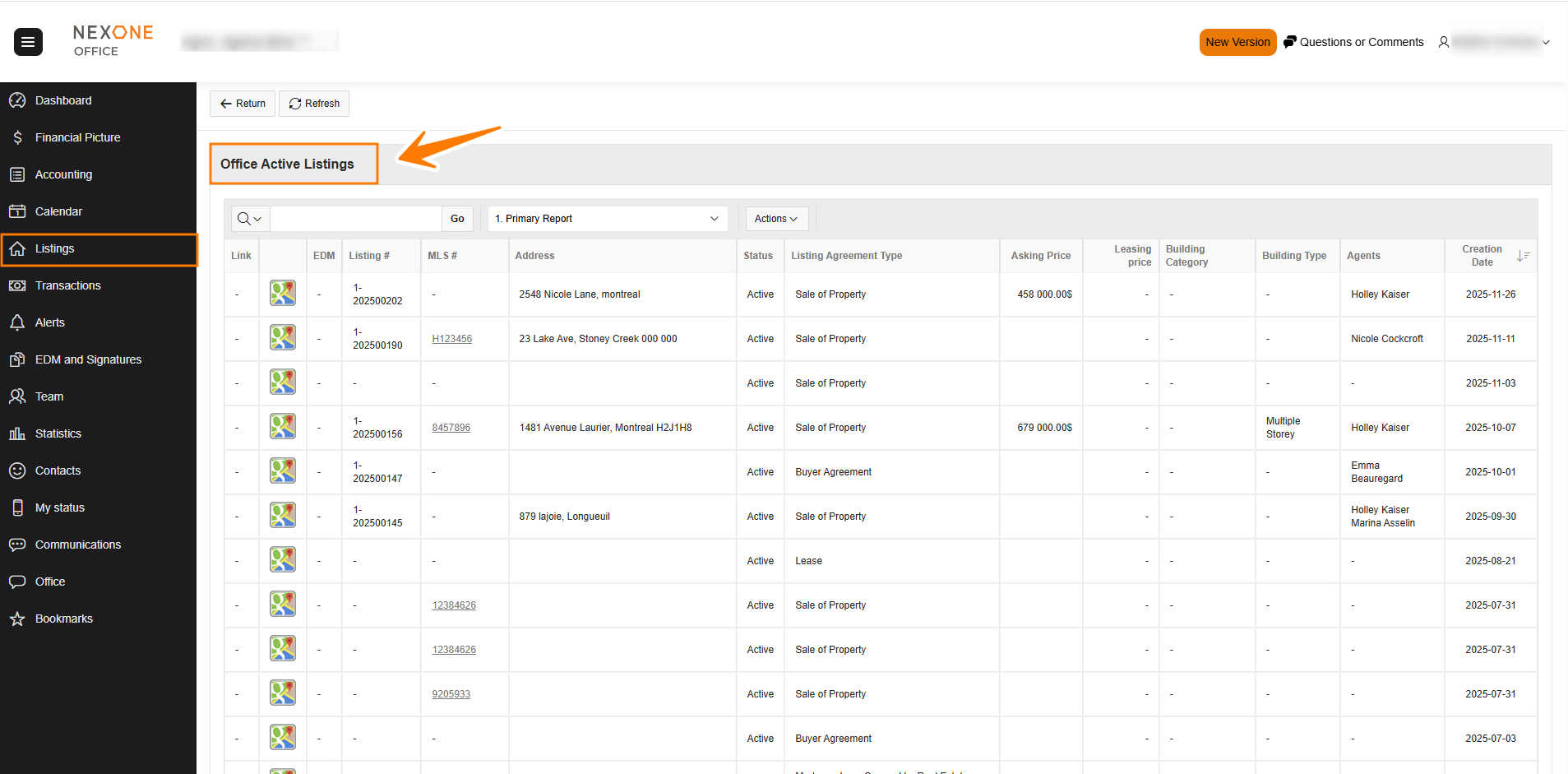
- Office Active: The office active section shows all current listings for your office. You will not be able to edit these listings unless they are yours or view anything that you would not see on MLS / Centris.
- Sold: Allows agents to see all their sold listings.
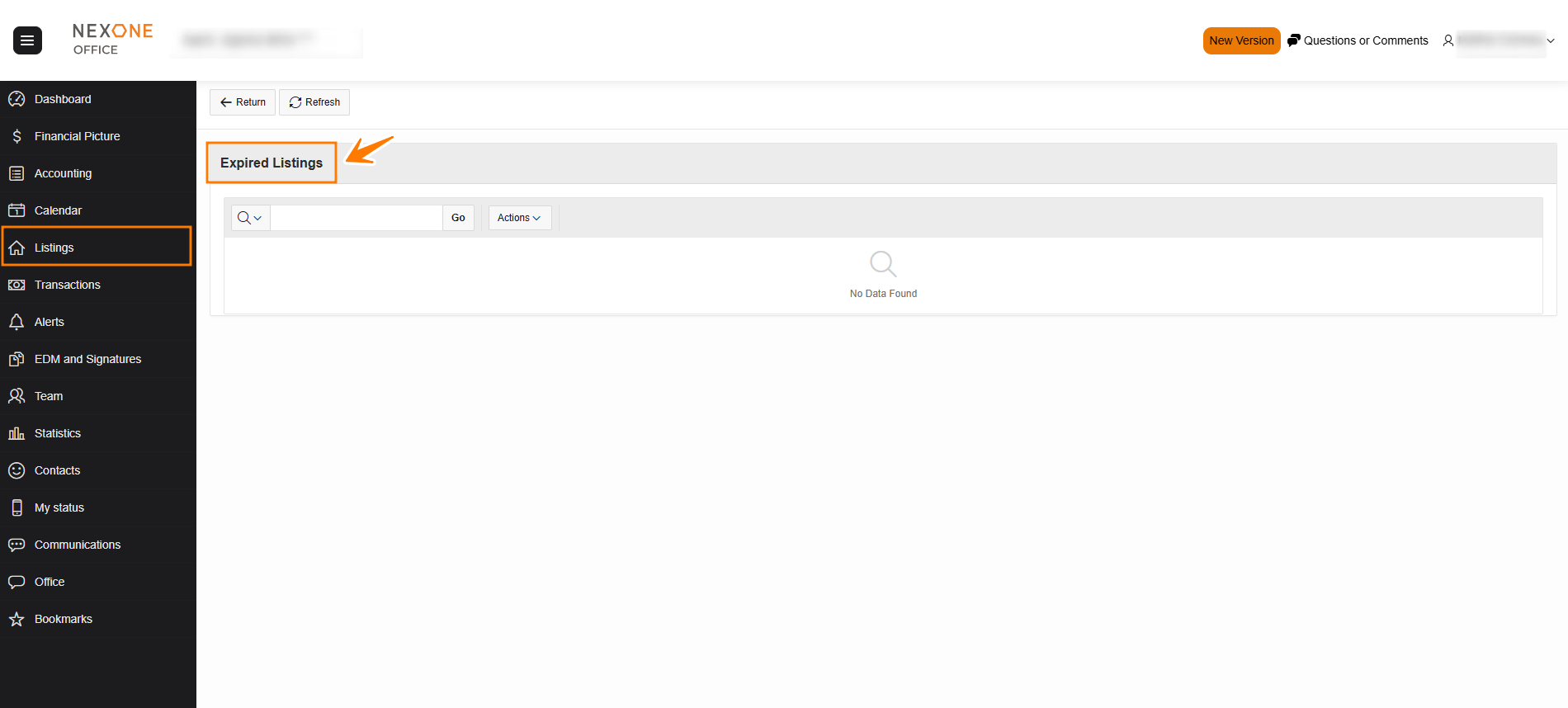
- Expired: Shows the agent all expired listings.
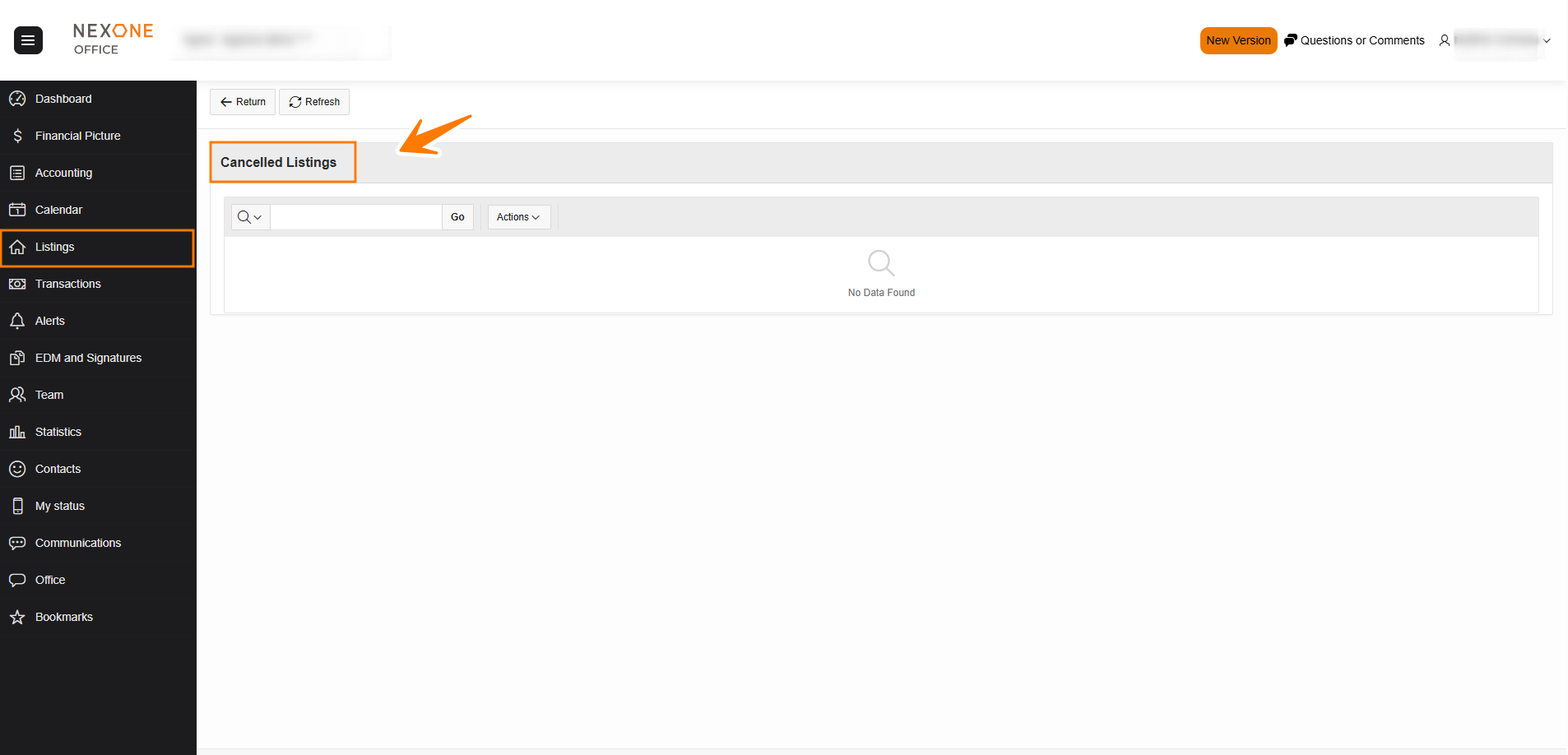
- Cancelled: Allows the agent to see all his cancelled listings.
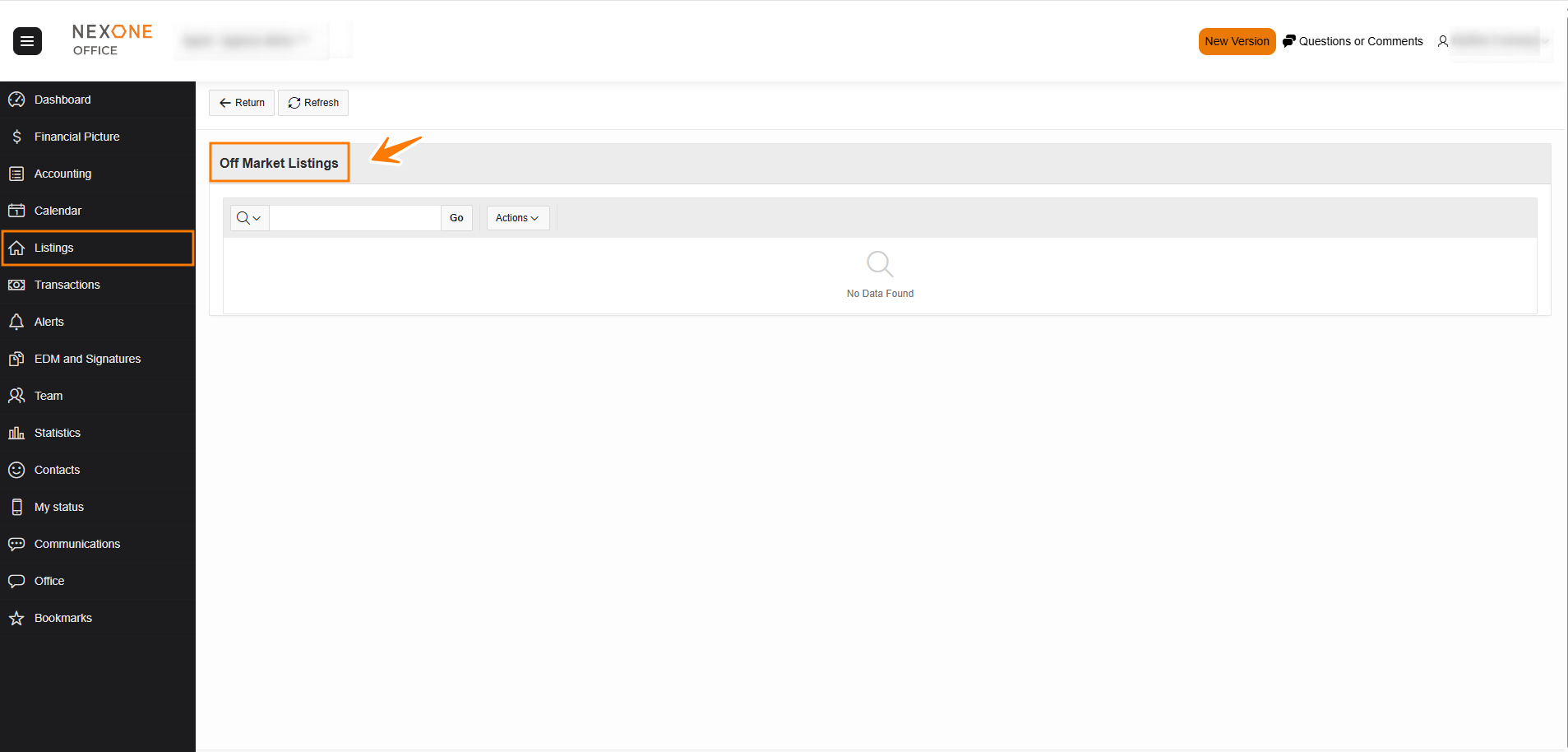
- Off Market: This option shows all the Off Market listings of the agent.
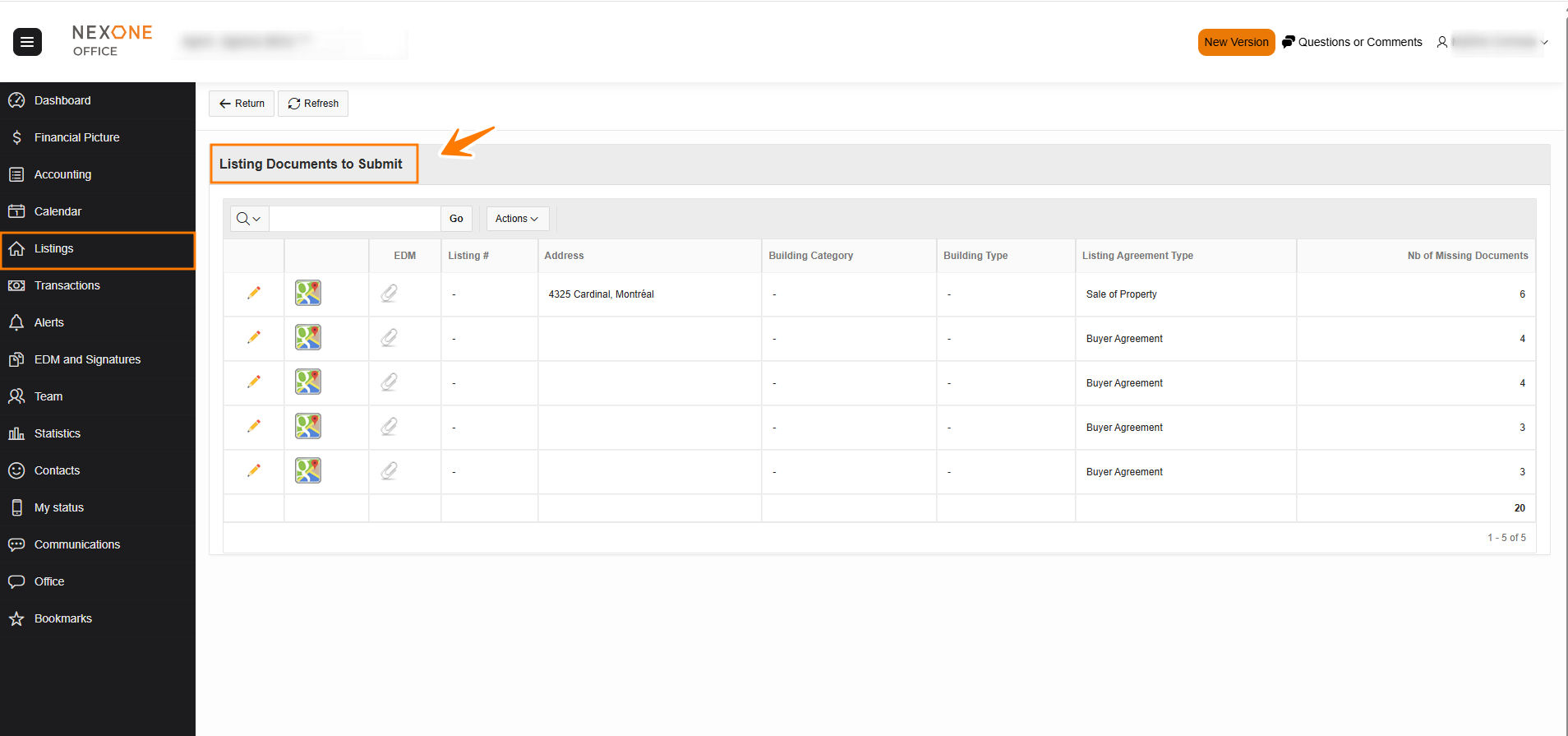
- Documents to submit: Allows the agent to see a list of all listings for which mandatory documents are missing.
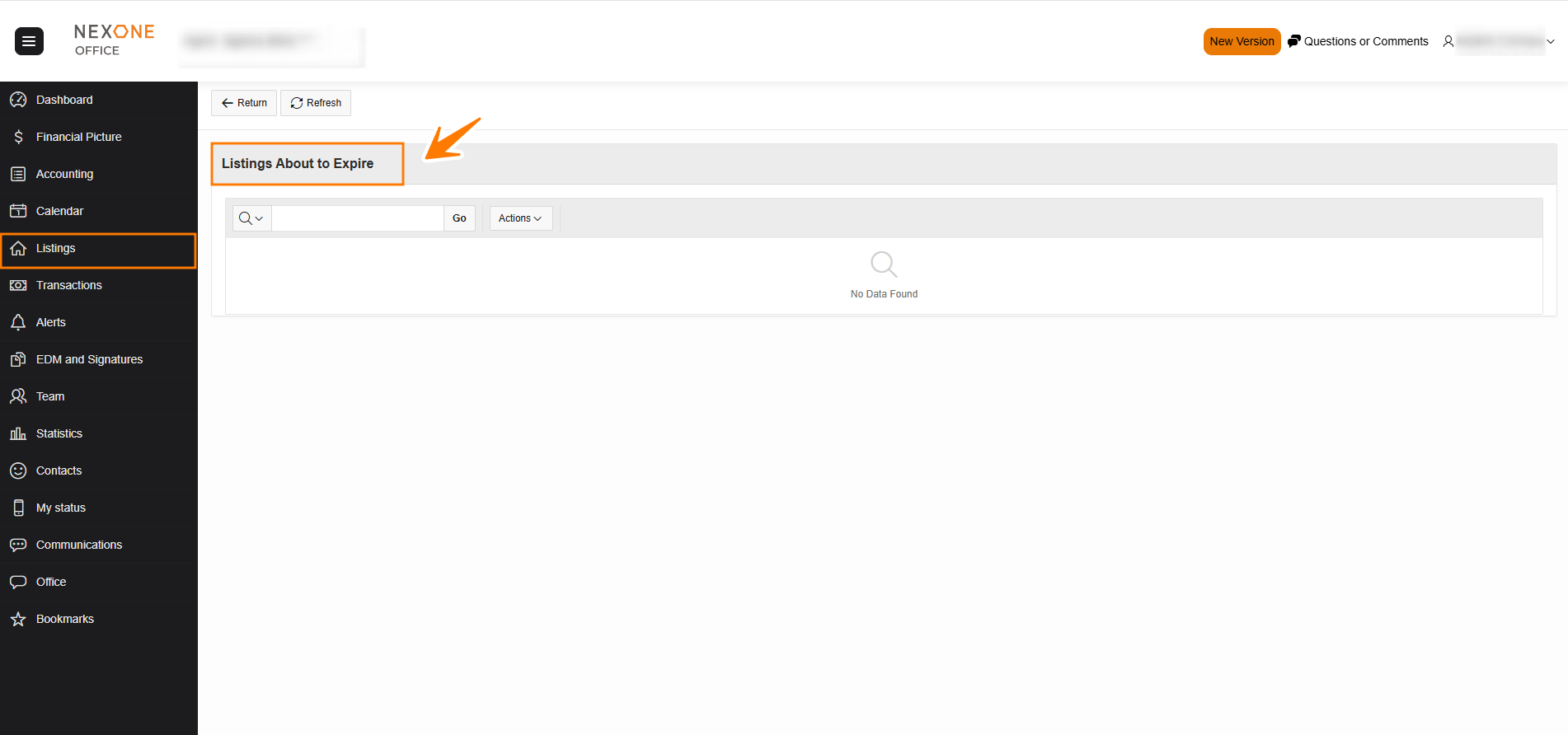
- About to Expire: This section will show all the listings of the agent that are about to expire.
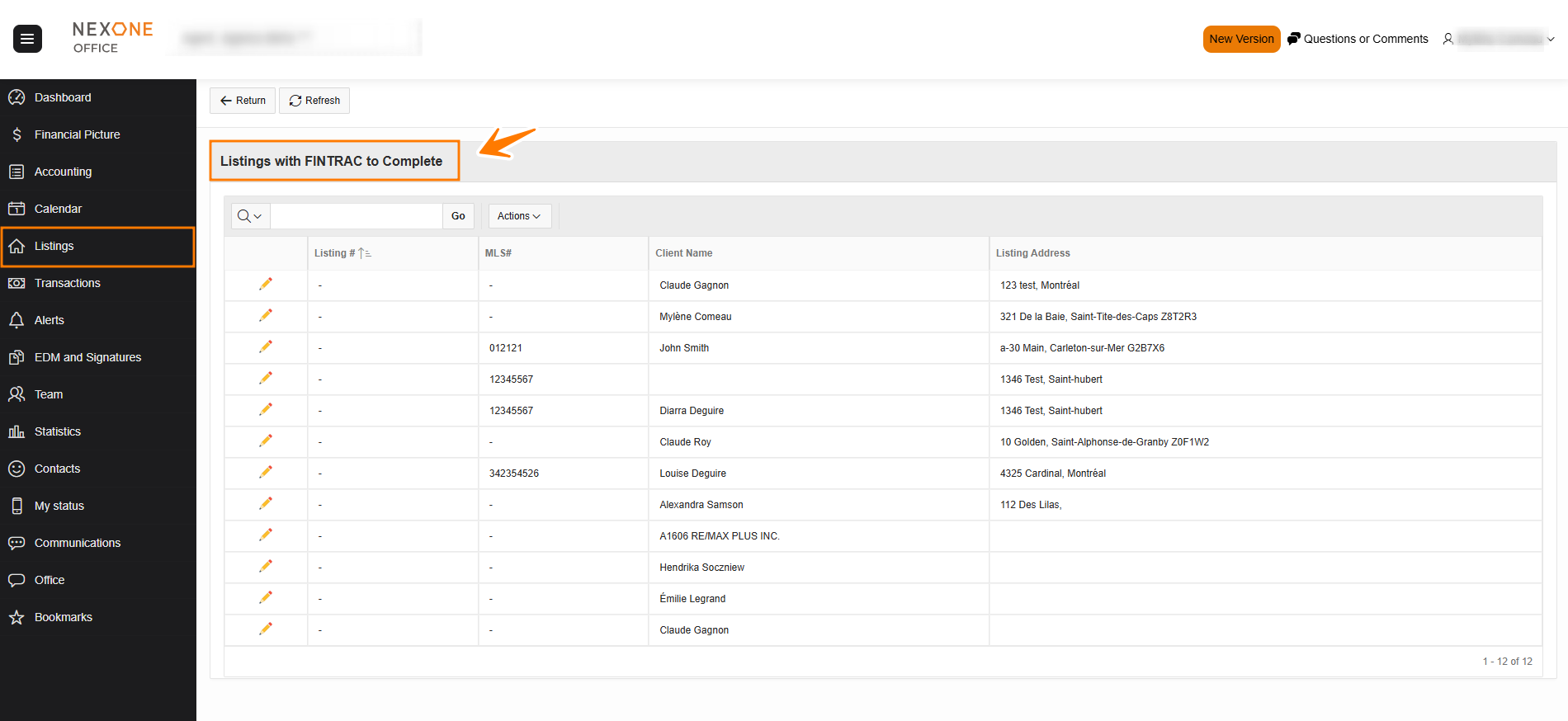
- FINTRAC to complete: Allows agent to track client identity checks that must be completed.
-
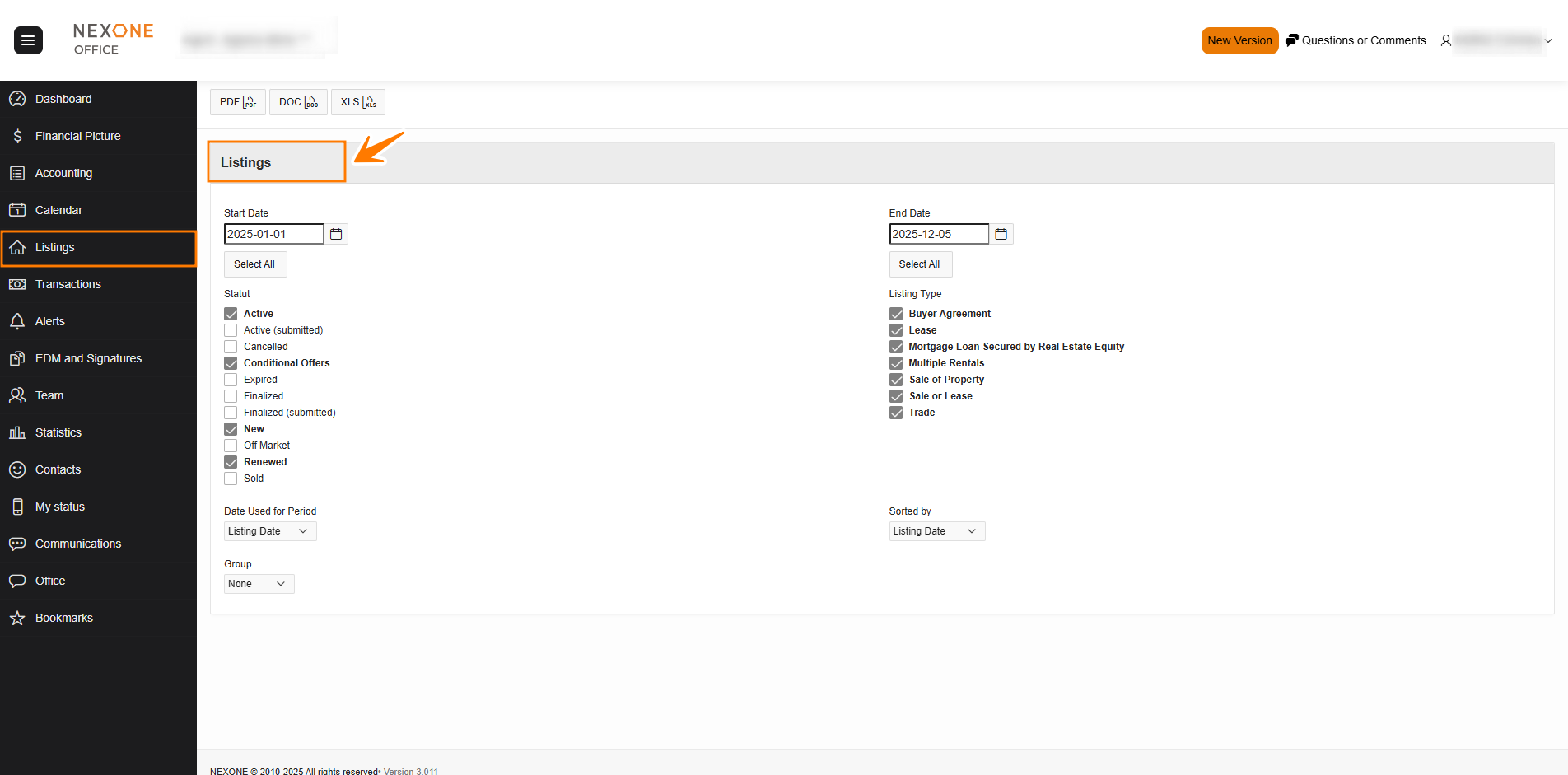
Detailed List: Allows agents to create a listing report using selected filters.