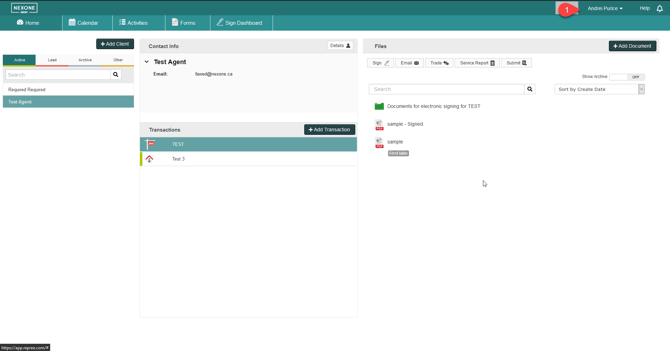
1. After logging in your NexOne Agent account, Select your Name at the top right hand side of the web page
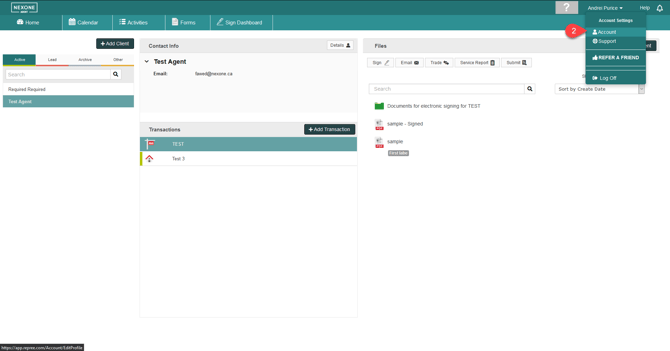
2. Select the Account option in the drop-down menu
3. In the Edit Your Account section, Select the Account tab
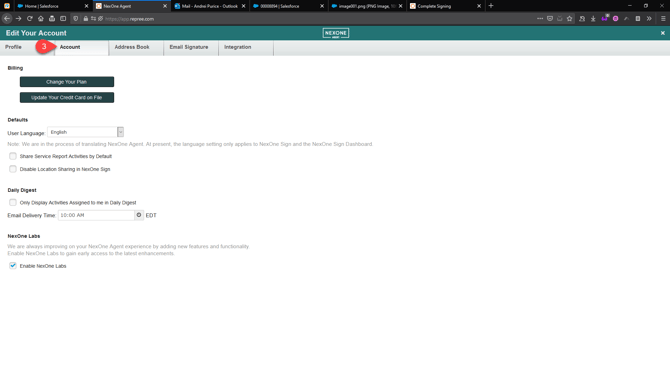

4. Check off the box next to the Enable NexOne Labs option located at the bottom of the page
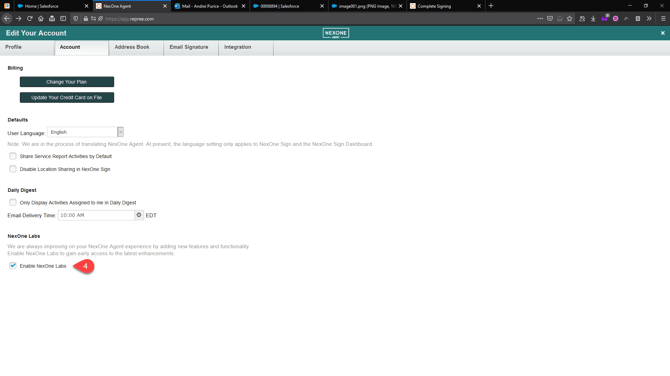
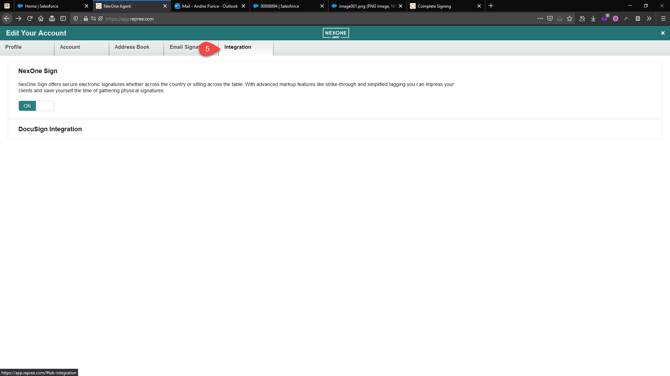
5. Select the Integration tab

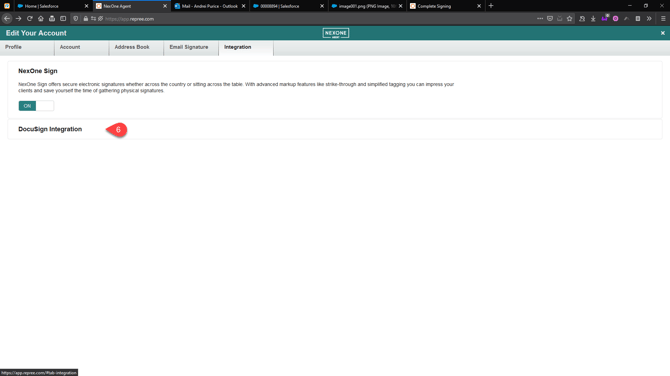
6. Select the DocuSign Integration option

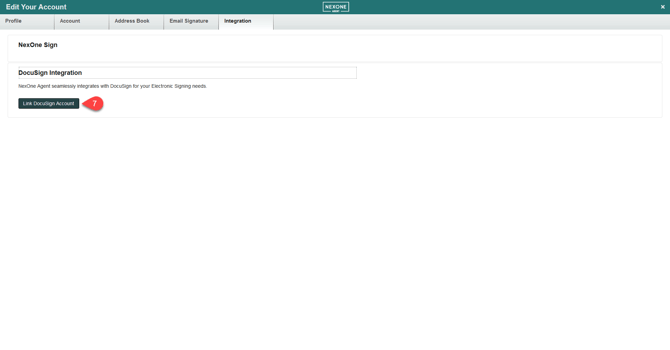
7. Click on Link DocuSign Account

8. You will get a pop-up asking you if you want to leave the page. Select Leave Page
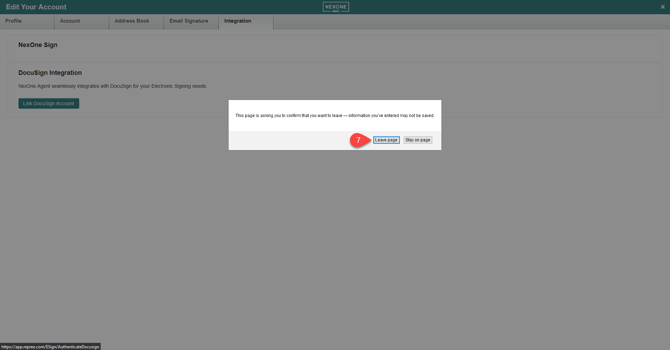
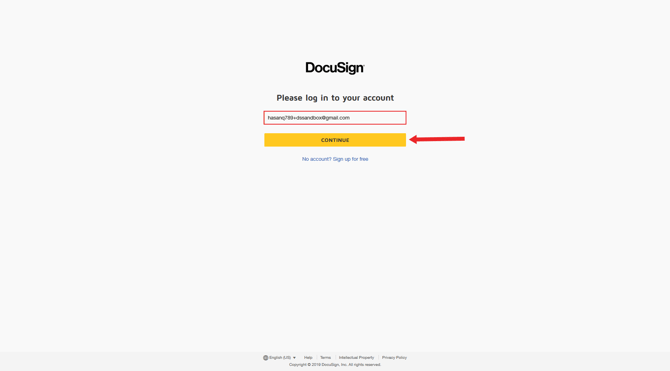
9. You should be redirected to DocuSign, Enter your credentials and you should be redirected back to NexOne Agent
You will have to enter your email first and the click on continue.

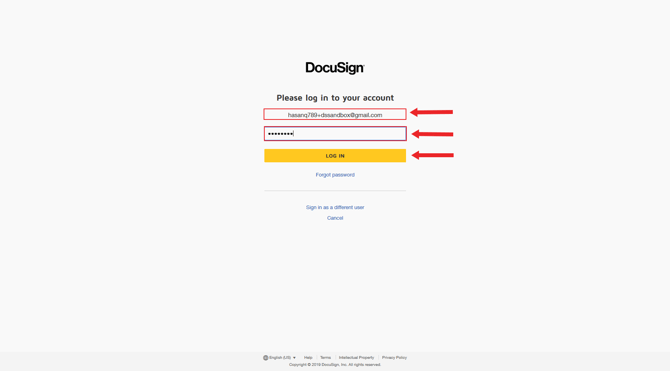
Make sure your email is written properly and then type in your password. You can then click on continue in order to finish linking both accounts.

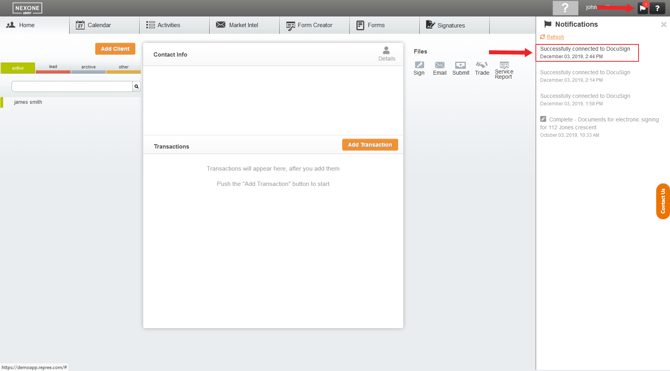
If you are already logged into your account it will not redirect you to DocuSign. It will send you to NexOne Agent’s home page and give you a notification saying you have successfully connected to DocuSign