
Please note that the following steps apply to both listing and transaction files. In the example below, we will be using a transaction as an example.
Select the Transactions tab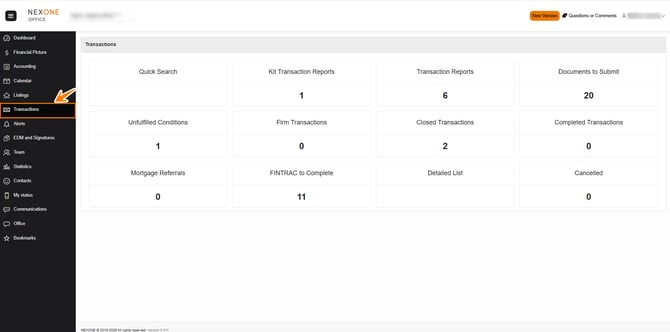
Select the Transaction Report where the forms will be added by clicking on the pencil. 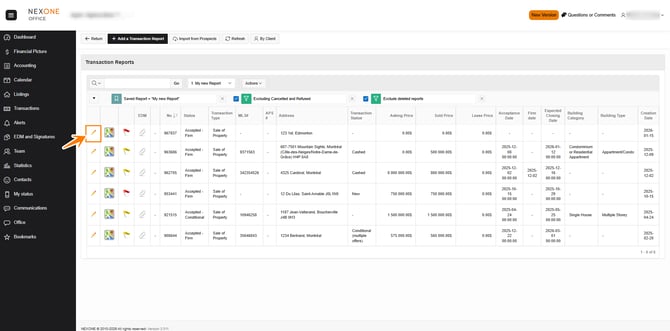
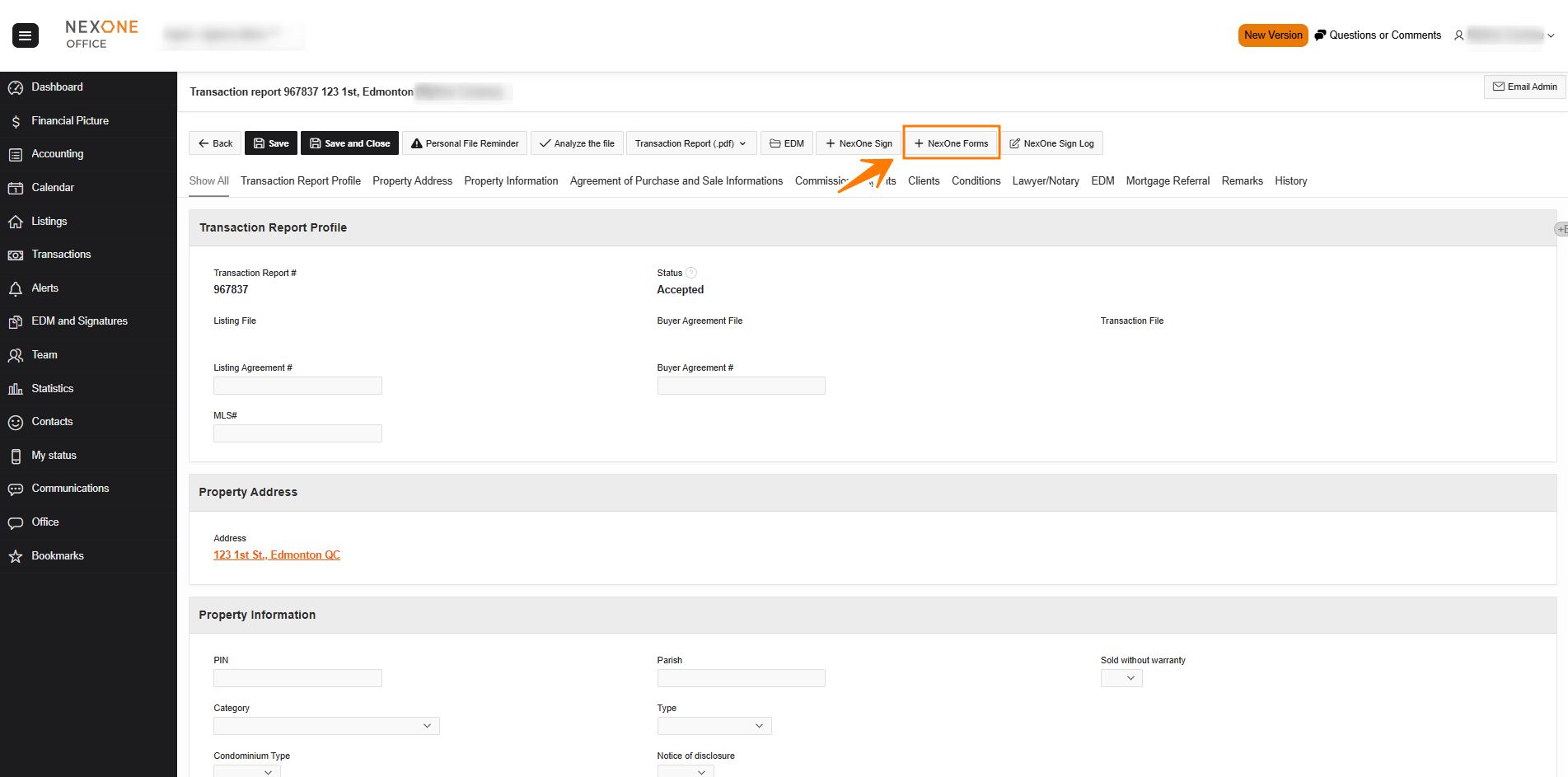
A new window will open
If a new window does not open, you’ll need to check your browser to allow pop-ups.
Forms
You are now in the Forms Section!! 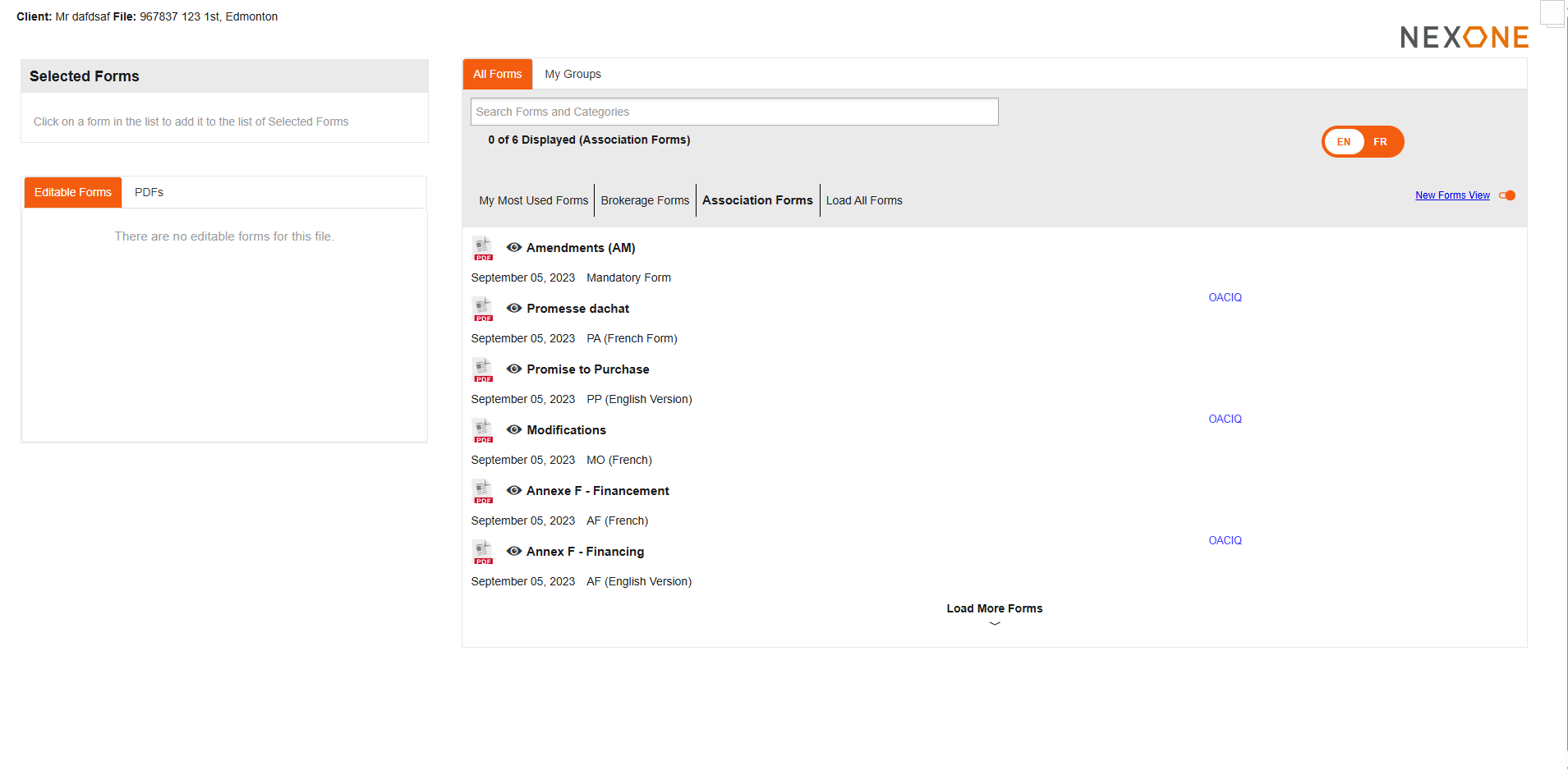
Completed!