Follow the instructions below to check and/or save your invoices!
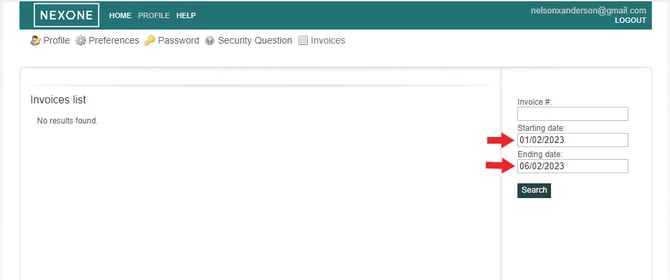
Check your invoices:- Go to Profile > Invoices

2. Search by: Invoice number / Starting date / Ending date.
Save your invoices
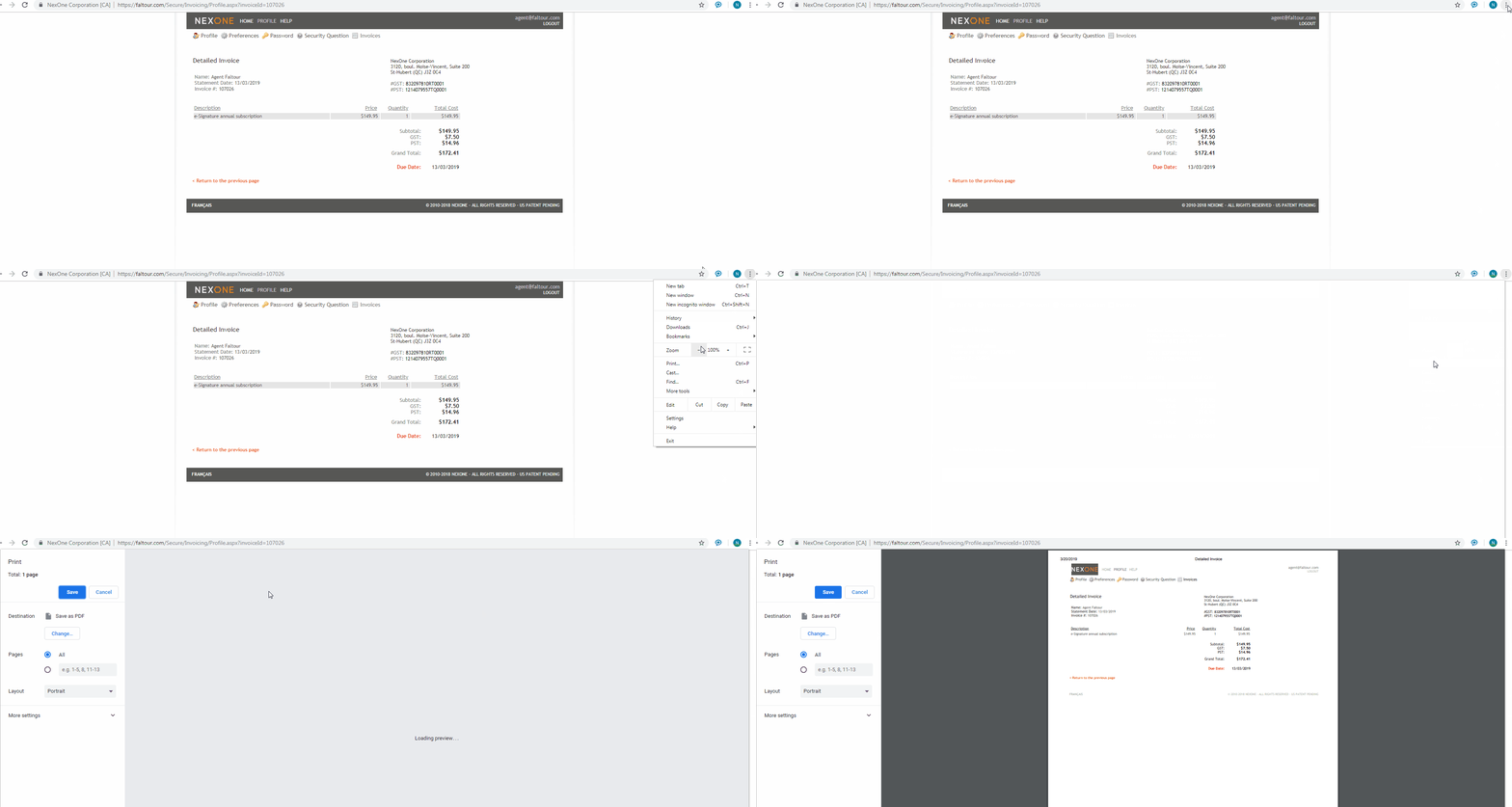
1. Click on your browser settings > print > save your invoice as a PDF in your computer desktop (click on the GIF below to make it bigger).