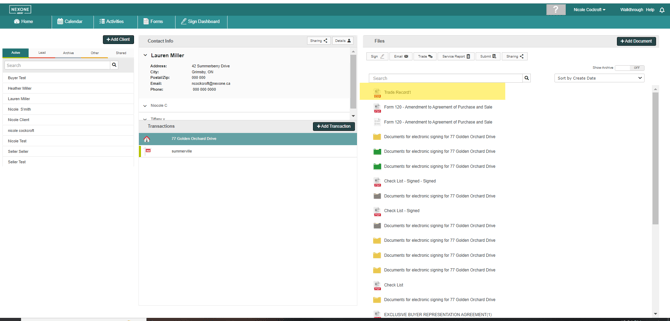
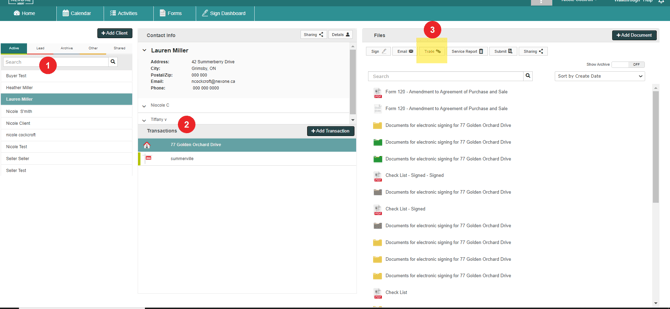
1.Choose a Client
2. Choose a Transaction
3. Then, click on TRADE

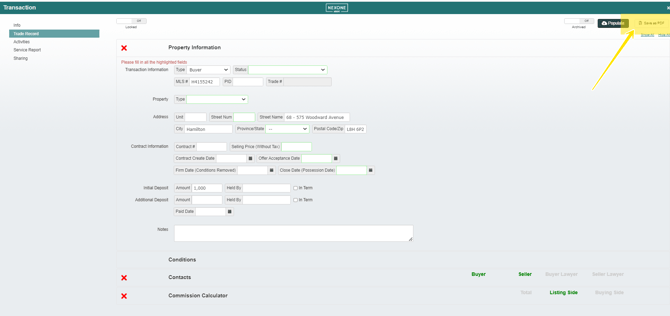
Now you have accessed the Trade Record:
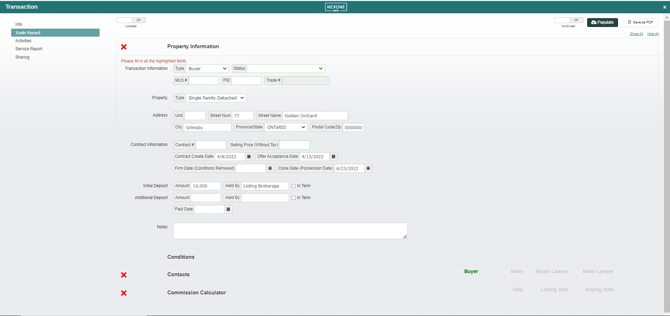

-You can either manually enter in your information and ensure that you fill out as much information as possible (the field highlighted in green are mandatory fields.)
or
-You can populate by MLS Number:
Ensure you complete the other field in the Trade Record before Saving:
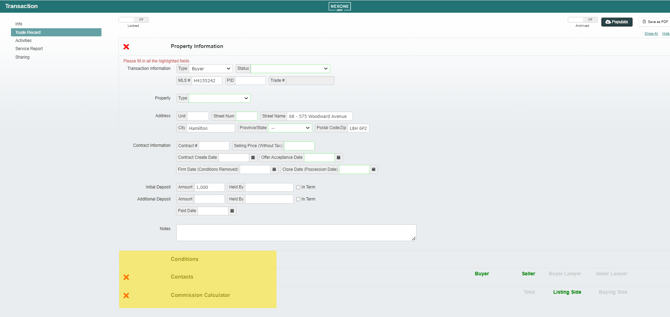

Once completed, click Save to PDF

You Trade Record is now in your document section: