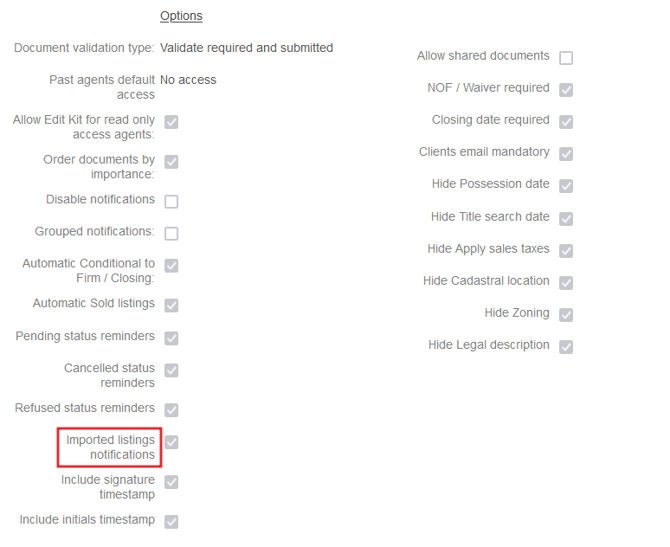
As admins, you have the ability to enable or disable the notifications of new imported listings. To do so, follow these steps:
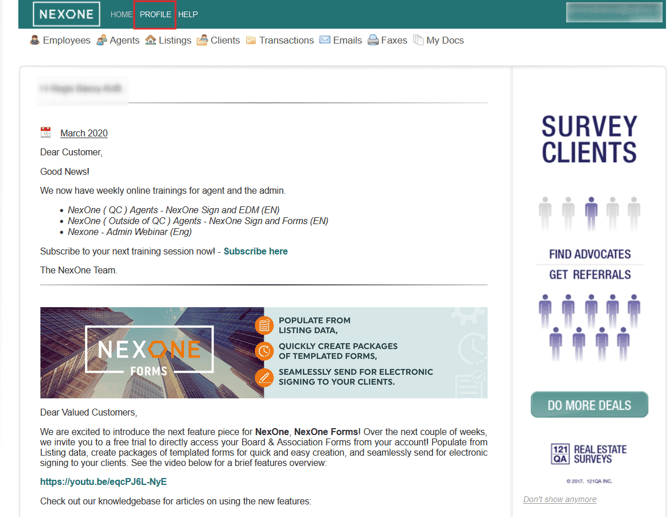
- Log in to the office account and go in the Profile section
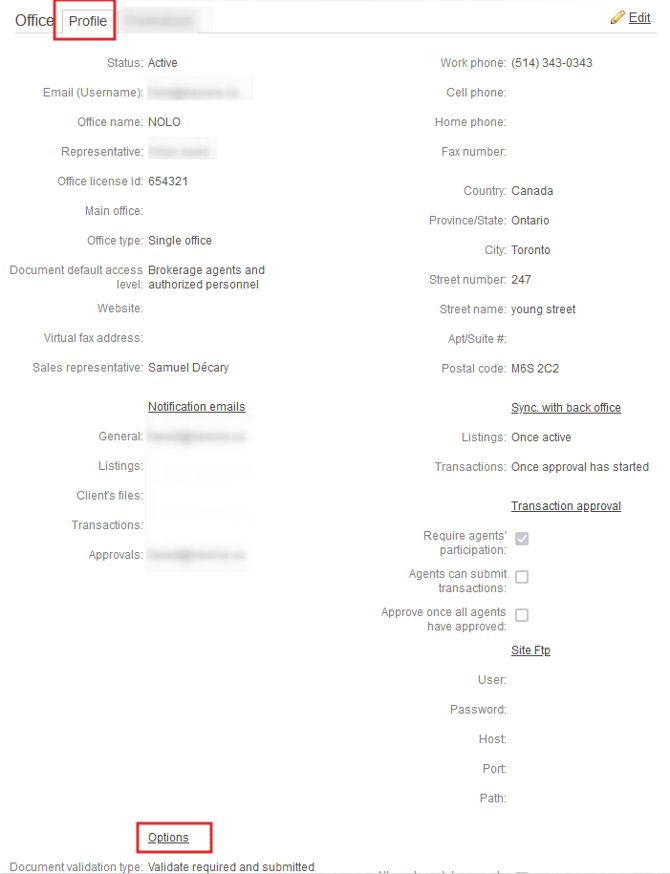
2. In Profile, scroll down until the “Options” section where you should see Imported listings notifications
2. Check the box to activate the notifications and uncheck it to deactivate them