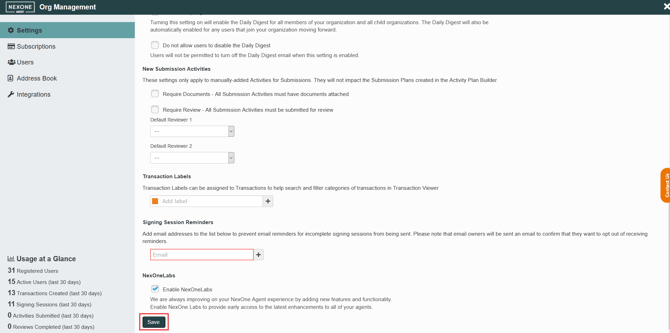
As a delegate of a brokerage (in NOA), it is possible for you to disable the reminder emails received by agents regarding signing sessions that have not been completed.
-
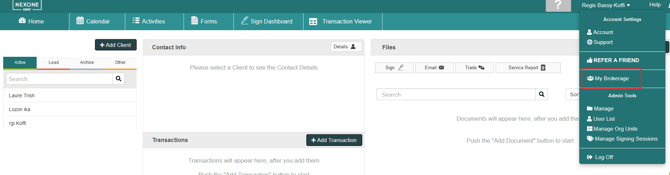
Go to My Brokerage by clicking on your name at the top right of the home page.
-
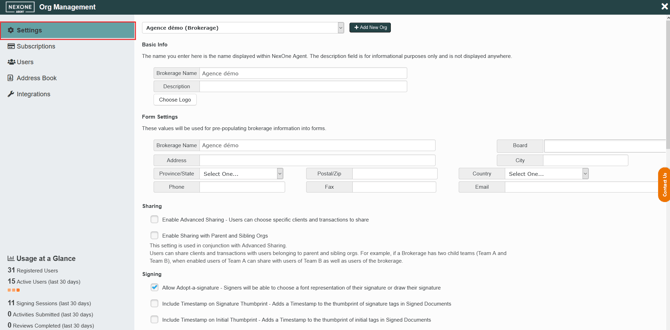
By default, you should be on the settings tab. If not, click on settings in the left menu.
-
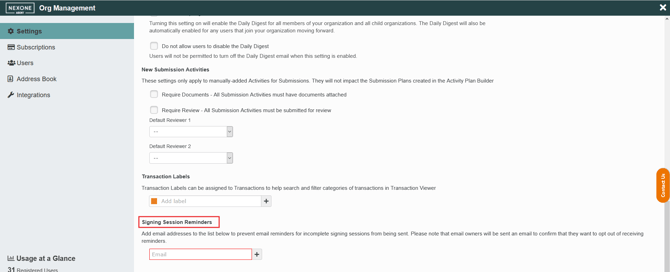
Scroll down to Signing Session Reminders, add the email address of the user that doesn’t want to receive the reminders anymore.
-
Click on Save and signing session reminders will not be sent to this email address anymore.