
Follow the steps below to delete an agent from the roaster.
Only the office account has the ability to delete an agent.
- Click on the Agents tab.

- In the search filter, enter the information that you have about the agent, and click on search.
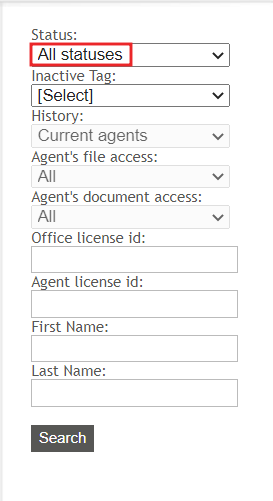
Make sure that the status is set to All statuses. - The agent’s account should appear in your Agent search. Click on the agent’s name to open his/her profile.
- Click the Delete agent option.
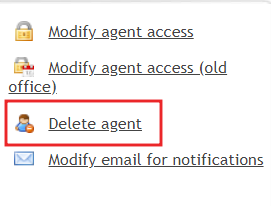
- The agent is now removed from the database of current agents, but he/she will remain in the past agents search.