
Save Preset Values
Save pre-filled content in your frequently used Editable Forms (preset values) to save time when filling out your form!
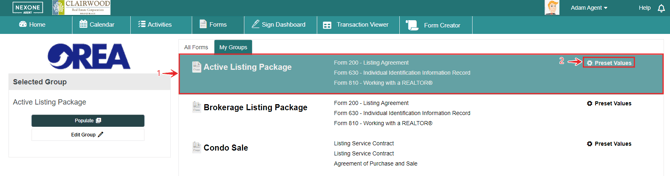
-
Select the form group you wish to save your preset content in.
-
Click Preset Values to enter the form filling screen.
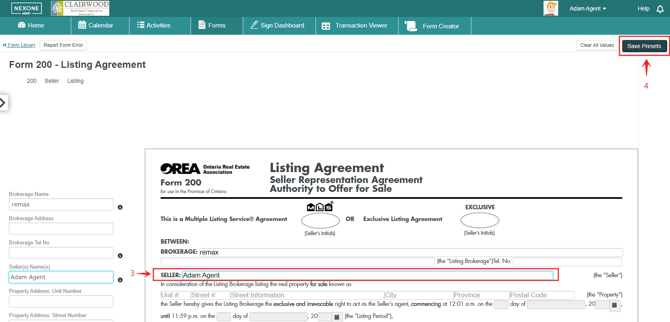
3. Fill your your form with the desired preset values.
4. Click Save Presets to save your content!
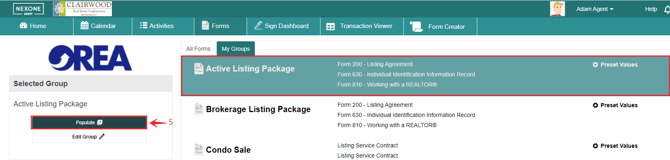
5. To use your forms containing preset values, select your form and hit populate.
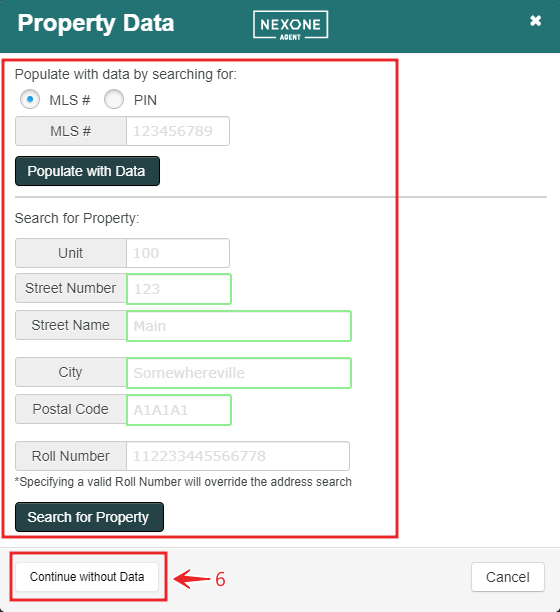
6. Either enter the property information or continue without data.
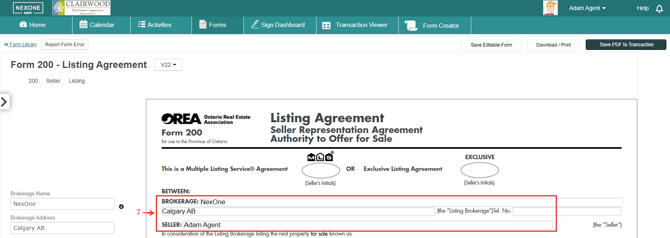
7. You should now see that your form contains the preset values.
Clear Preset Values
-
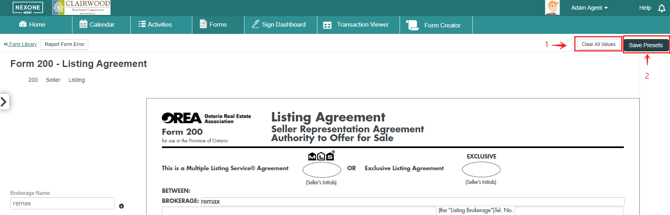
Enter the preset filling screen and click Clear All Values.
-
Then click Save Presets to save your empty form.