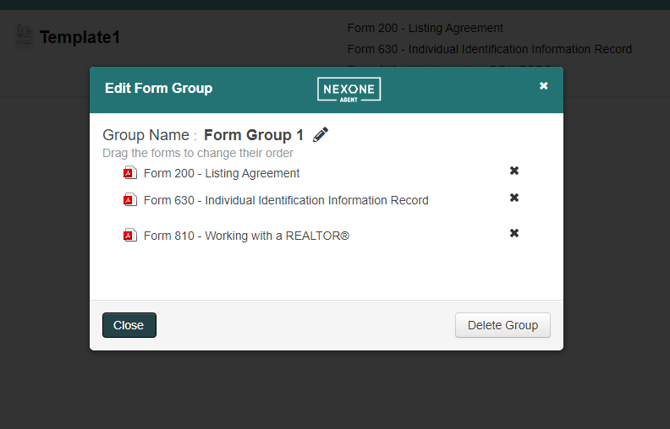
Follow the steps below to add or remove forms in NexOne Legacy.
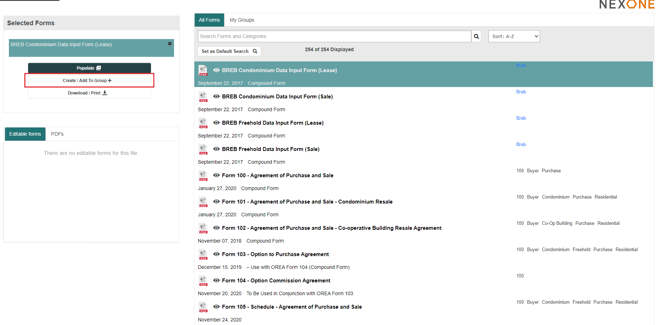
Adding a Form to Your Group- Select the form and click Create/Add To Group .
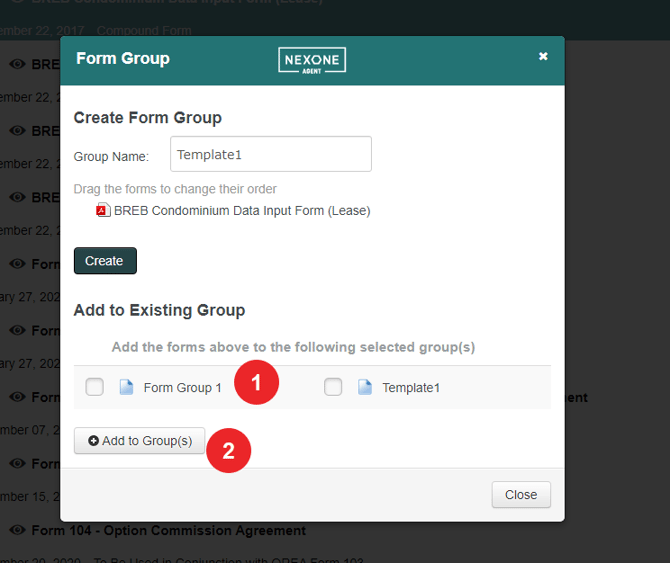
2. Select the Group you want to add the form to and click on Add to Group(s).
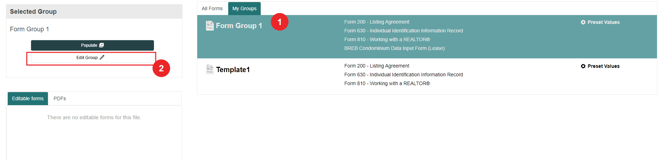
3. Go to My Groups and notice that the form is in the selected form group

Removing a Form From Your Group
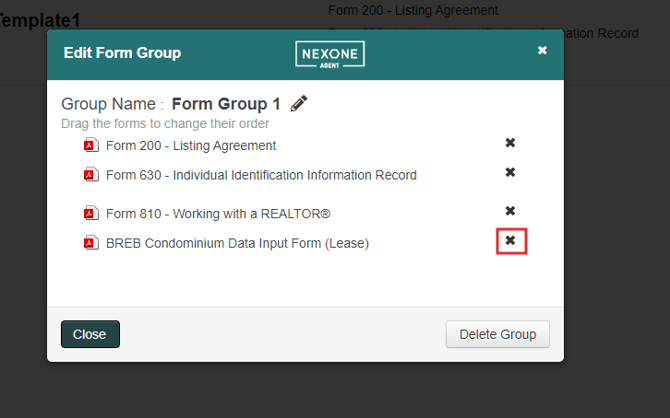
1. Select the Group of forms and click on Edit Group.
2. Click the  to remove the form from the Group.
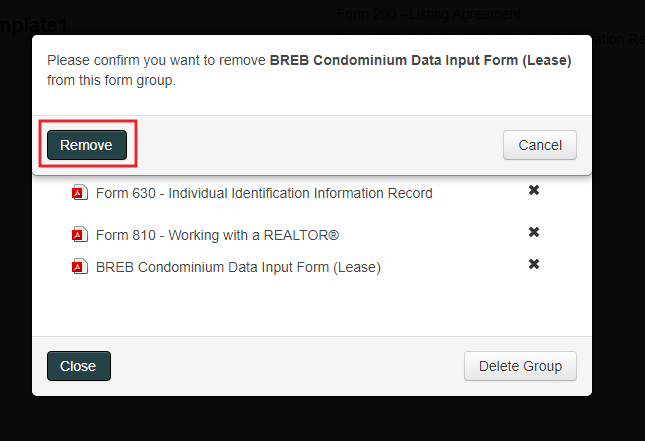
3. Confirm removal of the form by clicking Remove.
4. The form is now removed from the Group.