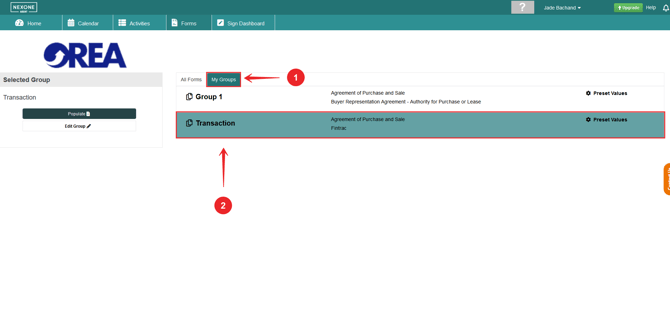
Save yourself some time, by creating form groups normally used for each type of transaction!
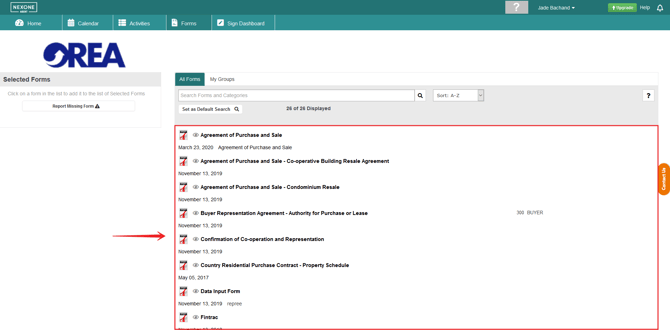
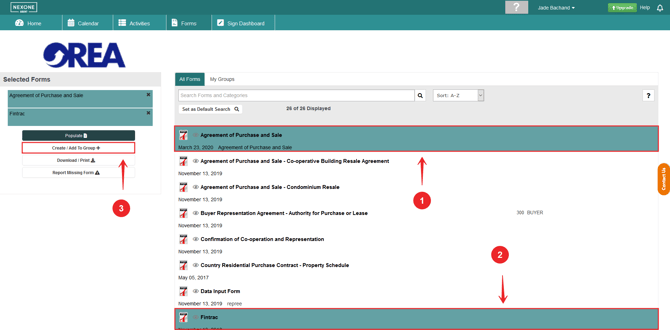
1.Select the forms you wish to have in your form group
2. Click the create/ add to form group button
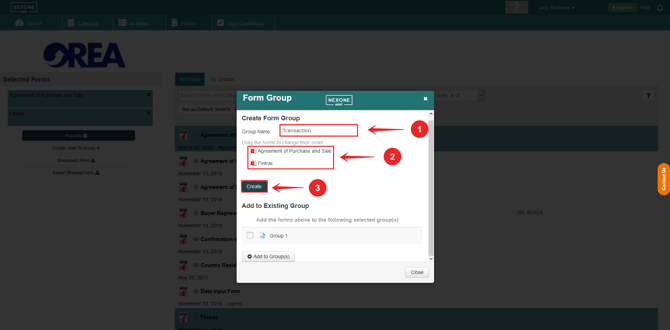
3. Set the title for your form group, view the form(s) you compiled into your form(s) group and then click Create to create your form group.
4. To find your created form group, click on My Groups tab to view your form groups. Your form group will be in this section with the title that you have selected.