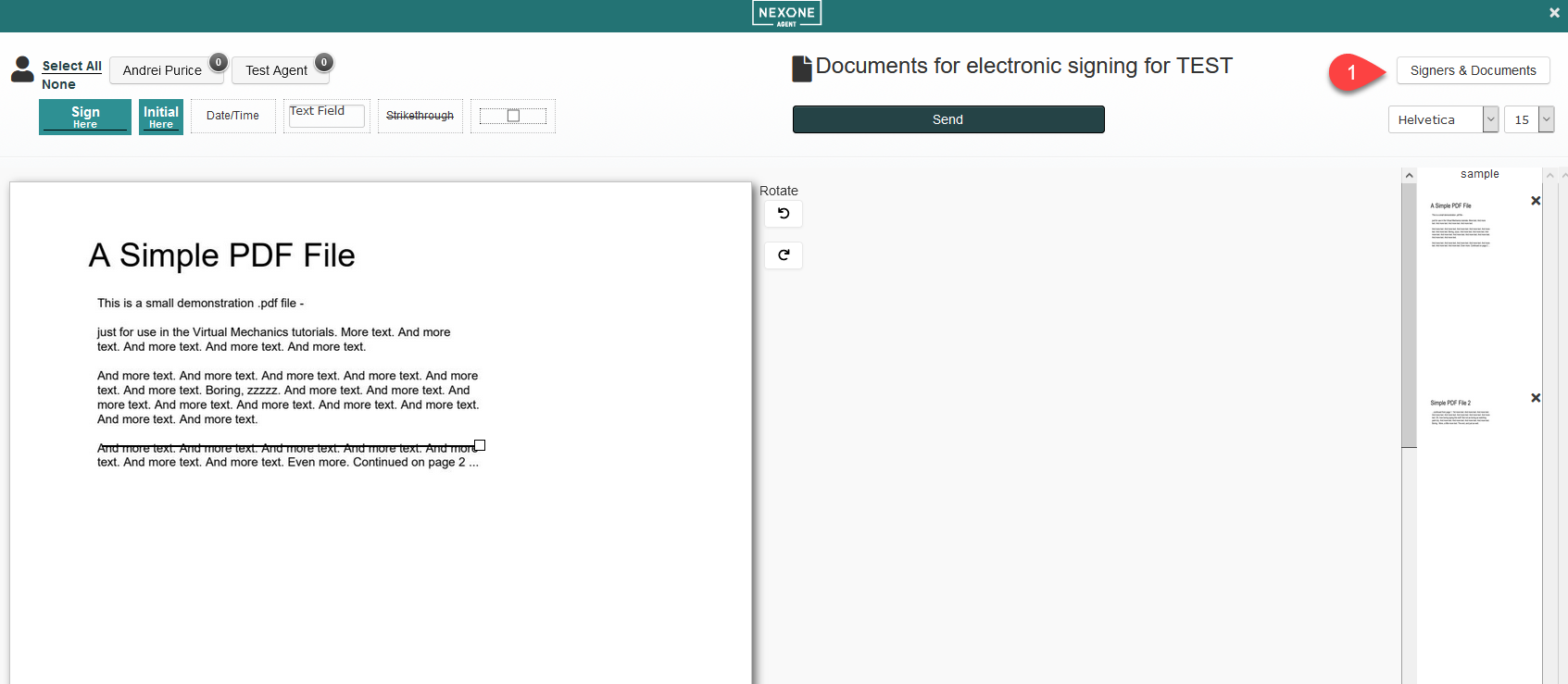
From the tagging screen you can edit your Signers & Documents by clicking on the button in the upper right-hand corner.
You can then Edit Signers & Documents (click for video tutorial)


From the tagging screen you can edit your Signers & Documents by clicking on the button in the upper right-hand corner.
You can then Edit Signers & Documents (click for video tutorial)