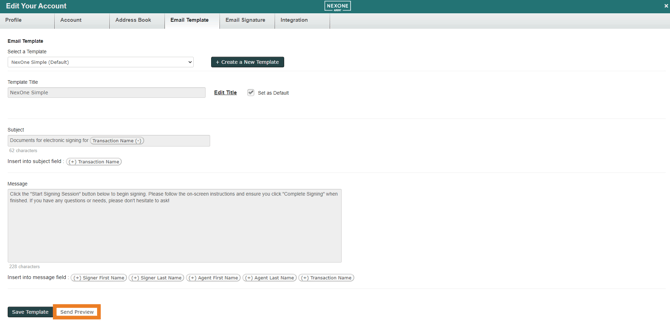
To edit your Email Template,
-
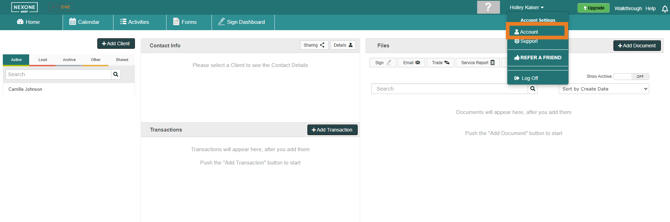
Click on your name to show the dropdown list.
-
Then select “Account”
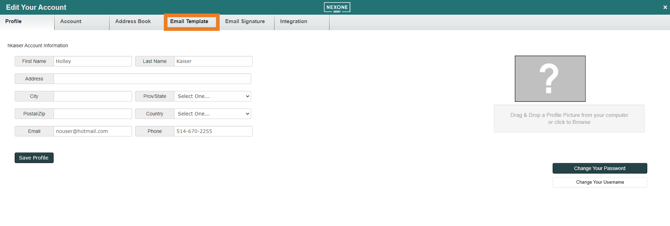
Select the Email Template tab
Here is where you can use the auto-populated fields that we have entered in the fields already that is our “NexOne Template”, or you are able to Create a New Template by clicking on the green “Create a New Template” Icon to make it more personal.
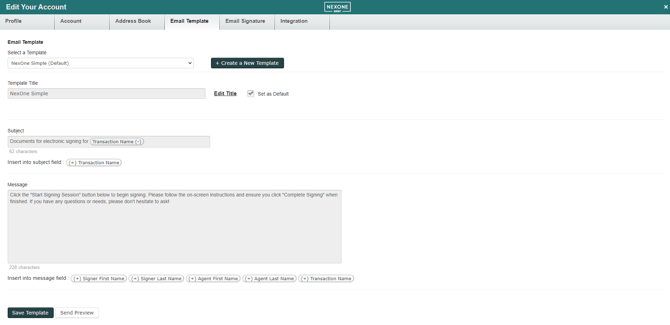
Once your template is complete, select save at the bottom of the screen.
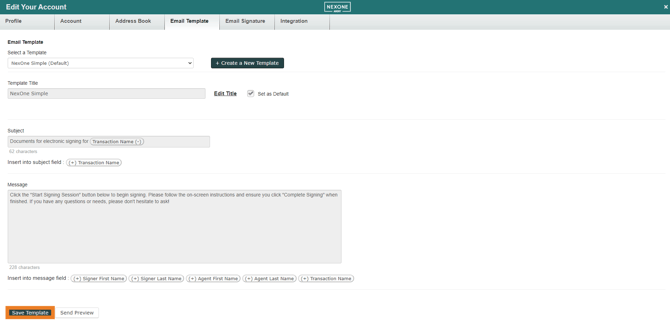
If you click on “Send Preview” this will send a preview to your email so you can see it firsthand if you'd like to see what your clients will receive.