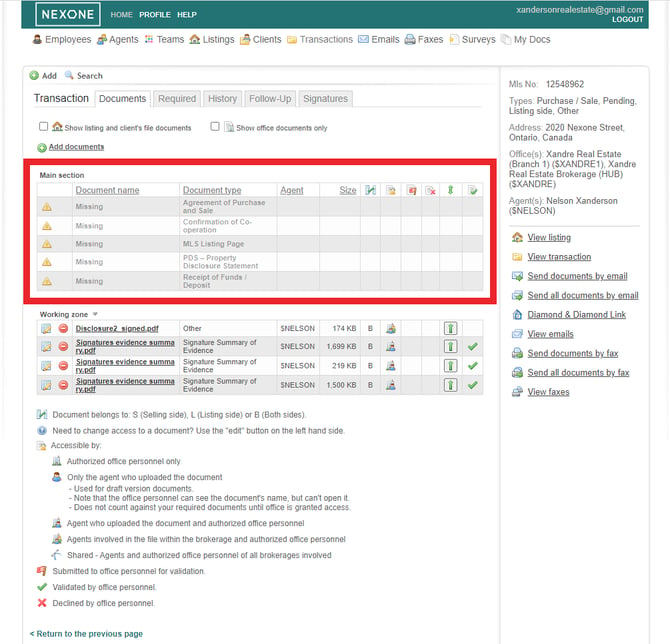
Situation: When I create a client/listing file and I upload all the required documents on it, and then I move on to the linked transaction and upload all the required documents for the transaction, it is still asking for documents that I have already uploaded in the client/listing file. What should I ?
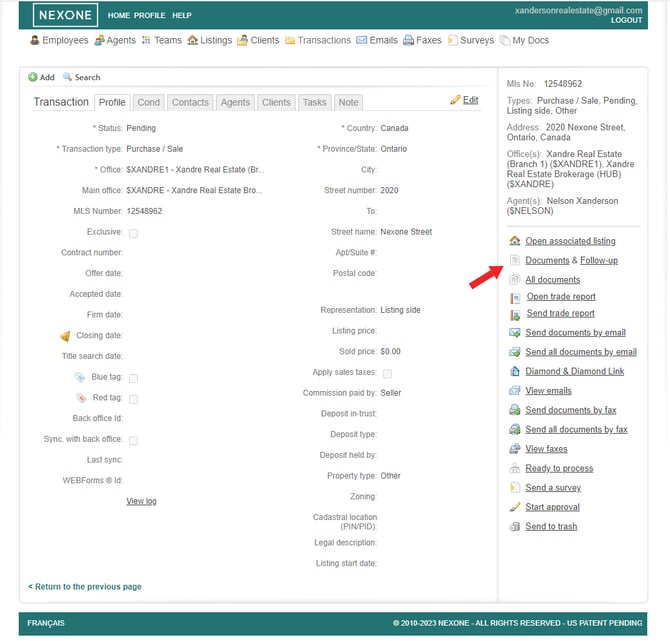
In this scenario, we will have a listing linked to a transaction. This listing and transaction will have each their specific required documents groups. However, they both have the "Working with a Realtor (seller)" document as a required document.
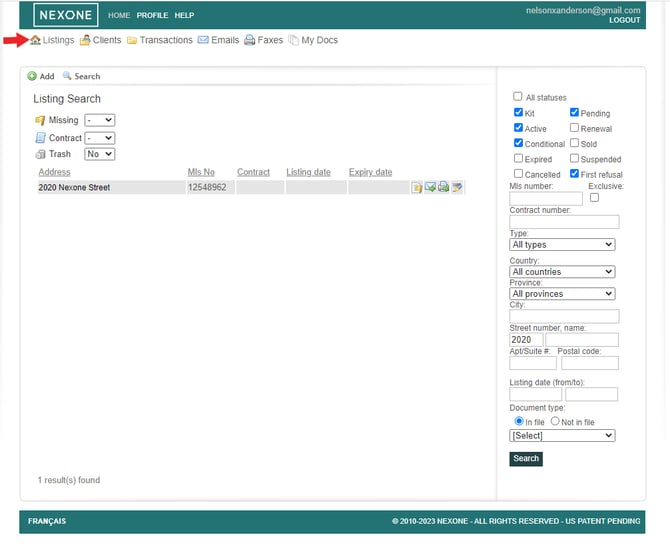
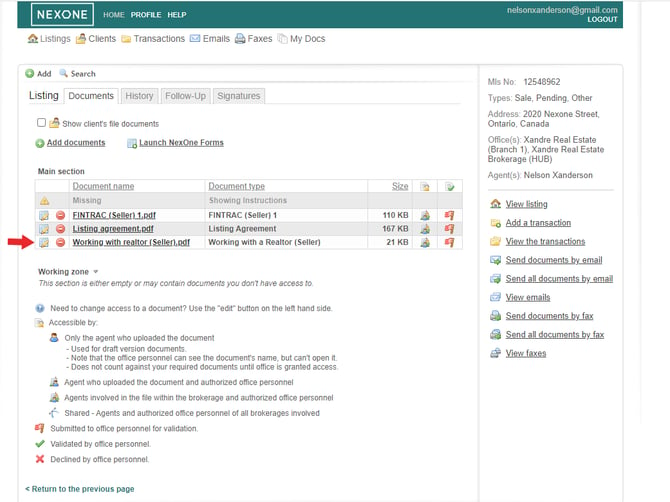
1. In the video below, we have a listing with all its required documents, including the "Working with a Realtor (seller)" that we will take as an example for this scenario. In this listing, we have added the "Working with a Realtor (seller)" to the missing documents.
2. When moving on to the linked transaction, we can see that the "Working with a Realtor (seller)" is also required for the transaction.
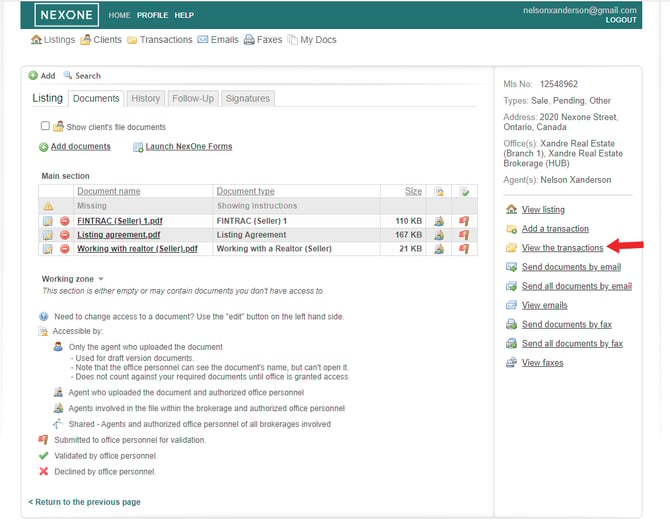
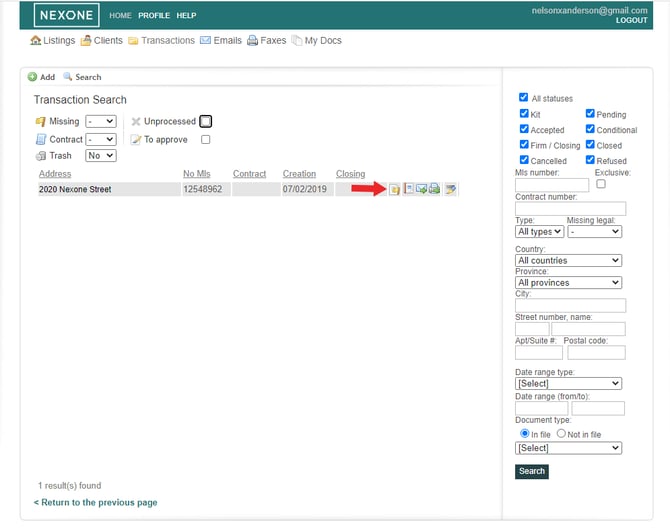
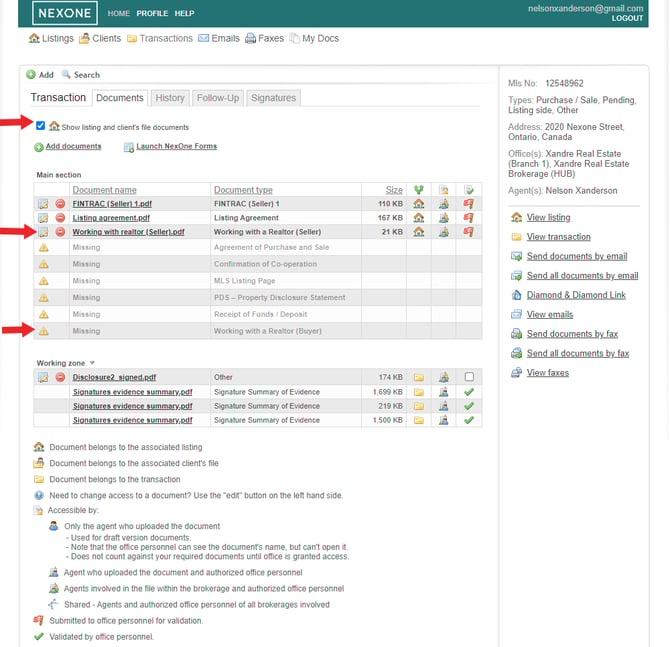
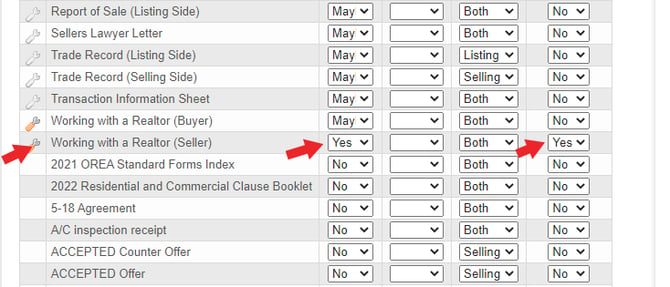
3. In order to fix this, as an admin, you have to connect to the main HUB account. Go to Profile > Preferences > Required Documents Groups > Transactions > Edit and scroll down until you find the document. Under the "Link to listing / client" switch to Yes and Save.
Note: This will save the changes for all new files that will be created from this point on and will not change the required documents for files already created.
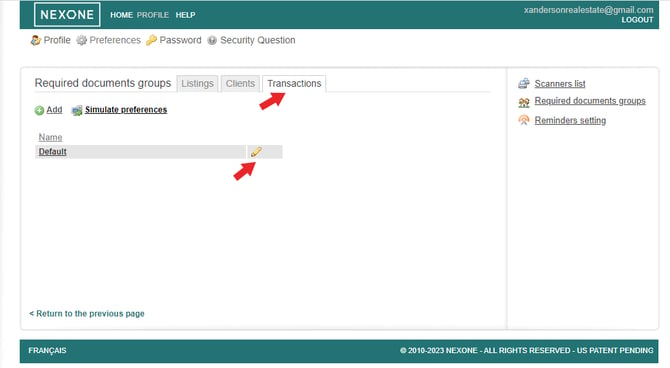
Both the required and the link to listing /client should be yes as shown
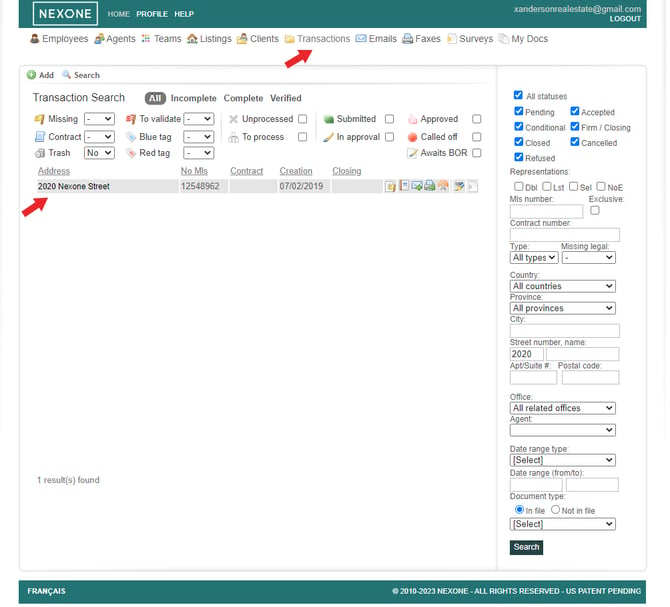
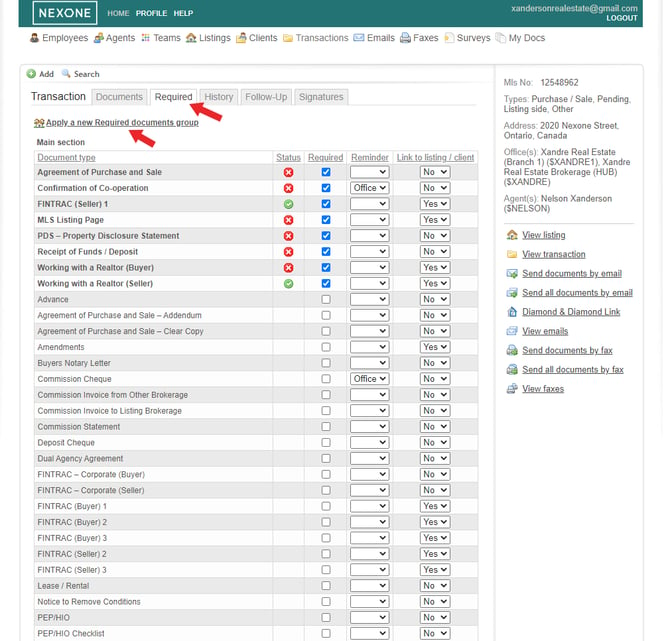
4. In order to make the change to a current transaction, you have to set it directly within the Transaction. As an admin, Go to the Transaction under documents > Required and click on "Apply a new Required documents group".
Go back to your transaction>Documents and follow up>Required>apply a new Required documents group>Save
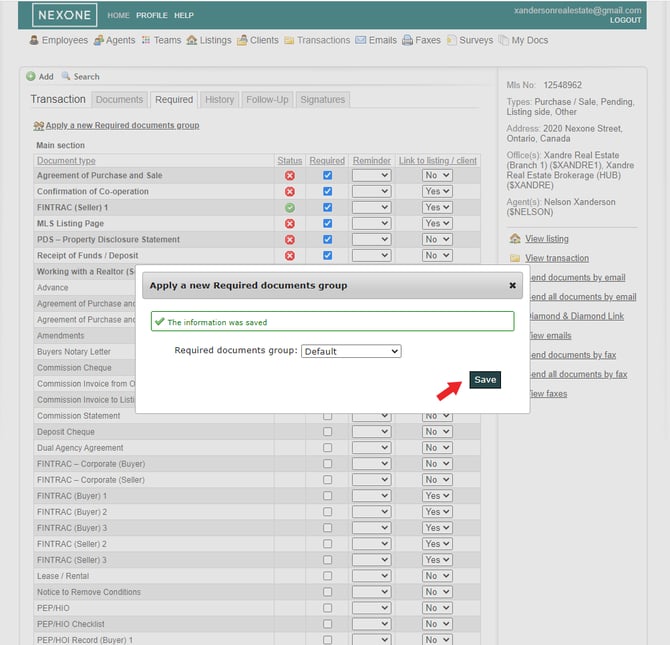
5. Now, if you come back to your transaction, on the documents section, the "Working with a Realtor (seller)" document no longer shows as a missing document.