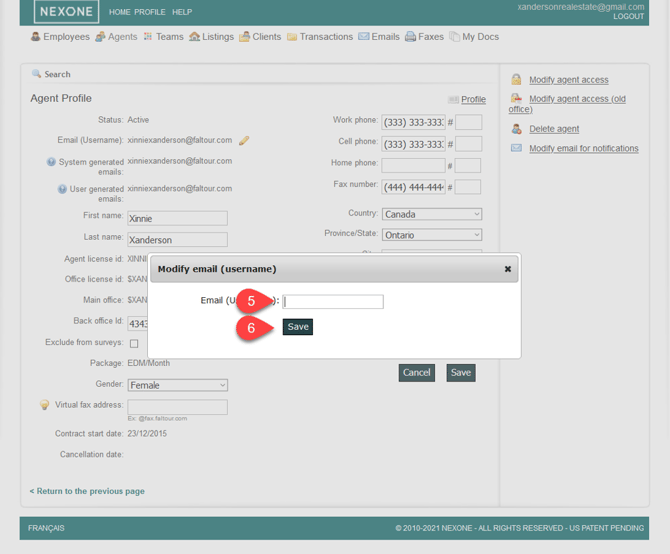
1- Click on the “Agents” tab to search for an Agent
2- Select your Agent by clicking on his name
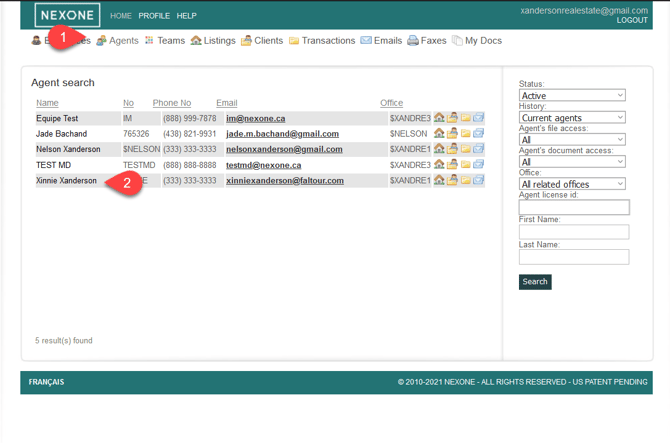
3- Click on “Edit” on your right hand
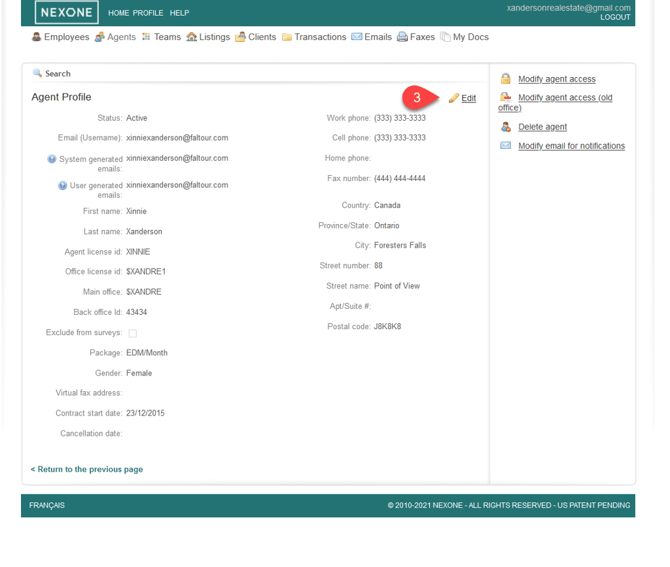
- Click on the yellow pen in order to edit the username
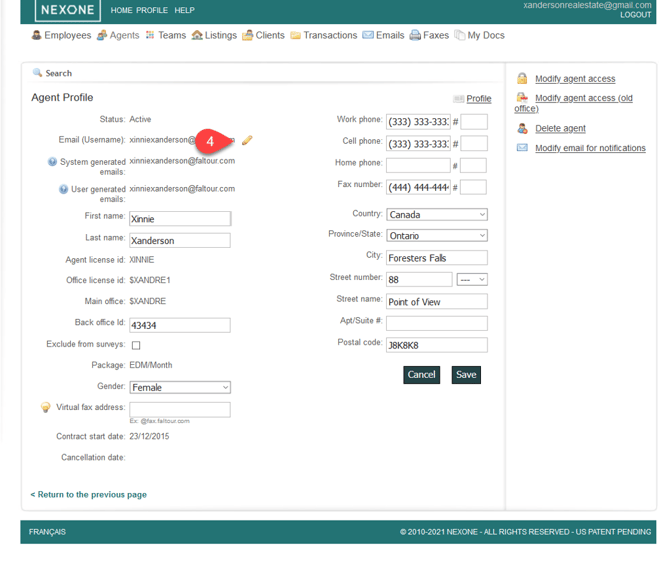
5- A small pop-up will appear with a box to write your new username information
6- Click on the “Save” button just below