When working in an Office or Team with full sharing or advanced enabled, there may be times when you are looking to switch ownership of a client between team members.
For advanced sharing, the client must be shared by the original owner.
For example: When removing a team member, all clients created by the team member will accompany their account.
Before removing this team member, please review client ownership for all clients to ensure it has been updated based on your team member's agreement with the team. Then switch ownership accordingly.
Follow the instructions to change client ownership:
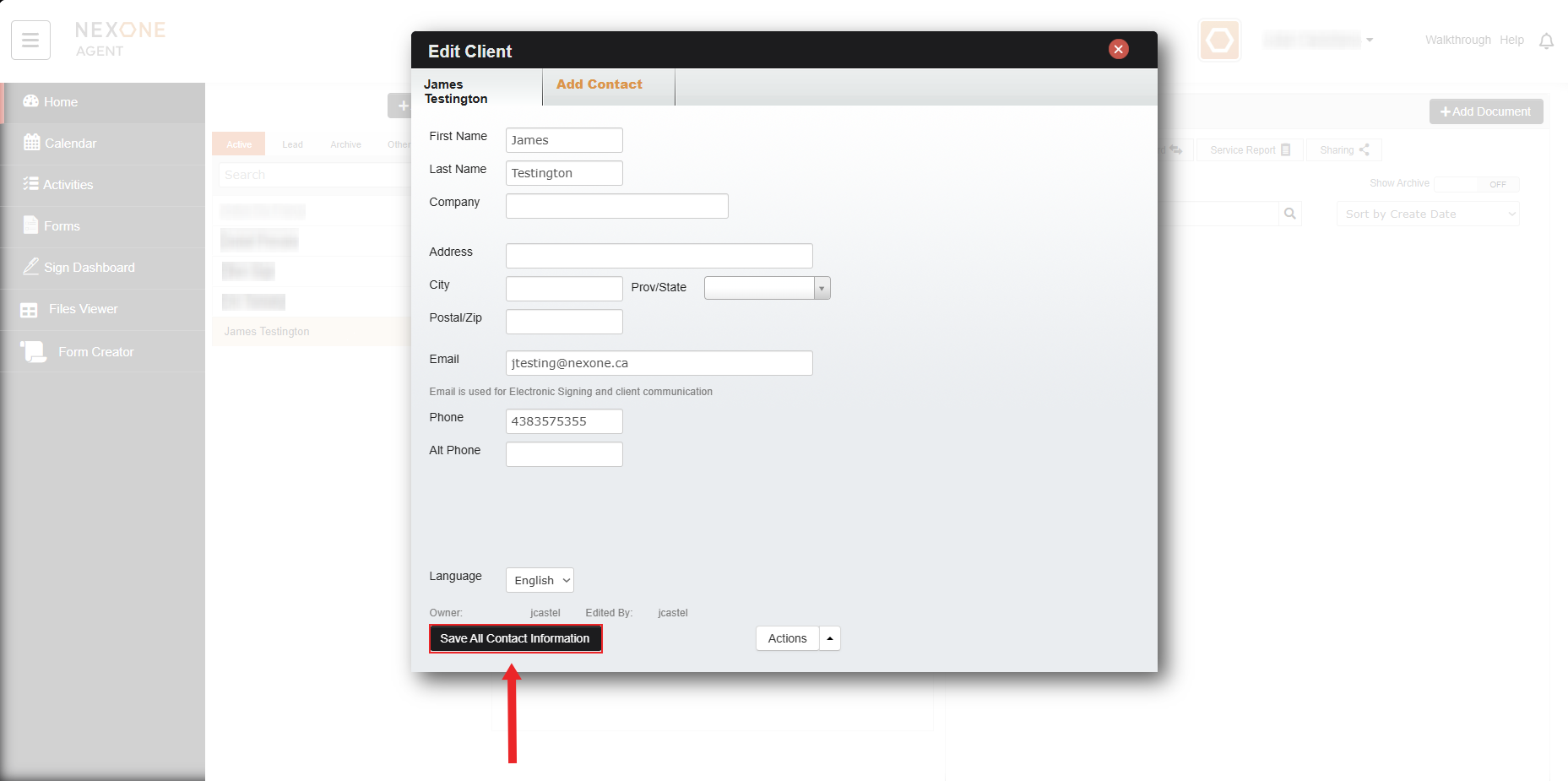
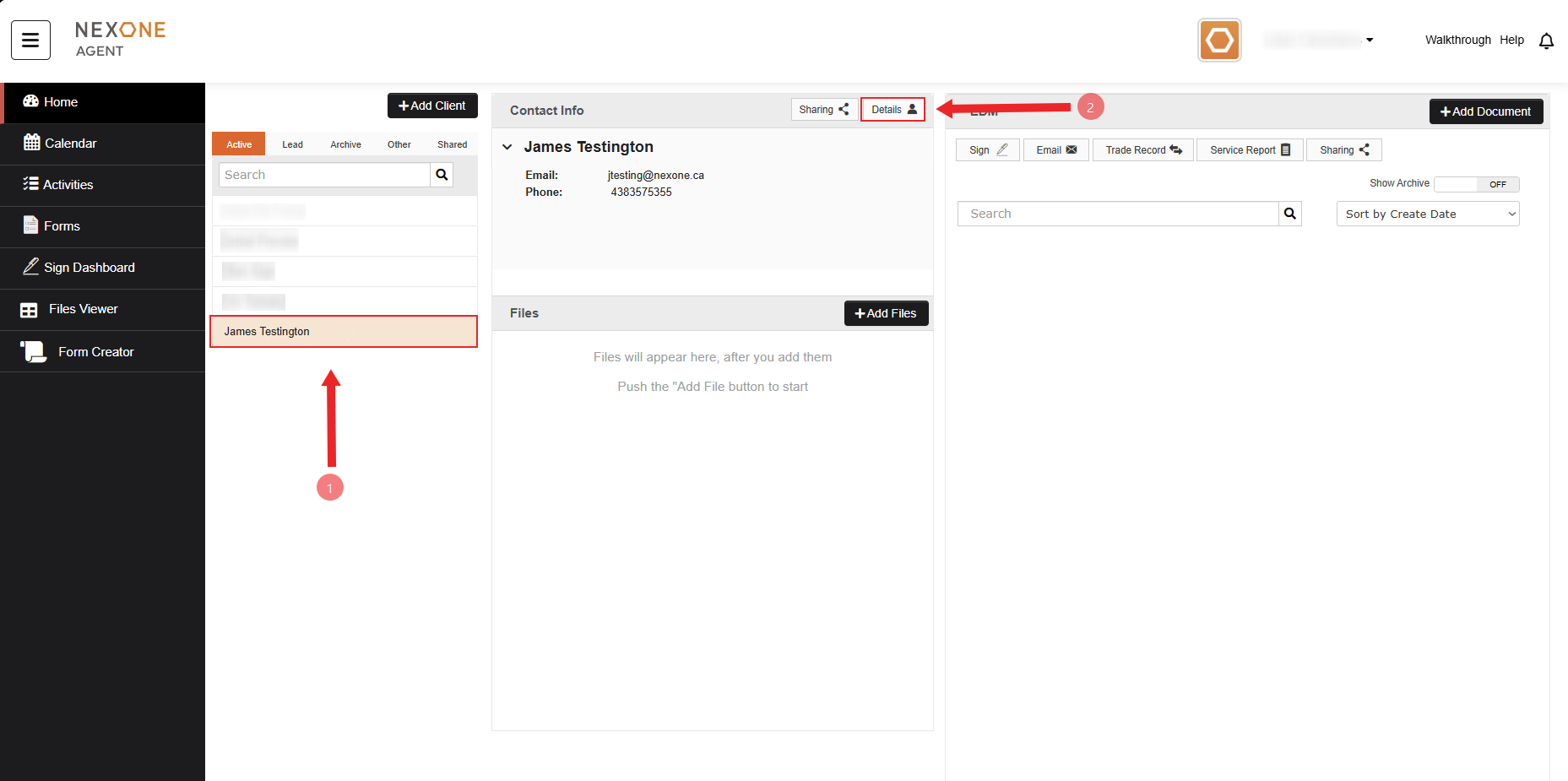
- Edit your client's details by clicking the "edit" button when hovering over your client or "details"'.
- In the client details, there is an Owner field.
.png?version=1&modificationDate=1525751831001&cacheVersion=1&api=v2&width=250&height=46)
- Expand the drop down list to view all your unit members and select the new owner of the client.
- Once you've made your selection, Save All Contact Information.