Description
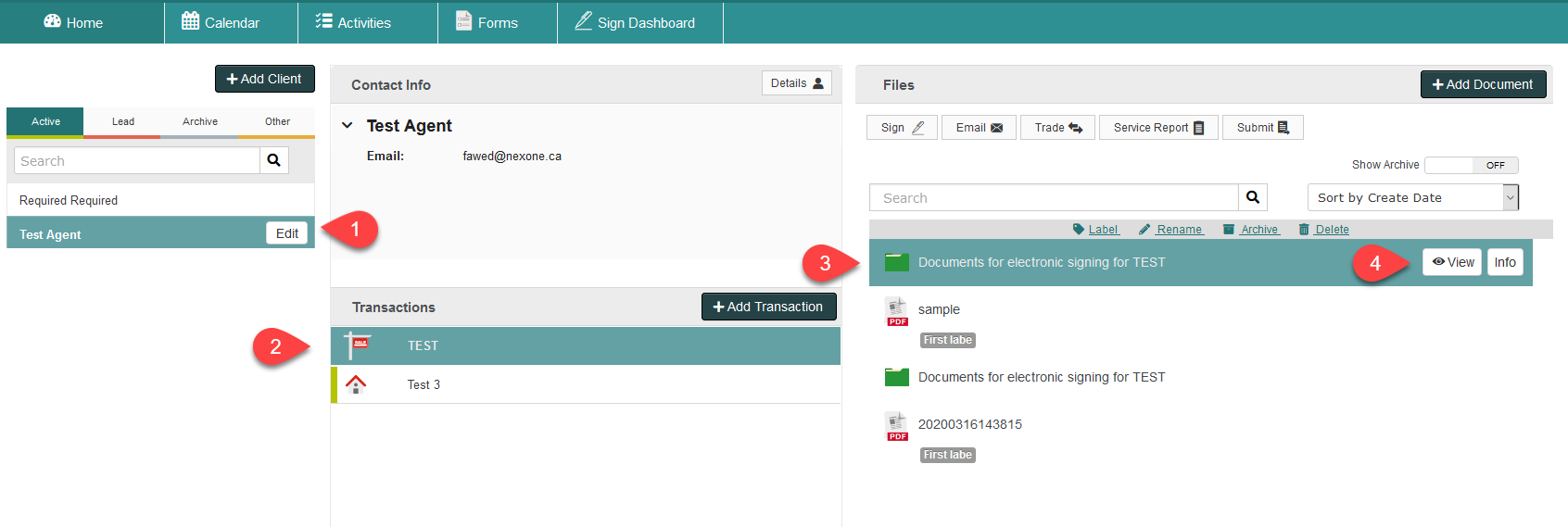
1. Click on your client, transaction and the Document for Electronic Signing
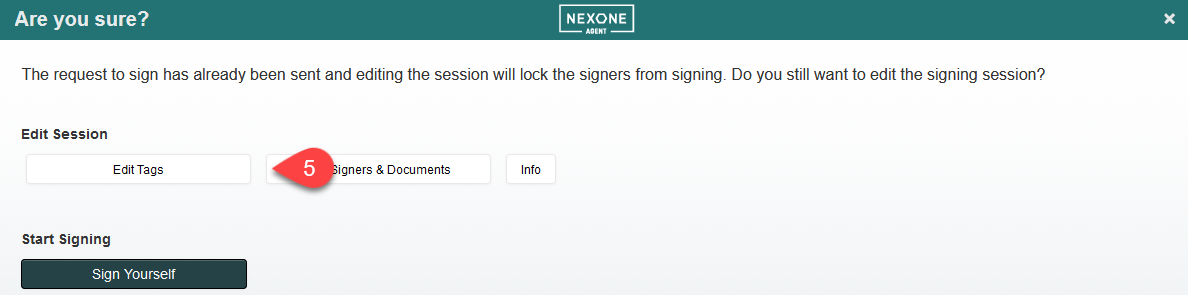
2. Click Edit Tags
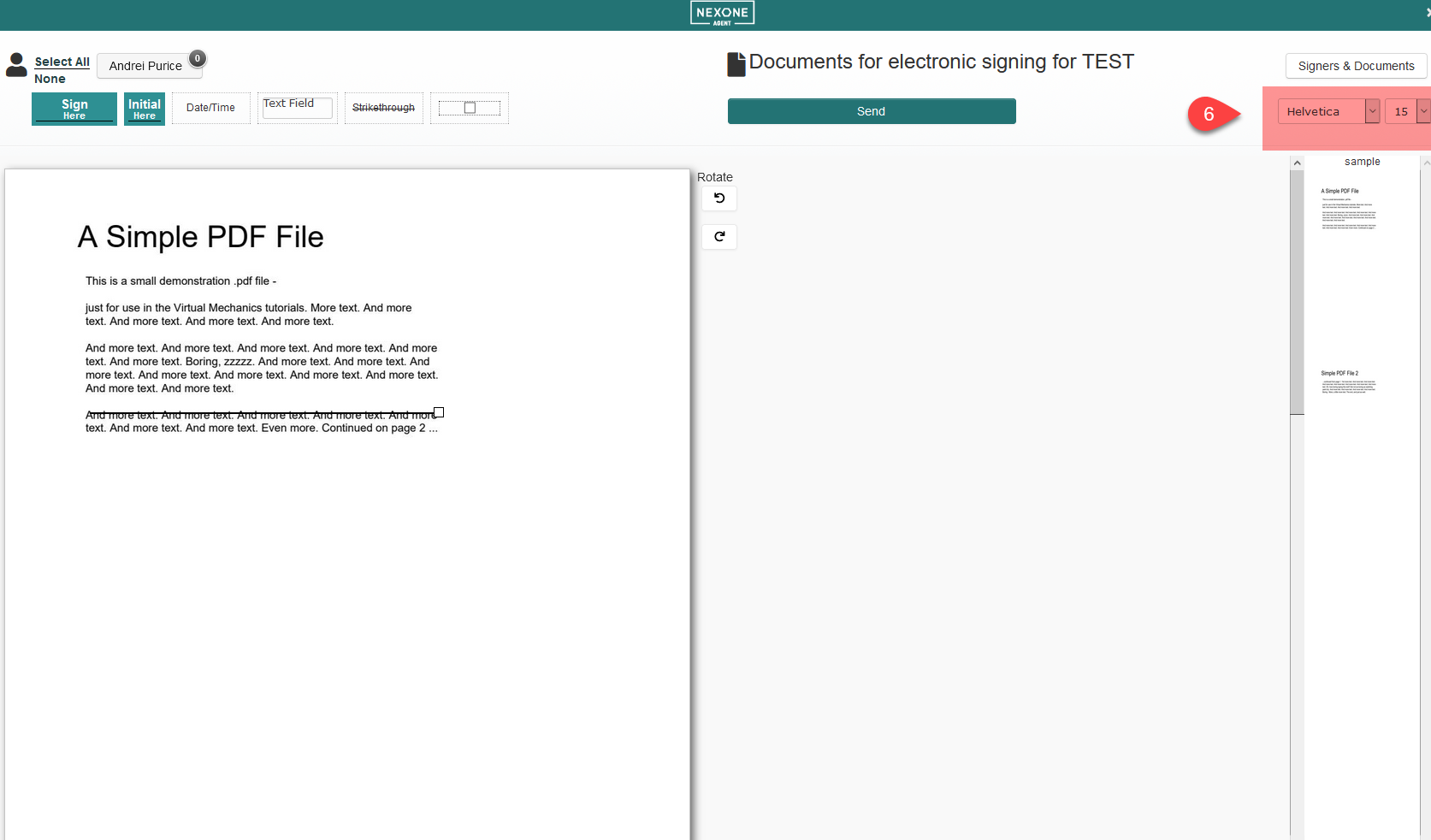
3. Choose a different Font style and size from the drop down. Note: this will change all Text Fields and Date/Time stamps placed in the document.