
In the Accounting section of your account, you can go in Brokerage Invoices to see all the invoices from your office related to your brokerage activities.
.png?width=670&height=316&name=image%20(15).png)
Here are some examples of invoices that can be received:
- Brokerage fee
- Monthly management fees
- Etc….
The fees and invoicing methods are different from one brokerage to another.
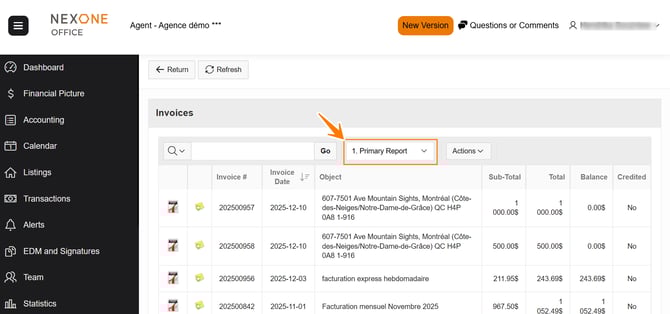
You can choose to display invoices in 1- Primary report, all invoices in Nexone will be displayed.
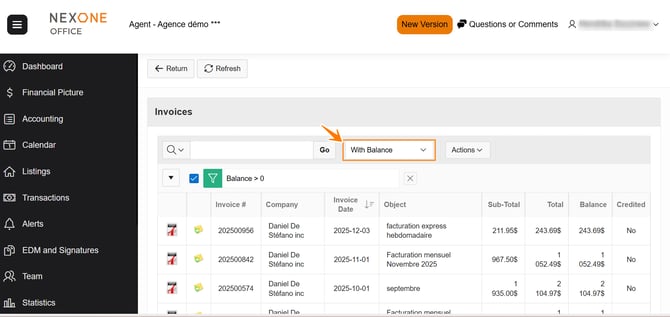
You can also choose to display invoices in 2- With balance, all invoices with a balance due in nexone.
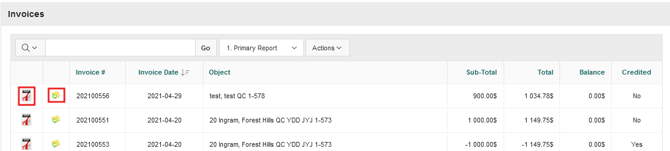
You can click on the PDF icon to open a PDF of the invoice, or on the email icon to send the invoice by email.
Completed!