
This article is to show you the additional features for Transaction Managers through some activities Features reserved for them.
When you go in your transaction viewers, and you are looking into your transaction viewer, and you are looking at your activities view screen, click on your activity
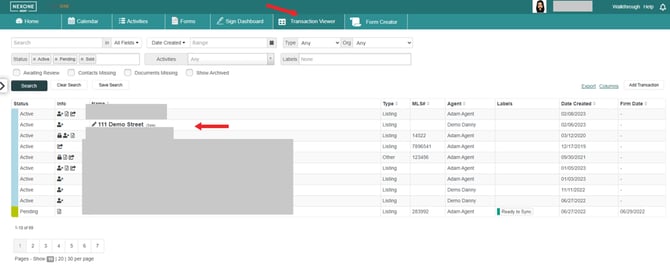
then click on activities, and there you will see all the activities submitted. You can upload documents by clicking under documents, by dragging and dropping files from your computer and then drag and drop them into an activity for your agent.
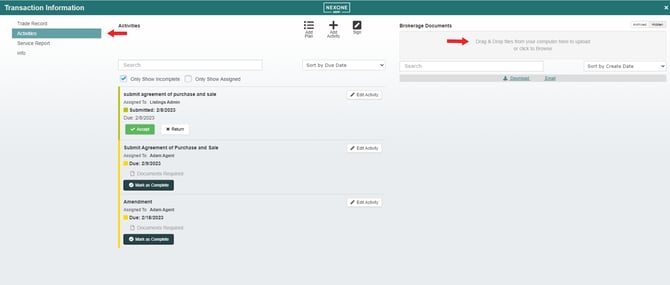
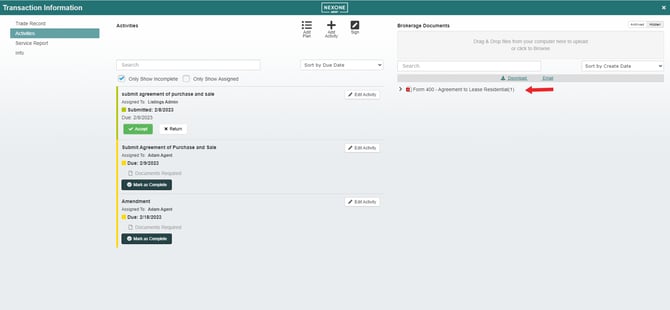

If the activity is complete, you can select complete/you can also accept which will complete the activity by clicking accept
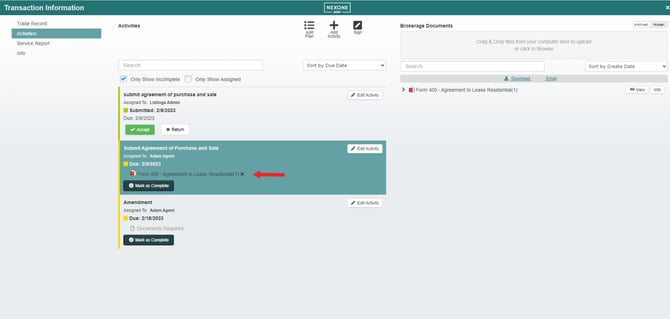

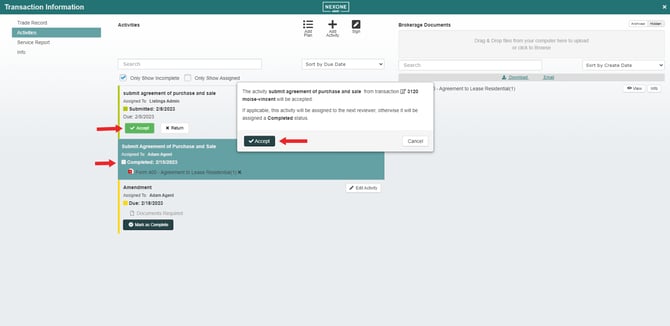

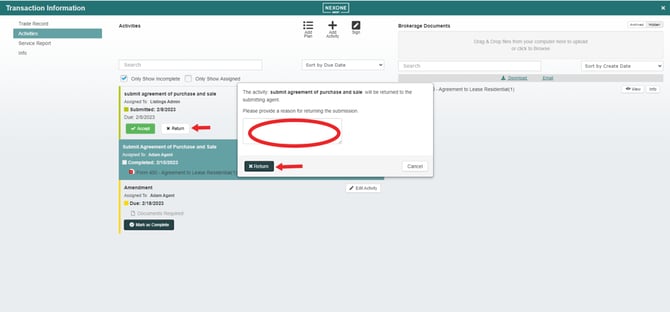
Or return an activity by clicking return, provide a reason returning that activity to the agent

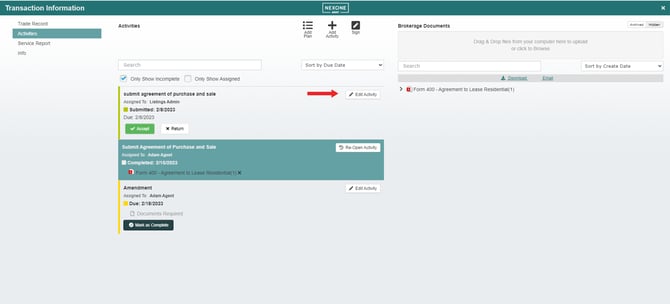
You can also delete the activity completely, by clicking on edit activity, and then delete activity. Unless the activity is optional the transaction manager is the only one who can delete it or can edit the activity by clicking on the edit pencil and doing the necessary changes

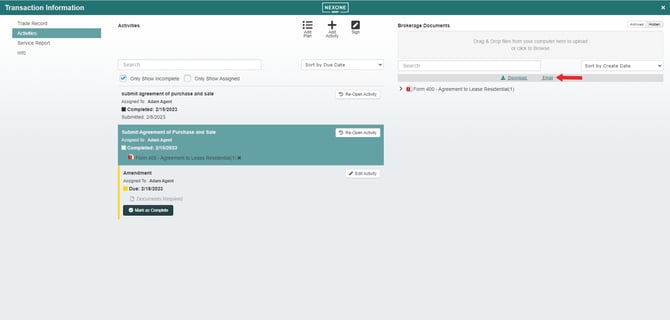
You can also email those documents right from here or download documents on your computer

Those are the additional activities features for Transaction Managers!