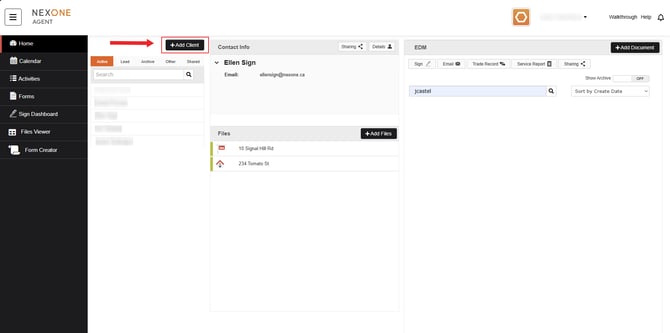
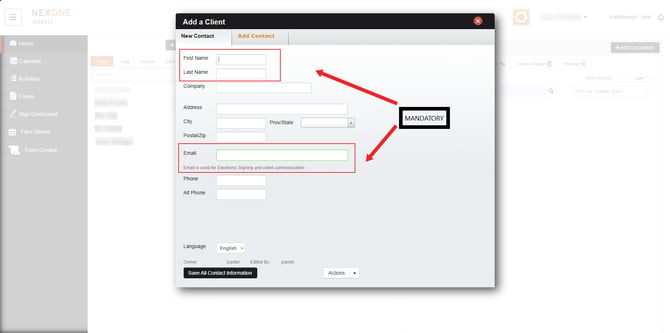
2. Fill out the information.
3. Then select “Save all Contact Information”.
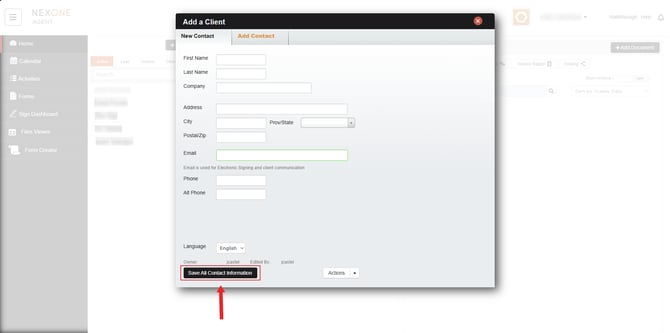
You could also click on “Add contacts” to incorporate new contact information.
When pressing on the “Actions” drop-down list, you can select either “add Additional Fields” or Copy the client’s information to New Contact.

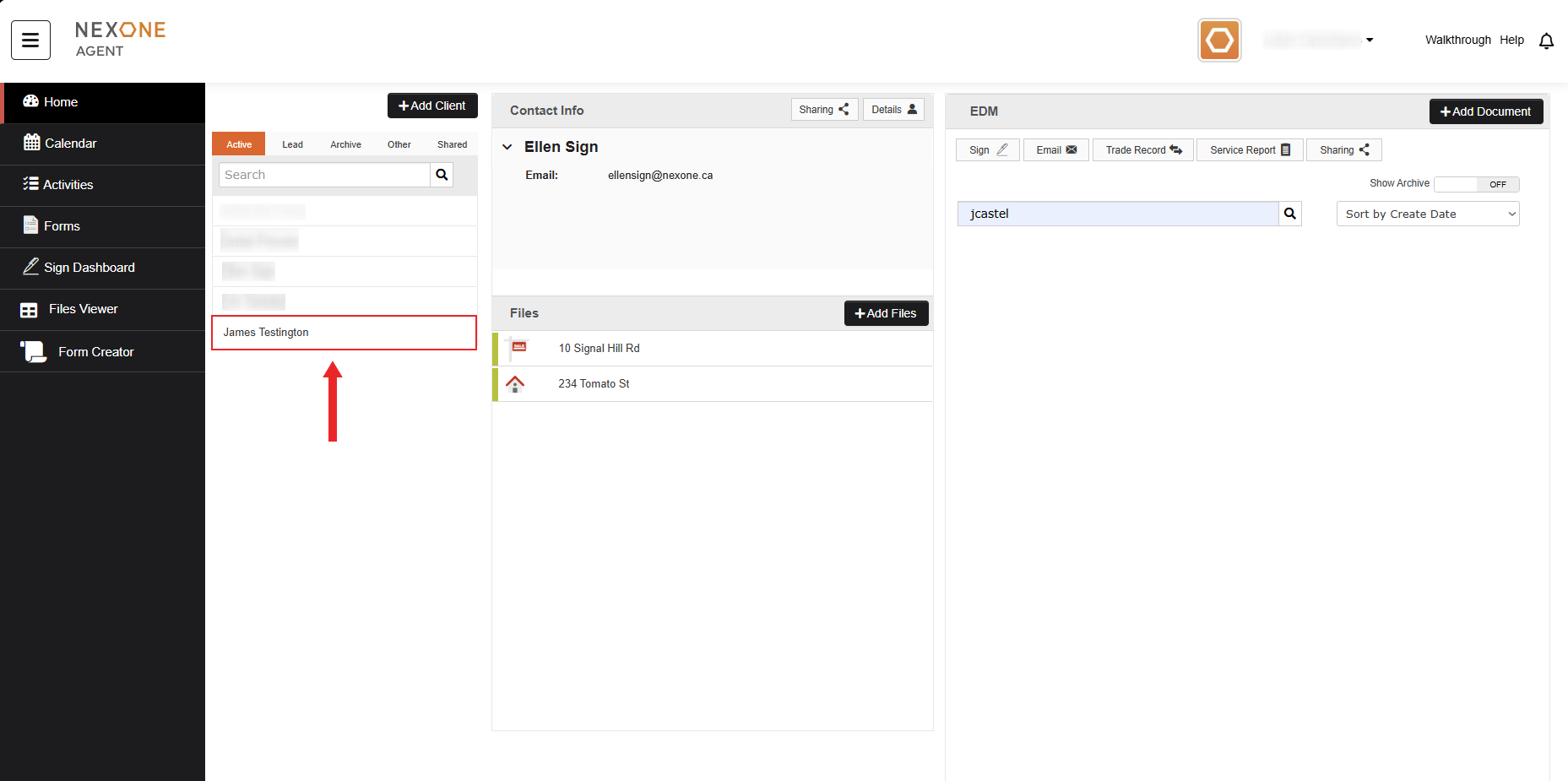
4. Now you will be able to find the new contact in your list.