
On the NexOne Office Dashboard, navigate to your user profile page, located on to top right of the page and select «Profile - Name».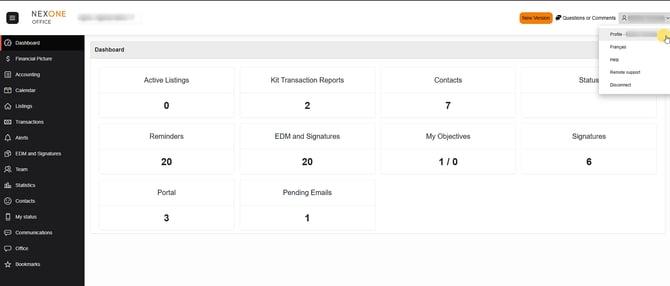
From the subsequent section, select the «Account Validation» tab from the top bar.
Enter your e-mail address and select the «Send a Verification».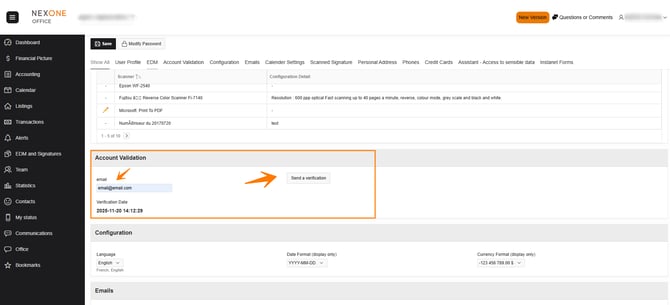
Go to your inbox. Look for the email with the subject «Account verification».
To confirm your email verification process, click on the highlighted sentence in the email.
Completed!